

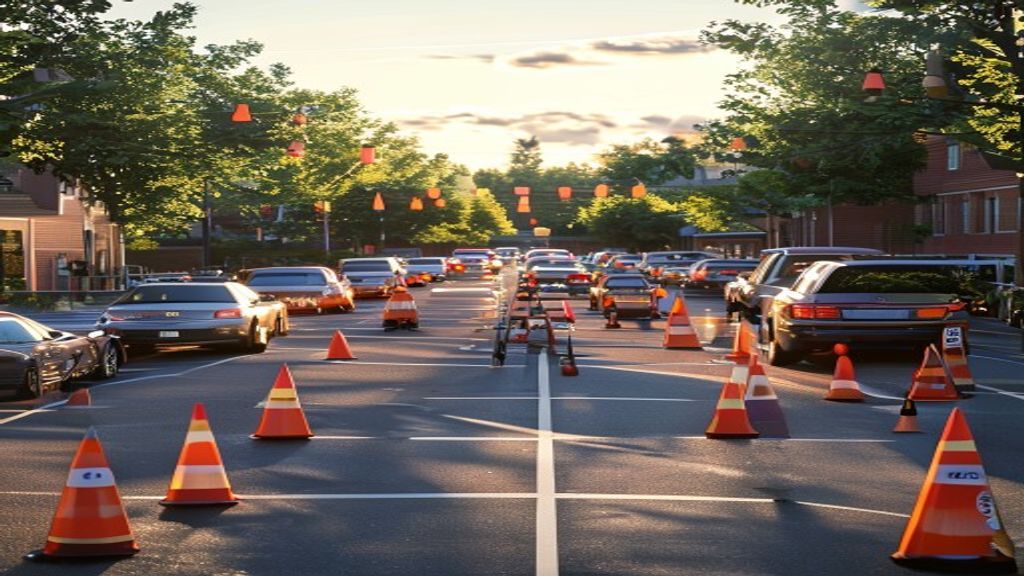
A safe, efficient carline does not happen by accident. It requires documented procedures, clear staff roles, and consistent execution. This 15-step checklist covers everything from the pre-dismissal window through the final student release.
Pre-Dismissal Preparation
Step 1: Confirm Student Dismissal Records Are Up to Date
Verify today’s roster reflects students with early dismissal, modified pickup arrangements, after-school program enrollments, and absences.
Step 2: Brief the Carline Staff Team
Every staff member should know their station assignment, any student-specific notes, and the escalation path for unauthorized pickup attempts.
Step 3: Set Up Carline Lane Markers and Signage
Cones, signage, and staff positions should be in place before any vehicles arrive.
Carline Lane Setup
Step 4: Establish Stacking Lanes with Adequate Length
Each lane should accommodate 15–20 vehicles. If your lot cannot fit that many, staggered dismissal times by grade are the solution.
Step 5: Designate a Single Release Point
All students should be released from one supervised point — not from random locations in the parking lot.
Staff Assignments
Step 6: Assign a Queue Monitor
One staff member monitors vehicle flow. Schools using the PLACA.AI driver pickup system shift this role to watching the dashboard rather than manually checking IDs.
Step 7: Assign a Student Runner
At least one staff member retrieves students from the waiting area. Two are typically needed for 300+ student schools at peak throughput.
Parent Communication
Step 8: Send a Pre-Dismissal Reminder
Schools that send reminders 15–20 minutes before dismissal see more evenly-distributed arrival times and less peak congestion.
Step 9: Publish Arrival Window Guidance
Grade-level arrival windows (e.g., “Grade 3–5: arrive 3:05–3:20 PM”) reduce congestion more than any other free intervention.
Student Release Verification
Step 10: Verify Authorization Before Every Release
Every student release should be verified against an authorized pickup list. PLACA.AI LineCam handles this automatically via license plate recognition.
Step 11: Log Every Release
Maintain a timestamped log of every student release including the vehicle. Required for FERPA compliance and invaluable in custody disputes.
Emergency Protocols
Step 12: Define Unauthorized Pickup Protocol
Document exactly what happens when someone not on the authorized list arrives: hold student in building, request ID, contact custodial parent, escalate to administrator, document incident.
Step 13: Define a Carline Pause Trigger
Define who can pause the carline during an emergency and how they communicate it to queued drivers.
Post-Dismissal Review
Step 14: Confirm All Students Are Accounted For
Every student present must be confirmed picked up, on a bus, or transferred to an after-school program before staff leave.
Step 15: Document and Debrief
Note incidents, delays, and near-misses. Weekly review reveals patterns that can be addressed proactively.
Download the Checklist PDF
Enter your email below to receive the printable PDF version of this checklist.
Admin note: Replace form above with dedicated WPForms form ID once created in WPForms admin.
For how schools automate the most time-consuming steps on this checklist, see the complete guide to automating school student dismissal.
Ready to Cut Your School Carline Wait Time?
PLACA.AI LineCam reads parent plates automatically. No app, no paper tags. Students queued before the car reaches the front.
Book a Free 15-Min DemoCalculate your wait time first