

Knowledge Base
Update Existing Classes
This screen is used to edit class details after the class has been created.
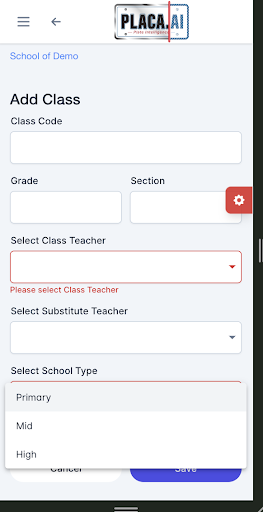
What you can update:
- Class code
- Grade
- Section
- Class teacher
- Substitute teacher
- School type
- Active status
You can update the assigned teacher, add a substitute teacher, change the class section, and mark the class active or inactive.
Additional note:
The Students button on this screen provides direct access to the students assigned to that class.