

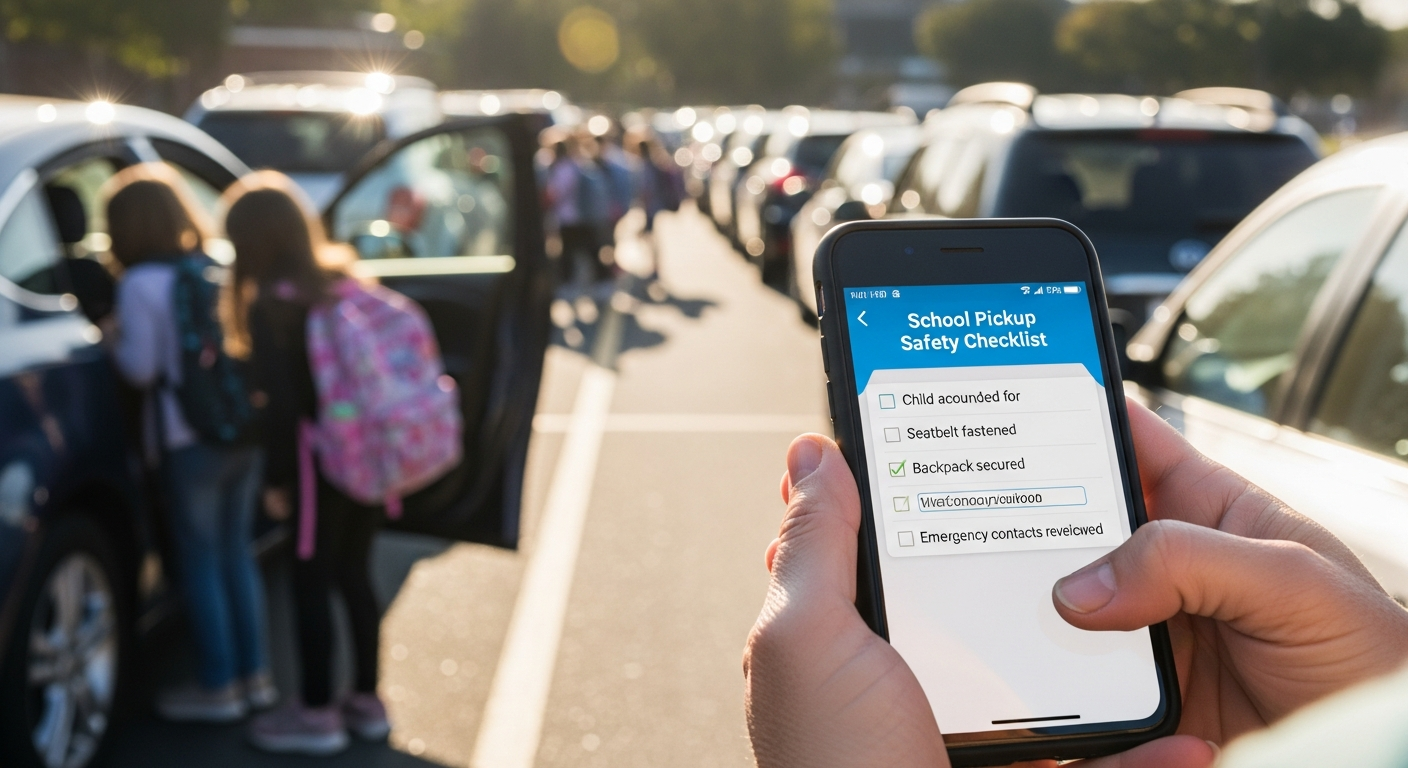
school pickup safety checklist parents
This checklist helps parents evaluate their school’s current pickup safety and prepare for a productive conversation with the principal or PTA.
School Pickup Line Safety Checklist for Parents
Use this checklist to assess your school’s current dismissal safety. Every “No” answer is a gap worth discussing – constructively – with school leadership.
Authorization Checklist
| Safety Question | Yes | No |
|---|---|---|
| Can parents add grandparents or neighbors to the pickup list digitally? | ✓ | |
| Can temporary authorizations be set to expire automatically? | ✓ | |
| Can parents revoke pickup authorization instantly? | ✓ | |
| Is there a QR code option for families who prefer not to register a plate? | ✓ | |
| Does the school verify authorization for every pickup – not just unfamiliar ones? | ✓ |
Accountability Checklist
| Safety Question | Yes | No |
|---|---|---|
| Is there a timestamped log of every pickup event? | ✓ | |
| Can a parent find out exactly who picked up their child and when? | ✓ | |
| Are unauthorized or unrecognized vehicles flagged and documented? | ✓ | |
| Does staff approve every dismissal before a student is released? | ✓ |
Efficiency Checklist
| Safety Question | Yes | No |
|---|---|---|
| Does dismissal complete in under 25 minutes for most students? | ✓ | |
| Does the pickup process work equally well on rainy days? | ✓ | |
| Are paper tags rarely an issue (lost, forgotten, illegible)? | ✓ | |
| Is staff radio communication during dismissal minimal? | ✓ |
Get the school pickup safety checklist for your school
What to Do With Your Results
If your school scores 6 or fewer “Yes” answers, it’s worth starting a conversation with your principal or PTA. The parent advocacy guide has a copy-paste email template and PTA talking points for doing this respectfully and effectively.
If your school is open to evaluation, the one-lane pilot program gives school leadership a low-risk way to test improvements before making any campus-wide commitment.
Source: National Center for Education Statistics
School Pickup Safety Checklist for Parents
A school pickup safety checklist helps parents understand the protocols that keep dismissal orderly and every student matched to the correct authorized adult. Schools with clear parent-facing guidelines reduce dismissal errors and improve overall pickup efficiency.
What information do parents need to register for school pickup?
Registration typically requires the parent or guardian’s name, contact number, student name and grade, and the license plate number of each vehicle that may be used for pickup. Some schools also request a photo ID for initial verification. Digital registration portals allow updates at any time through the school year.
What should parents do if their plate changes during the school year?
Parents should notify the school through the registration portal or front office immediately when vehicle plates change. LPR-based systems match on the registered plate, so an unregistered plate-even on a known parent’s vehicle-may not trigger automatic student staging. Most systems allow same-day plate updates.
How should parents handle authorized alternate pickups?
Schools should be notified in advance of alternate pickup arrangements. This includes grandparents, neighbors, or carpool drivers who are not the primary guardian. Digital systems allow parents to add authorized plate numbers and designate them as permanent or one-time pickup authorizations. Walk-up alternates typically require ID at the front office.
What should parents do if pickup is running late?
Parents running late should notify the school before dismissal ends when possible. Students held past dismissal time are typically moved to supervised late pickup areas. Some LPR systems allow parents to send a notification through a parent app so staff know to hold the student without additional phone calls.
Following a school pickup safety checklist reduces the most common causes of dismissal confusion, speeds up the lane, and ensures every student leaves only with authorized adults.
About Placa.ai
Placa.ai is a license plate recognition platform serving K-12 schools, HOA communities, self-storage facilities, and commercial parking operators. For school dismissal, Placa.ai provides LPR cameras that automatically identify registered parent vehicles, trigger student staging on dismissal screens, and maintain a complete departure audit log for every student.
The platform integrates with existing gate hardware and school dismissal workflows. Parent enrollment is completed through a digital registration portal, and plates can be updated by parents or staff at any time. All student pickup data is stored within the school’s account and is not shared with third-party networks.
Placa.ai supports single-school deployments and multi-campus district rollouts. Training takes under two hours for dismissal staff, and live support is available during the first week of operation. To learn more about Placa.ai school dismissal solutions, visit placa.ai or request a demonstration.
What should parents do if they need to authorize a temporary pickup?
Temporary pickup authorizations should be submitted to the school office before dismissal. Most schools accept these by phone, email, or through a parent portal. Digital dismissal systems allow temporary plates to be added with a single day expiration, removing manual override after the temporary pickup is complete and reducing the risk of ongoing unauthorized access.
Schools evaluating dismissal system upgrades can request a site walkthrough from Placa.ai. Our team reviews lane layout, camera placement options, and existing gate or intercom infrastructure to recommend the right configuration. Pilots can be arranged for a single grade level before school-wide rollout, allowing administrators to validate the system before committing to full deployment across all dismissal lanes.
For districts seeking to standardize dismissal procedures across multiple campuses, Placa.ai offers centralized management with school-level access controls. Principals and dismissal coordinators each receive role-appropriate access to the platform, and student records can be managed at the campus level or shared across the district depending on configuration preferences.
Related planning resource: authorized vehicle verification for safer pickup.