

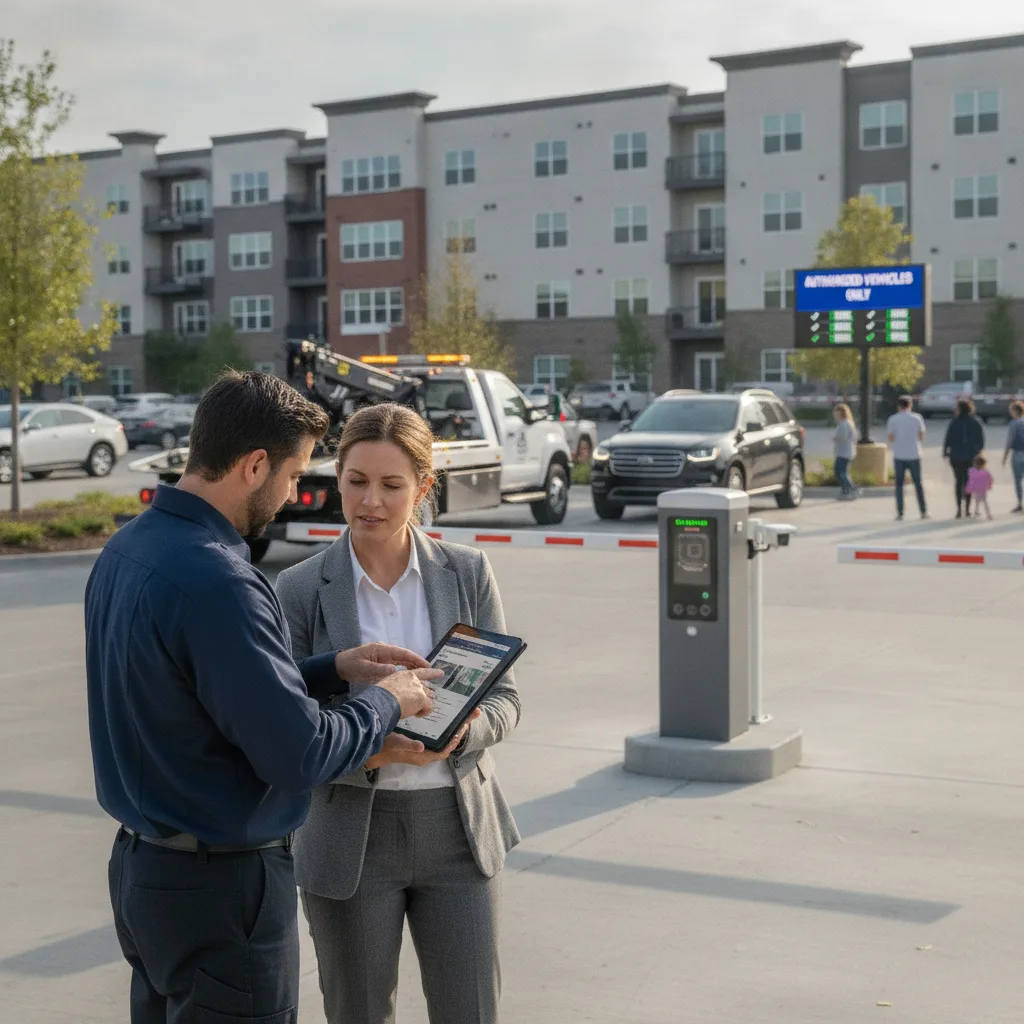
Direct answer: Training a private property towing driver on mobile LPR comes down to three things: getting them fast and accurate at scanning a lot, teaching them exactly what counts as enough evidence before a hook-up, and making sure every tow they initiate can be defended later if a vehicle owner disputes it. Do that in a structured, supervised sequence — not a five-minute app walkthrough in the truck cab — and new drivers stop making the two mistakes that cost towing companies the most: towing the wrong vehicle, and towing the right vehicle without proof it was actually in violation.
Why this training gets skipped, and why that’s expensive
Most private property towing companies hire drivers who already know how to hook up a car. Mobile LPR gets treated as an accessory to that skill instead of a separate one. In practice it’s the opposite: a driver who’s great with a wheel-lift can still generate a wrongful-tow complaint, a chargeback, or a lost property management contract if they don’t understand how the scanner’s plate reads connect to the property’s permit list, ban list, and violation rules.
The cost of skipping structured training shows up later, not immediately — a driver hooks a vehicle based on a red flag from the app, it turns out the resident renewed their permit that morning and the sync hadn’t caught up, and now the company is refunding a drop fee and explaining itself to the property manager. That’s a training gap, not a software bug.
Build the training around your actual tow authority, not the app’s UI
Before a new driver touches a scanner, they need to understand the specific authority they’re operating under at each property you service — because that’s what actually determines whether a scan result means “tow it” or “flag it and move on.”
What every driver should be able to explain before their first solo shift
- Which properties require signed tow authorization from a manager or on-site contact before a hook, and which ones operate under standing pre-authorization
- How long a vehicle has to be in an unauthorized spot before it’s towable at that specific property (this varies lot to lot and is often set by local ordinance, not company policy)
- What counts as a valid permit at that property — hangtag, sticker, digital permit synced from the property’s resident list — and how stale that list can be before it’s not trustworthy
- The state and municipal notice requirements that apply before towing from private property (many states require posted signage, a minimum violation window, or notification steps — these are legal requirements, not company preferences, and vary by state)
This context has to come before app training, because a driver who’s fast on the scanner but fuzzy on authority is the one who tows a car in a gray-area case because “the app flagged it.”
The scan-to-hook workflow, taught in sequence
Teach the workflow as a chain where each step gates the next one, rather than as a list of app features to memorize.
- Approach and scan. Drivers should get comfortable scanning at a natural patrol speed rather than stopping for every plate — stopping constantly slows the route and doesn’t actually improve read accuracy on a modern mobile LPR camera. Have them practice on a real lot, not a parking garage demo video.
- Read the match, not just the alert. A “no match” or “expired” flag is a starting point, not a verdict. Train drivers to open the vehicle’s history in the app before acting — when was it last seen, is there a permit on file that’s just outside the last sync, is there a note from a manager about a temporary exception.
- Capture supporting evidence before any hook-up. Wide shot showing the vehicle’s position relative to signage or the fire lane/no-parking marking, a clear plate shot, and a timestamped photo of anything relevant to the violation (blocked spot number, expired sticker, wheel angle if it’s a fire-lane call). This evidence is what protects the driver and the company if the tow is disputed — not the scanner alert by itself.
- Confirm authorization per that property’s rule. Call or text the on-site contact if the property requires live sign-off; log the authorization if it’s standing.
- Log the disposition. Towed, warned, or released — and why. A driver who released a flagged vehicle because the permit was verified in person is documenting a save, not just a non-event, and that record matters if the same plate comes up again next week.
Handling the cases that actually cause problems
New drivers rarely mess up the easy calls — a clearly expired permit in a reserved spot is not where wrongful-tow complaints come from. The disputes come from edge cases, so build those into training deliberately:
- Recent permit changes. A resident renewed, transferred, or was issued a temporary guest permit in the last 24–48 hours and the property’s data feed hasn’t caught up. Teach drivers to treat “expired in the app” as a prompt to check for a physical hangtag or call the office, not as a green light.
- Visitor and vendor vehicles. Contractors, movers, and delivery vehicles often have legitimate short-term authorization that never makes it into a permit database. Drivers need a clear, simple rule for who they can call to verify this in the field.
- Disabled parking and accessibility spaces. These carry separate legal requirements in most states beyond standard permit enforcement. Make sure drivers know this is a stop-and-verify situation, not a routine tow, regardless of what the scanner shows.
- Device or connectivity failure. If the app can’t sync or the phone dies mid-shift, drivers need a documented fallback — manual permit check with the on-site contact, or hold the tow until connectivity returns — rather than defaulting to “tow it” because they can’t check.
Getting a new driver to solo status
A workable path most towing companies can run without a lot of overhead:
- Week 1 — ride-along, no hooks. New driver scans and calls out matches; a trained driver makes the actual tow decision and narrates why.
- Week 2 — supervised solo scanning. New driver runs the route and makes the call; a supervisor reviews every disposition (tow, warn, release) at the end of the shift against the photo evidence logged.
- Ongoing — spot audits. Once a driver is solo, pull a sample of their logged tows each month and check that the evidence trail actually supports the disposition. This catches drift before it becomes a pattern of complaints.
Keep a simple sign-off checklist per driver — authority rules understood, scan workflow demonstrated, evidence capture demonstrated, edge cases walked through, supervised shift completed — so you have a record that training happened if a tow is ever challenged and the company’s process gets questioned.
Site questions
How long does mobile LPR training take for a new driver?
Most companies can get a driver to supervised-solo status within one to two weeks — a ride-along shift or two, then supervised solo shifts with end-of-day review of their dispositions before removing the safety net.
What’s the single biggest training gap companies miss?
Authority and evidence, not app mechanics. Drivers pick up the scanning motion quickly; what takes deliberate teaching is knowing when a flagged plate is genuinely towable versus when it needs a phone call first, and capturing evidence that holds up if the tow is disputed.
Do drivers need different training for different properties?
Yes. Permit rules, authorization requirements, and violation windows vary property to property and are often set by local ordinance. A driver moving between a retail lot and an apartment community needs to know both rule sets, not one generic process.
Related PLACA.AI resources
- Parking enforcement software for towing companies
- Mobile LPR planning guide
- Parking enforcement LPR workflow guide
Want a walkthrough of how PLACA.AI’s mobile LPR workflow fits your driver training and evidence-capture process? Get in touch or book a demo.
Data source: U.S. Department of Transportation