

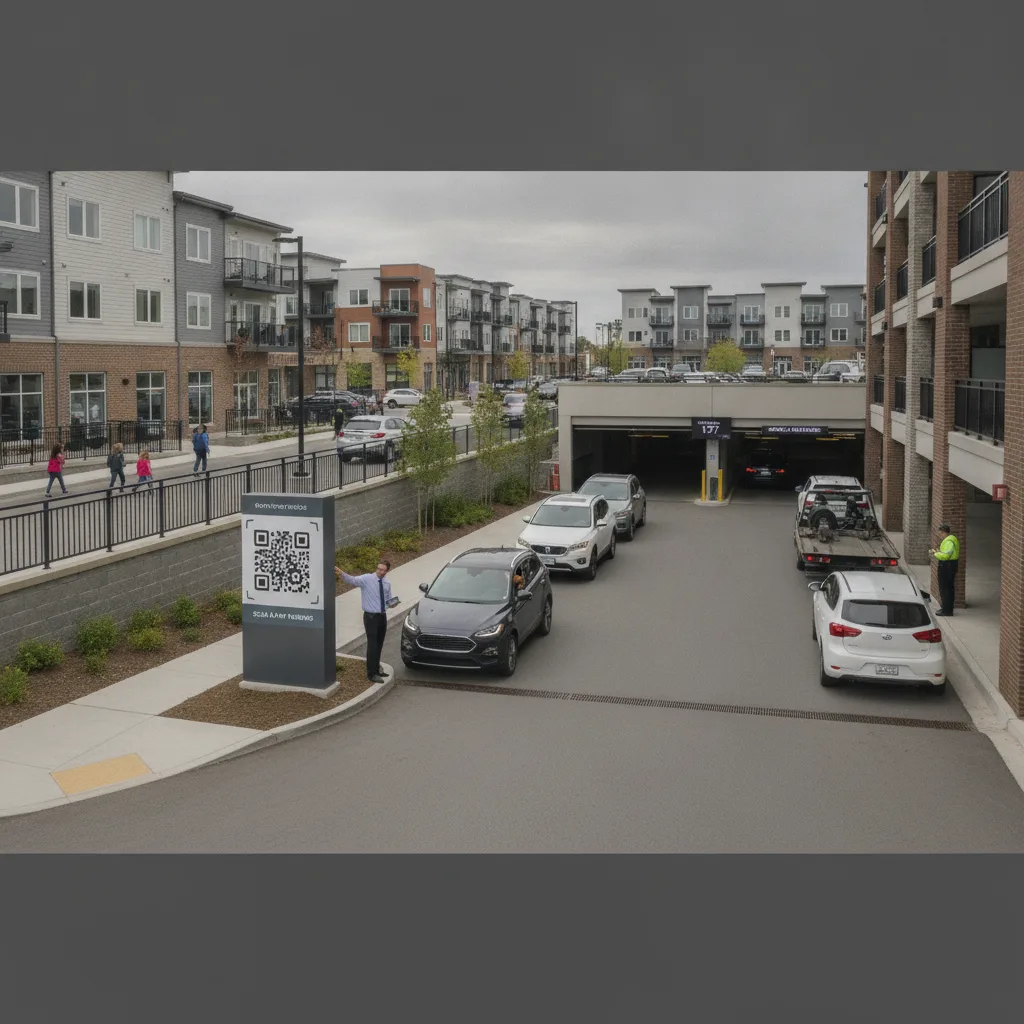
Direct answer: On a mixed-use property, launching scan-and-pay parking is not a single rate table — it is a plate-to-tenant-class routing problem. Retail visitors pay hourly with a validation window, residential tenants carry a monthly permit that should never trigger a payment prompt, and office tenants often get free daytime parking that converts to hourly after hours and on weekends. The QR sign has to route each scan to the right rule set before money changes hands, and the lookup has to update the moment a lease changes, a permit expires, or a retail tenant closes for the night. Build the pilot around the spot classes that overlap — the row shared by residential overnight parkers and retail daytime customers — because that is where a wrong rate first surfaces as a resident complaint or a validated ticket that still gets charged.
This guide is for property managers, on-site leasing staff, and parking operators running a single lot or garage that serves more than one tenant type under one roof: retail, residential, and office combined. It focuses on the routing and rate-mapping work that a single-use property never has to solve.
Why one lot needs three sets of rules
A stand-alone retail lot or a stand-alone apartment garage only has to get one rate structure right. A mixed-use property has to get three right at once, in the same physical spaces, often at the same time of day. A resident who works nights and parks at 2 a.m. is using the same row a retail customer used at 2 p.m. If the scan-and-pay system treats every plate the same way — charge hourly, full stop — residents get billed for spaces they already pay for in their lease, and the property starts fielding disputes within the first week.
Scenario: A residential tenant’s guest parks in a shared row that is retail-metered during the day and residential-only after 7 p.m. The guest scans at 6:45 p.m., before the residential window opens, and is charged the retail hourly rate. At 7:05 p.m. the same spot would have been free under the resident’s guest allowance. The system needs a rule for exactly this ten-minute gap — not a manual override applied after the complaint arrives.
Mapping tenant classes to payment rules
| Tenant class | Default rule | What the QR session must check |
|---|---|---|
| Residential (leased permit) | No charge in assigned or shared residential zones | Plate against the active permit list before any payment prompt appears |
| Residential guest | Free allowance up to a set number of hours, then hourly | Unit number entered at scan, guest-hour balance for that unit this month |
| Retail customer | Hourly with merchant validation window | Validation code or merchant tenant ID, time-of-day zone status |
| Office tenant | Free 8am–6pm weekdays, hourly outside that window | Plate against office roster, current time against the free window |
| Unregistered visitor | Standard hourly, no validation | Default rate when plate matches none of the above lists |
Sequencing the rollout
- Build the three lookup lists first. Export the current residential permit roster, the office tenant plate list, and the retail merchant validation codes from whatever system each currently lives in — leasing software, a spreadsheet, a POS validation stamp. Scan-and-pay cannot route correctly against a list that does not exist yet.
- Set the default for an unmatched plate. Every property needs a documented answer for the plate that matches none of the three lists: standard visitor hourly is the usual default, but confirm it in writing before launch so front-desk staff have one answer instead of three guesses.
- Test the overlap hours, not just the clean hours. Pilot the shared rows during the specific windows where two tenant classes meet — evening handoff between office and residential, weekend handoff between retail and residential guest parking. This is where rate logic breaks first.
- Give leasing staff a same-day correction path. When a resident is wrongly charged, the fix should not wait for a support ticket queue. Someone on-site needs the ability to confirm the permit and issue a same-day refund or credit.
- Recheck the lists on every lease event. A move-out, a new retail tenant, or an office roster change has to update the plate list before the next scan, not at the next quarterly review.
What breaks the pilot
The most common failure on a mixed-use property is not a QR code that will not scan — it is a QR session that scans fine and then applies the wrong tenant’s rule. Three patterns cause most of it: a permit list that is stale by even a day after a move-out, a validation code that retail staff forget to issue at the register, and a time-window boundary (like the 7 p.m. cutoff above) that has no grace period. Before expanding past the pilot rows, confirm all three have a named owner and a tested correction path, and that no exception sits unresolved for more than one billing cycle.
Pilot measures
- Sessions correctly matched to tenant class on the first scan, by row
- Residential or office plates incorrectly charged, by day
- Retail validations applied versus validations issued at the register
- Same-day corrections completed versus opened
- Complaints traced to a rate-mapping error versus a use error
Run the pilot across at least one full billing cycle so a permit renewal and a lease turnover both occur inside the observation window — those are the events most likely to surface a stale list.
Before scaling past the pilot rows
- Confirm the three lookup lists are current and have a named owner responsible for updating them.
- Confirm the unmatched-plate default in writing, and that front-desk staff can state it without checking.
- Verify contracts, pricing, and payment processor requirements with each vendor involved, independently of this guide.
- Retain a record of every rate-mapping correction, including who approved it and why.
- Close the loop with any tenant who filed a billing dispute during the pilot before expanding to additional rows.
For the mechanics of matching a scanned plate to a stored record — the layer underneath the tenant-class rules above — see PLACA.AI’s mobile parking payment app guide. Properties that also run resident or visitor permits alongside scan-and-pay may want the parking signage disclosure checklist to confirm posted terms match what each tenant class actually pays. If retail validation is part of the mix, the QR payment fraud controls guide covers how to prevent validation codes from being reused outside the merchant they were issued to.
Common questions
Should residential and office plates be on the same list?
No. Keep them separate even if the underlying software merges them for lookup purposes. Office rosters turn over with employment changes; residential rosters turn over with lease events. Merging them makes it harder to see which list is stale when a rate-mapping error appears.
What happens when a resident’s guest overstays the free allowance?
Decide this before launch: either the session converts to hourly automatically once the allowance is used, or it flags for front-desk review. Both are workable; leaving it undefined is what produces disputed charges.
Does retail validation need to expire?
Yes. A validation code without an expiry can be reused indefinitely, including by vehicles that were never inside the retail tenant’s store. Tie the expiry to the transaction window the merchant actually offers.
Plan a tenant-class rate review
Bring the current permit rosters, validation rules, and any shared-row schedule for your property. PLACA.AI can help map plate-to-tenant-class routing for a bounded pilot before it touches every row on the property.
Editorial refresh: September 19, 2026. Independently confirm current product capabilities, third-party features, pricing, contracts, governing requirements, and local rules before acting.
Data source: U.S. Department of Transportation