

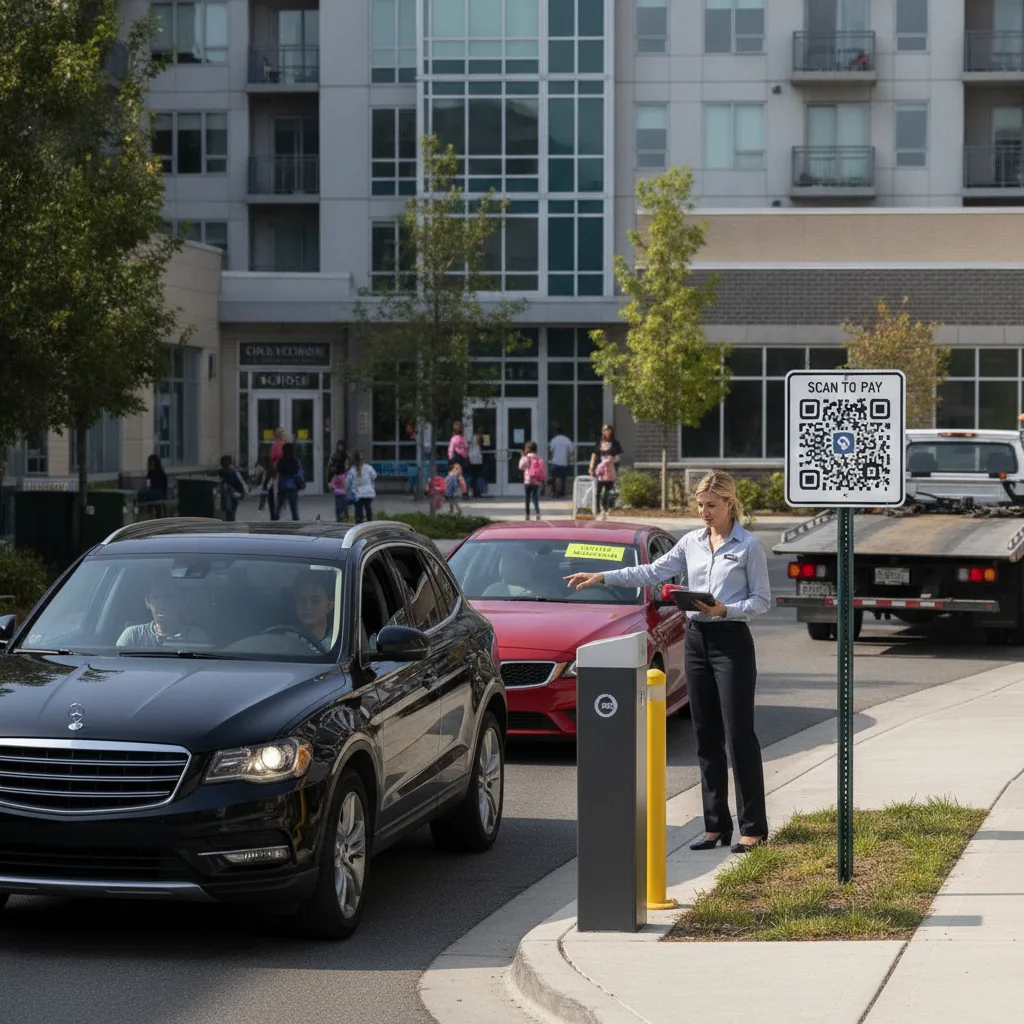
Direct answer: At a mixed-use property, the first question for an unpaid vehicle isn’t “how do we collect” — it’s “does this belong to a tenant or a visitor,” because the answer determines the entire resolution path. A tenant’s employee with an unmatched plate usually needs a lease-account check, not a notice. A walk-in visitor with no payment usually needs standard enforcement. Treating both the same way either lets tenant nonpayment slide indefinitely or sends an aggressive notice to someone whose business relationship with the property you don’t want to damage over a parking mismatch.
This is written for owners managing shared parking across retail, office, and residential tenants, where an unpaid session could belong to any of three very different populations using the same entrance.
Why tenant-or-visitor is the first fork, not the last
Most unpaid-session guidance assumes a fairly uniform population of drivers — a public lot, a hotel’s guests, an HOA’s residents. A mixed-use property doesn’t have that luxury. The same unmatched plate at the same entrance could be a tenant’s employee whose registered-vehicle list is out of date, a tenant’s client who forgot to validate, or a walk-in visitor who simply didn’t pay. Each of those has a different owner, a different acceptable response, and a different relationship risk if you get it wrong.
Sending a standard nonpayment notice to a tenant’s staff member — someone who works in your building every day — creates friction with a paying commercial tenant over what might be a stale vehicle list. Letting a walk-in visitor’s nonpayment go unaddressed because you assumed it was a tenant mismatch costs you revenue with no offsetting relationship benefit.
Sorting the unpaid vehicle before you act
| Signal | Likely population | First step |
|---|---|---|
| Plate is a near-match to a registered tenant vehicle | Tenant employee, possibly a list that’s out of date | Check with the tenant’s office manager before any enforcement action |
| Plate entered a validation-eligible zone with no code applied | Tenant’s client or customer who forgot to validate | Hold for a short grace window in case validation is applied retroactively |
| Plate has no history at the property, entered a general-access zone | Walk-in visitor with no relationship to any tenant | Standard nonpayment notice process |
| Plate matches a residential guest code, entered commercial zone | Resident’s guest, misdirected | Route to residential property management, not commercial enforcement |
Building the tenant-versus-visitor check into the workflow
- Pull current tenant vehicle lists on a set schedule, not once at lease signing — staff turnover means these go stale, and a stale list is the single biggest cause of misdirected tenant notices.
- Give each tenant a simple way to flag a mismatch themselves, since an office manager can usually confirm “yes, that’s our new hire” faster than you can chase it down independently.
- Set a short grace window for validation-eligible zones before treating a missing validation as nonpayment, since forgetting to validate is common and usually not deliberate.
- Route anything with no tenant match at all straight into your standard visitor nonpayment process — don’t let the tenant-check step slow down enforcement against people with no relationship to the property.
A realistic scenario
A property with ground-floor retail and three floors of office tenants has a recurring unmatched plate appearing three mornings a week in the tenant-designated zone. It turns out to belong to a new paralegal at the third-floor law firm — hired six weeks ago, never added to the firm’s registered vehicle list because the office manager didn’t know updating it was necessary. If this gets treated as standard nonpayment, the paralegal receives an enforcement notice for parking in a spot her employer already pays for under their lease, and the firm’s office manager is now dealing with an avoidable complaint. A quick check against “does this plate belong to a company in the building” before escalating catches this in one email instead of a dispute.
Where this breaks down
Watch for tenants who share a small pool of vehicles across multiple employees — a plate that matches “the firm’s car” doesn’t tell you which staff member was driving, which matters if there’s a pattern of misuse to address. Watch for validation codes applied by the wrong tenant (a session validated by a neighboring business that shouldn’t have covered that charge), which needs a dispute path between tenants rather than a silent correction. And watch for residential guests using commercial-zone entrances during off-hours when the intended entrance is closed — that’s a routing problem, not a nonpayment problem.
Before scaling the sort process
- Get a current vehicle list from every tenant expected to have registered employee parking, and set a reminder to refresh it quarterly.
- Agree on a grace window for validation misses that’s short enough to discourage abuse but long enough to cover genuine forgetting.
- Give tenants a low-friction way to self-report a mismatch rather than requiring them to call you.
- Review your current enforcement workflow to confirm it can branch by population rather than applying one rule to every unmatched plate.
PLACA.AI’s plate matching can check an unmatched session against tenant vehicle lists and validation history before it reaches enforcement, so a mixed-use property isn’t sending the same notice to a paying tenant’s staff and an unrelated walk-in visitor.
Related PLACA.AI planning resources
Common questions
How do you tell a tenant’s unpaid employee from a walk-in visitor?
Check the plate against each tenant’s current registered vehicle list first. A near-match usually means a stale list rather than genuine nonpayment; no match at all means standard visitor enforcement applies.
What if a tenant’s vehicle list is out of date?
Give the tenant a quick way to self-report the mismatch rather than issuing a notice first — it preserves the relationship and is usually faster to resolve than a formal dispute process.
Should validation misses be treated as nonpayment right away?
Not immediately. A short grace window for forgotten validations reduces disputes with tenants and their clients without meaningfully increasing actual nonpayment.
Plan a tenant-versus-visitor sort
Bring your current tenant vehicle lists and a sample of recent unpaid-session cases. PLACA.AI can help evaluate a branching workflow that treats tenant and visitor nonpayment differently.
Editorial refresh: September 18, 2026. Independently confirm current product capabilities, third-party features, pricing, contracts, governing requirements, and local rules before acting.
Data source: U.S. Department of Transportation