

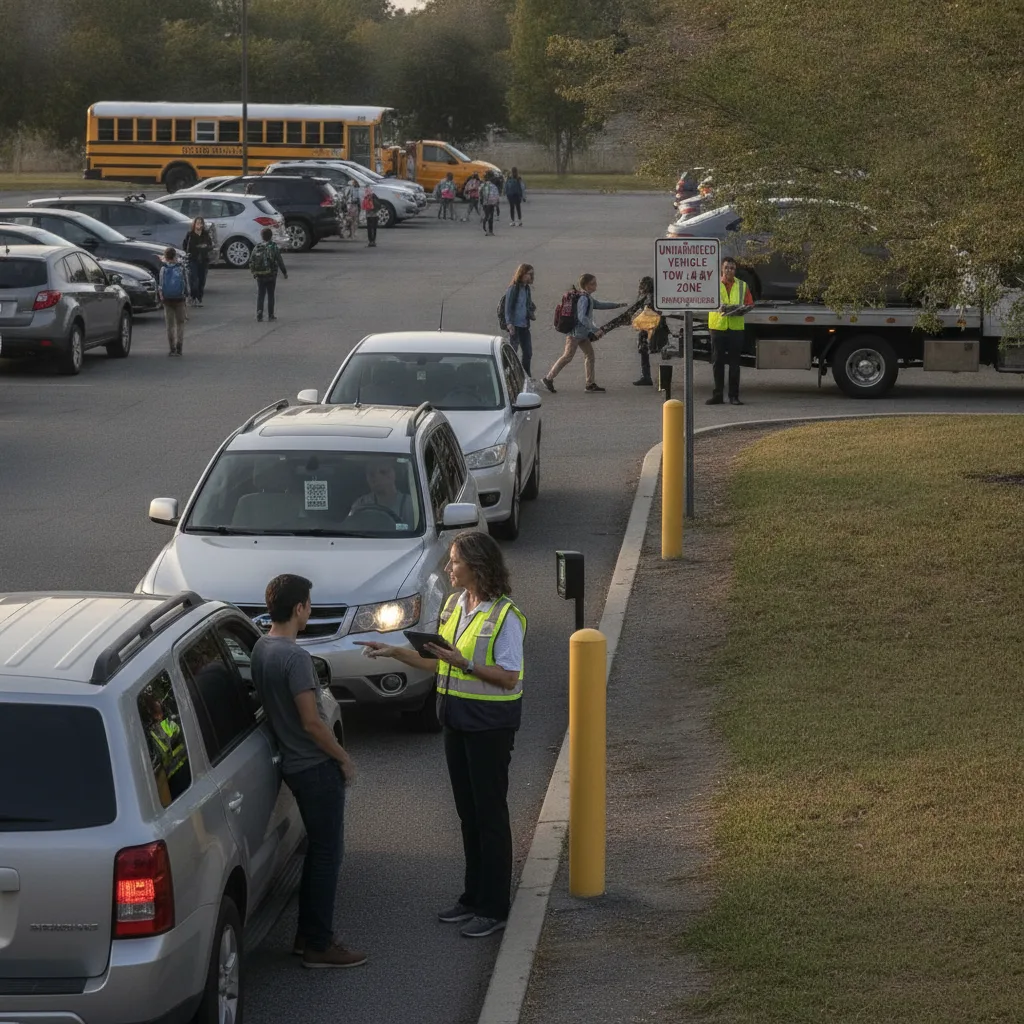
Direct answer: A private lot owner managing permit upgrades usually has no front desk, no dedicated billing clerk, and no back office — just an owner or one part-time manager handling requests by phone or text between other jobs. The upgrade process has to work without anyone physically at the lot: the parker requests a change remotely, pays remotely, and the access system has to reflect it before they show up, because there’s no attendant on-site to wave them through if something didn’t sync.
This guide is for private lot owners running one or a handful of small lots without on-site staff, and the family members, part-time help, or remote property managers who sometimes cover for them.
Why “no staff on-site” changes the upgrade problem
Most permit-upgrade guidance assumes a counter, a desk, or an attendant who can catch a mismatch in person and manually correct it. A private lot owner running a 40-space surface lot usually doesn’t have that fallback. If a monthly parker calls to upgrade from an unassigned space to a reserved one, the owner has to update pricing and access from their phone, often between other work, and the parker needs the new entitlement to be live by the time they next pull in — with no one there to sort it out if it isn’t. That makes automation less of a convenience and more of a requirement: the alternative isn’t a slower manual process, it’s an unattended lot with no way to resolve a mismatch until the owner happens to check messages.
The unattended upgrade path
| Step | Who’s involved | What has to happen without staff present |
|---|---|---|
| Request | Parker, owner | Request and confirmation happen remotely — text, app, or phone |
| Payment | Parker, payment processor | Payment captured and confirmed before access changes, with a receipt the parker can show if asked |
| Access update | Owner or automated system | New tier live before the parker’s next arrival — not “by end of day” |
| Fallback | Owner | A documented way for the parker to prove payment if the access system hasn’t caught up |
A realistic scenario: the Sunday-night upgrade
A monthly parker texts the owner on a Sunday evening asking to add a second vehicle to their permit before Monday morning. The owner is at dinner, confirms by text, and takes payment through a mobile link. If the access system update depends on the owner manually editing a list on a laptop that’s turned off until Monday, the second vehicle gets turned away at the gate Monday morning even though it was paid for Sunday night. For an owner-operated lot, the gap between “I said yes” and “the system knows” has to be minutes, not until the next time someone’s at a computer — which usually means the payment and access change need to be the same action, not two separate steps the owner has to remember to link.
Build the workflow
- Take the request and payment together. Don’t approve an upgrade and invoice separately — collect payment as part of confirming the change so there’s no gap where the parker thinks it’s done but it isn’t.
- Update access immediately, not at day’s end. Whatever system tracks who’s allowed in should reflect the change the moment payment clears, without waiting for the owner to log in and edit a list.
- Give the parker proof. A receipt or confirmation the parker can show if the access system hasn’t caught up yet protects both sides during the gap.
- Check in periodically, not constantly. A private owner can’t monitor a lot in real time — set the system up so it flags exceptions (a denied entry that should’ve been valid) instead of requiring the owner to watch every transaction.
What to test before relying on it
Before trusting the process for every upgrade, test it on a handful of real requests and check: how long between payment and the access system reflecting it, whether the parker got a usable receipt, and what happens if the owner is unreachable when a question comes up. For an owner without existing lot management software, a monthly parking app built for permit management is often the difference between this working unattended and the owner becoming the single point of failure for every upgrade. If enforcement is also unattended, the software-only enforcement approach for small operators covers the same no-staff constraint from the enforcement side.
When to step in personally
If a parker disputes a charge or claims an upgrade never took effect, don’t rely on memory of a text exchange from weeks ago — check the timestamped payment and access records. If they don’t match, honor the parker’s last confirmed entitlement rather than leaving their car blocked while it’s sorted out; a small lot’s reputation depends more on not stranding a paying customer than on getting every edge case perfect on the first try.
Related PLACA.AI planning resources
Questions private lot owners ask
Do I need staff on-site to safely offer permit upgrades?
No, but the payment and access change need to happen as close to instantly as possible, since there’s no attendant to bridge the gap if they don’t.
What if I can’t respond to a request right away?
Set clear expectations upfront (e.g., “upgrades take effect by the next business day”) and make sure the parker has proof of payment to show if they arrive before the access system updates.
How do I handle a dispute without an office to investigate from?
Pull the timestamped record from your payment and access system — most of what a front desk would investigate in person, a phone can confirm from the same data.
Plan a limited workflow review
Bring your current process for handling upgrade requests when you’re not at the lot. PLACA.AI’s license plate recognition can update a vehicle’s access the moment payment clears, so an owner running things from a phone doesn’t have to be the one manually syncing two systems.
Editorial refresh: September 18, 2026. Independently confirm current product capabilities, third-party features, pricing, contracts, governing requirements, and local rules before acting.
Data source: U.S. Department of Transportation