

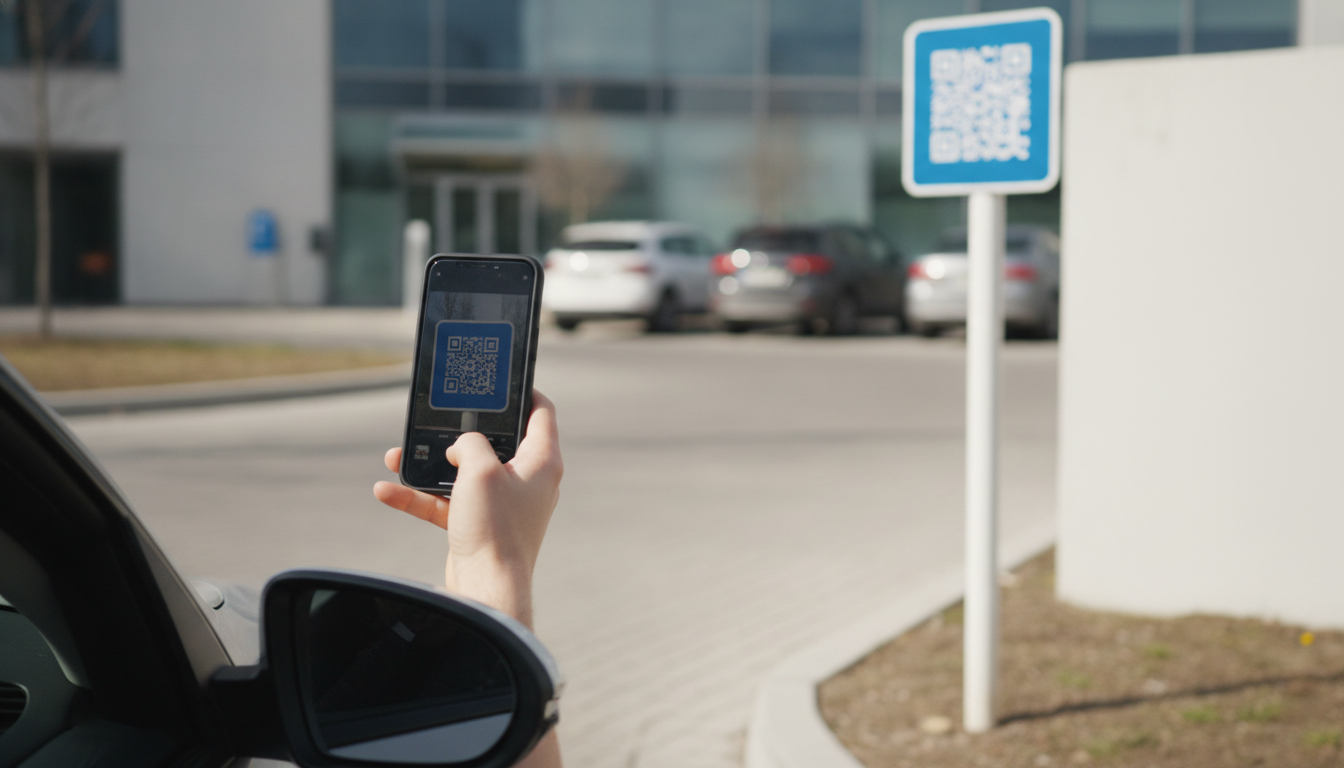
Direct answer: For a private lot owner running one site with minimal staff, “reduce kiosk dependence” is usually really the question “do I spend capital repairing or replacing an aging pay station, or switch to LPR camera plus app payment instead?” The camera-based path is typically a lower up-front cost and shifts spending from a capital purchase to an ongoing software cost, and it also gives an owner who isn’t on-site every day remote visibility they never had with a standalone machine.
Small private lots — a strip mall overflow lot, a restaurant’s paid evening spillover, a single commercial landlord’s surface lot — don’t have a portfolio to amortize hardware costs across, and they usually don’t have a dedicated operations team either. The owner or a single manager often fields every complaint personally. That changes the calculus from a large operator’s: the right question isn’t how to standardize across dozens of sites, it’s whether a single aging kiosk is worth fixing at all.
The capital decision most private owners are actually facing
A pay-and-display or multi-space kiosk that’s several years old is approaching the point where a repair (a jammed coin mechanism, a failed card reader, a cracked screen) costs a meaningful fraction of a full replacement. That’s the moment to compare replacing the machine outright against switching to a camera-and-app model, where the ongoing cost is a software subscription rather than a large one-time purchase, and where there’s no physical machine sitting outside exposed to weather and vandalism.
What changes for a single-site owner
| Concern | With a physical kiosk | With camera plus app payment |
|---|---|---|
| Upfront cost | Capital purchase, often several thousand dollars per unit | Camera installation and a recurring software fee |
| Maintenance | Owner or a contracted technician handles coin jams, card reader failures, weatherproofing | Software updates happen remotely; camera hardware has far fewer moving parts to fail |
| Remote visibility | Owner typically only learns of a problem when a driver or the machine itself reports it | Owner can check occupancy and payment status from a phone without visiting the site |
| Validation for customers | Requires a physical validation stamp, sticker, or code entered at the machine | Validation can be applied directly to the plate record from the business’s point of sale |
Run the controlled sequence before switching
- Confirm how much free versus paid parking actually happens at your lot — many small lots mix validated customer parking with paid transient use, and the split determines how much of the lot even needs a payment path.
- Map your validation workflow first. If a retail tenant or restaurant validates customer parking, decide whether validation will move to a point-of-sale code tied to the plate, since that removes the need for a physical stamp or sticker entirely.
- Pilot on the existing camera and app integration before committing to remove the old kiosk, so there’s a fallback if the digital path has early issues.
- Set up remote alerts for payment failures or occupancy anomalies, since a single-site owner won’t have staff checking the lot in person every day.
When keeping the kiosk still makes sense
If the existing machine is recently installed, under warranty, and working reliably, replacing it before end of life rarely pays back quickly enough to justify the switch on cost alone — in that case, adding app-based payment alongside the kiosk as an option, rather than replacing it, captures most of the visibility benefit without writing off a working asset. Also keep a cash or card-at-attendant fallback if your customer base includes visitors unlikely to download a new app for a single short visit, such as a restaurant with a lot of first-time diners.
Pilot scorecard for a single site
- Share of sessions completed through the app versus needing a call to the owner or manager
- Occupancy and payment visibility gained — can you now see lot status without a site visit
- Validation transactions processed correctly against the point-of-sale system, if applicable
- Any drivers who couldn’t complete payment and how they were resolved
Approval record before committing
- Compare the actual remaining useful life and repair cost of the current kiosk against the switch cost.
- Confirm the validation workflow with any tenant or business relying on it before removing the physical option.
- Keep a fallback payment method for customers without a smartphone or without the app installed.
- Retain records of the cost comparison for tax and accounting purposes, since capital versus operating expense treatment differs.
Related PLACA.AI planning resources
Questions before expansion
Is switching from a kiosk to camera-and-app payment cheaper for a small lot?
Often yes on upfront cost, since it trades a capital purchase for a recurring software fee, but the right comparison is against your specific kiosk’s remaining life and repair cost, not a blanket assumption.
What happens to customer validation if we remove the kiosk?
Validation can move to the business’s point-of-sale system, tied to the plate record, instead of a physical stamp or sticker — but that requires coordinating with whichever tenant currently validates parking before the kiosk comes out.
Do I still need any hardware on-site?
A camera to capture plates remains necessary for enforcement and validation either way; what changes is whether drivers interact with a payment machine at all.
Plan a limited workflow review
Bring your current kiosk’s age, repair history, and validation workflow. PLACA.AI can help evaluate whether a camera-and-app switch pencils out for your specific lot rather than assuming it does.
Editorial refresh: September 18, 2026. Independently confirm current product capabilities, third-party features, pricing, contracts, governing requirements, and local rules before acting.
Data source: U.S. Department of Transportation