

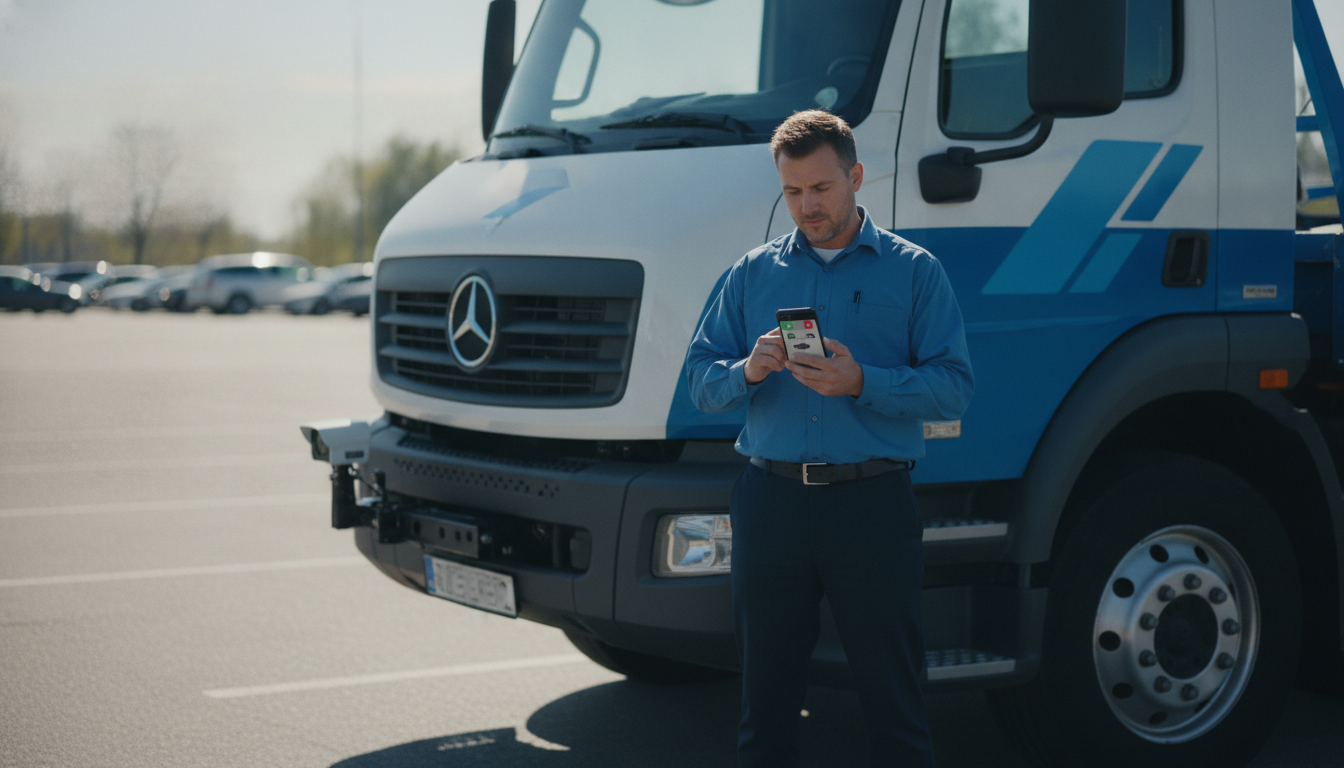
Short answer: Tow dispatch managers verify permits faster by checking permit status against the client property’s current record before a truck is assigned, not after a driver is already rolling — using mobile LPR data shared from the property or patrol app so dispatch isn’t relying on a phone description of a plate. The real win isn’t a faster lookup for its own sake; it’s avoiding the wasted truck roll, the driver standing at a vehicle that turns out to be permitted, and the call-back that follows.
For a dispatch office running multiple client properties, each with its own permit rules, contacts, and update habits, the bottleneck usually isn’t reading a plate — it’s confirming, before committing a truck and a driver, that the request is actually valid for that specific property.
Where dispatch delay and wasted trucks actually come from
A typical request comes in by phone or app from a property manager, an on-site patrol officer, or occasionally a resident: “vehicle in spot 14, no permit visible.” Dispatch has to decide, often in under a minute, whether that’s enough to send a truck. Three things routinely go wrong here:
- The caller read the plate wrong, or gave a partial plate, and dispatch can’t confirm it against anything until the driver arrives.
- The permit list dispatch is checking against is for the wrong property, or hasn’t synced since a change the property manager made that morning.
- The vehicle turns out to have a manager-issued exception (new tenant, temporary pass, visiting contractor) that never made it into the shared list dispatch can see.
Any one of these sends a truck out for nothing — time, fuel, and driver capacity spent on a call that should have been resolved with a five-second lookup.
Building a dispatch-side verification step
Pull from the same source the field is using
If patrol and property management are scanning plates with mobile LPR at the property, dispatch should be looking at that same live data, not a separately maintained spreadsheet that’s a step behind. When a field scan and a dispatch lookup are hitting the same record, a plate mismatch or stale permit shows up before a truck is committed rather than after.
Require a photo or scan before assigning a truck, not just a verbal description
A phoned-in plate description (“looks like a Ford, plate starts with 7”) isn’t enough to verify against a permit list with any confidence. Where the requester has the app or a scanning tool available, require the plate capture to come through that channel so dispatch is matching an actual read, not a guess.
Flag properties with known sync issues
Some client properties update their permit list constantly; others send changes to you once a week by email. Dispatch managers who track which properties fall into which category can apply the right amount of skepticism — treating a “no match” from a fast-changing property as lower confidence than the same result from a property with a stable, rarely-changing roster.
Give dispatchers a clear hold rule
Build a short, explicit rule for when a dispatcher holds a request instead of assigning a truck: permit list older than a set threshold for that property, a partial or low-confidence plate read, or a caller who can’t confirm which zone or lot the vehicle is in. A held request that gets resolved with one callback is far cheaper than a truck roll that gets reversed on-site.
Tracking what actually matters
Rather than measuring dispatch speed alone, track the ratio of trucks assigned to tows actually completed. A dispatch process that assigns trucks fast but sends them to a meaningful share of permitted or already-moved vehicles isn’t actually efficient — it’s just moving the delay from the office to the lot. Useful things to watch per property:
- Requests resolved at the dispatch desk without a truck roll (because the permit check caught it).
- Trucks sent that resulted in “vehicle was permitted” or “vehicle already gone” on arrival.
- Average time from request to permit-verification decision, separate from time to truck arrival.
Coordinating across multiple client properties
The biggest operational difference between dispatch and a single-site patrol team is scale: dispatch is context-switching between properties with different rule sets, contacts, and escalation paths all day. A dispatcher who has to remember which of thirty properties has a grace period for new move-ins, or which one requires a manager sign-off before towing, will eventually get it wrong under call volume. Put that property-specific logic in the tool, not in the dispatcher’s memory — the permit check should already know which rules apply before the dispatcher has to ask.
FAQ
Should dispatch ever assign a truck before permit status is confirmed?
Only under an explicit, property-approved policy for urgent cases (blocking a fire lane, blocking another resident’s only exit, for example) where the property has pre-authorized action without a full permit check. Everything else should wait for verification.
How does dispatch handle a property that doesn’t share live permit data?
Treat every request from that property as lower confidence and build in a mandatory callback step, while working with the property manager toward a shared, current list.
What’s the fastest way to cut wasted truck rolls?
Require a plate photo or scan before assignment wherever possible, and hold rather than dispatch when the permit source for that property is stale or unavailable.
For more on the field side of this workflow, see our mobile LPR planning guide and our towing enforcement software guide. If you want to look at how your dispatch process could tie into live permit data across your client properties, get in touch.
Data source: U.S. Department of Transportation