

Knowledge Base
Set Up Special Dates for Pickups
Special dates are days where the pickup time is different than normal days.
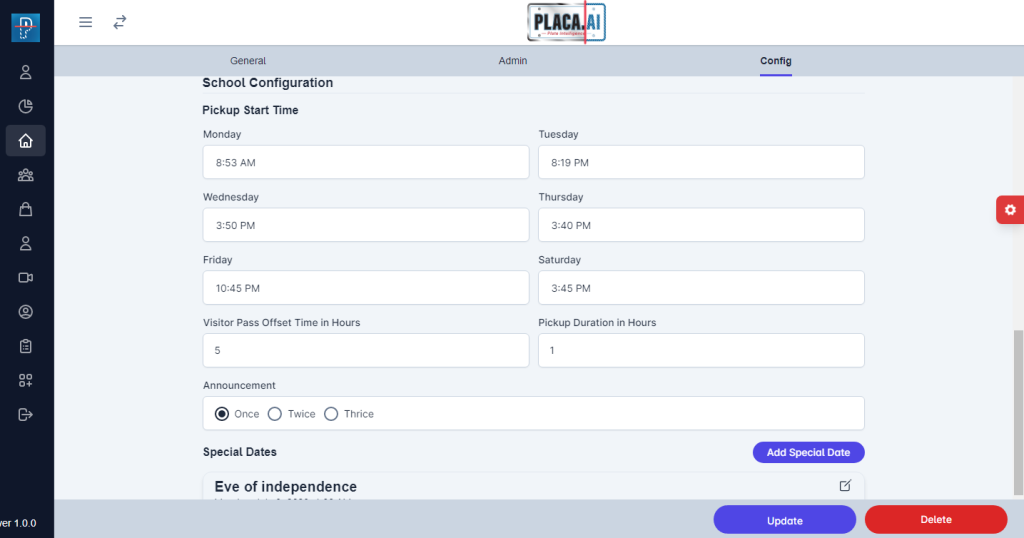
For example, we have entered Eve of Independence as a special date for this school.
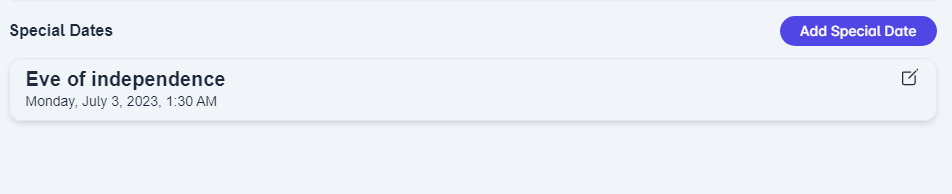
To add a special date, click on the option “Add Special Date”:
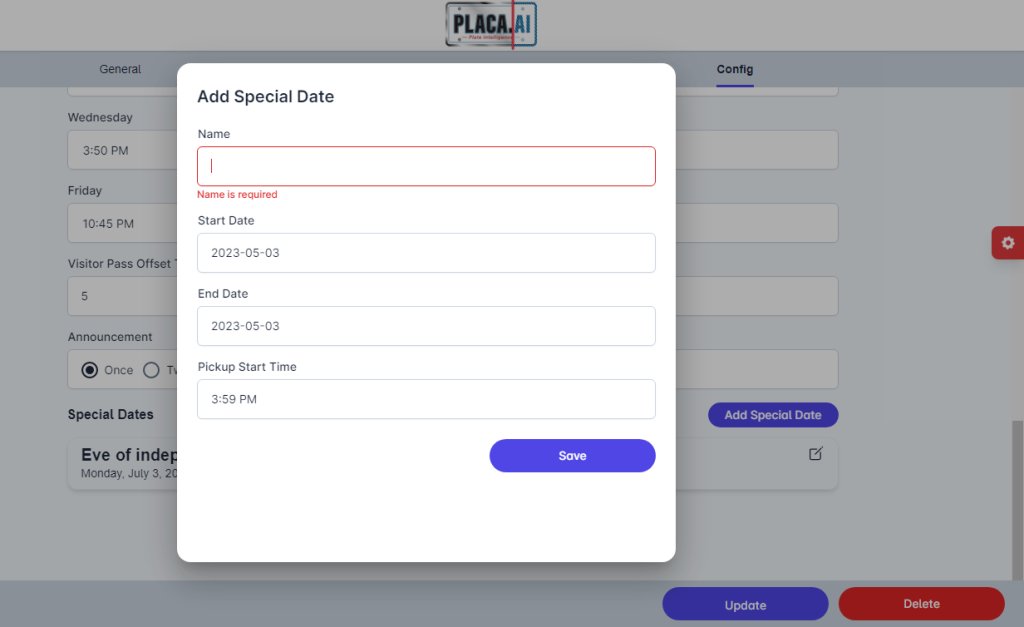
- Name: Enter the name of the special date.
- Start Date: Please enter the start date of the special date.
- End Date: Please enter the end date of the special date.
- Pickup Start Time: Please select a pickup start time for the special date.
To edit or delete a created special date, click on the pencil button on the top-left:
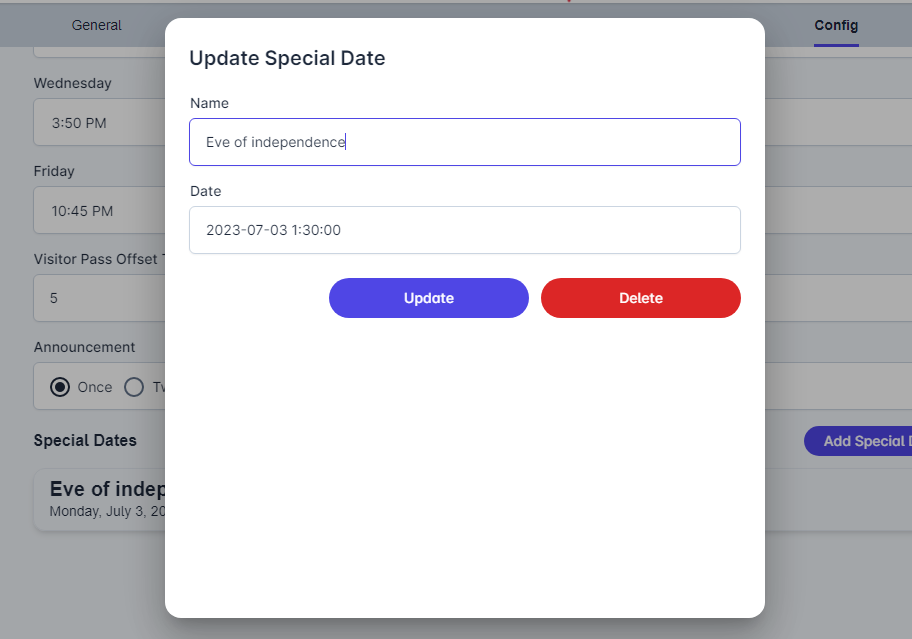
After you make all the necessary changes, please click on the Update button at the bottom of the screen.