

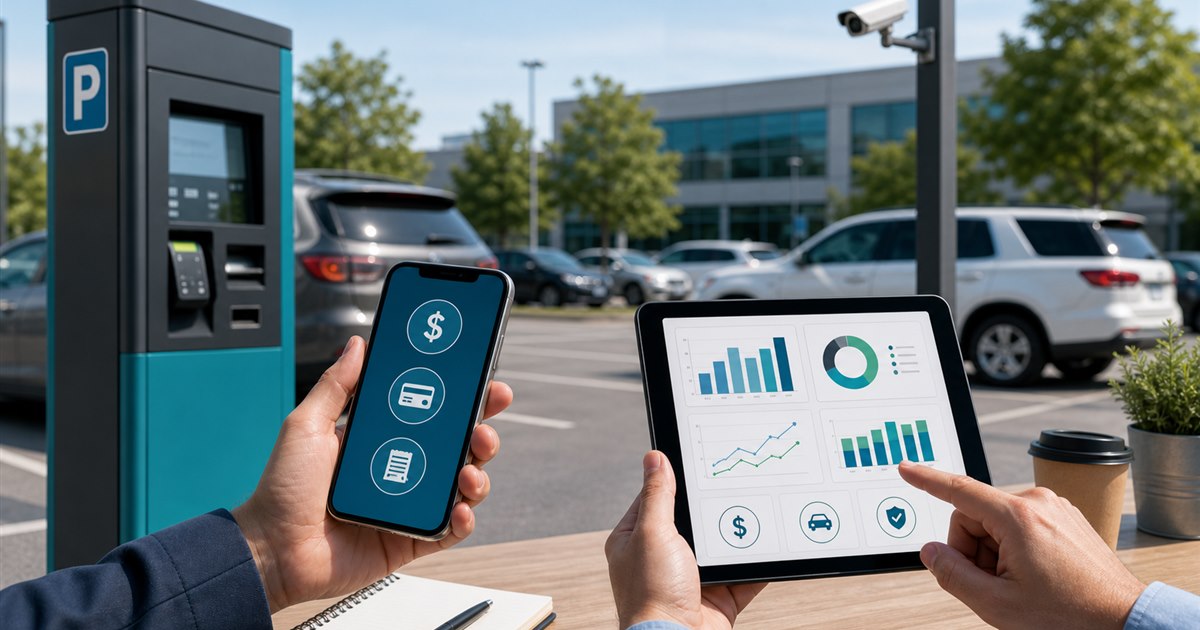
Direct answer: Compare the final charge for a defined trip and the operator’s total program economics. Separate base parking, convenience or transaction fees, reservation markup, taxes, payment processing, optional membership, refunds, support, equipment, and enforcement integration.
This guide is for drivers, parking operators, property managers, finance teams, and enforcement staff and focuses specifically on comparing parking-app fees. The page supplies a decision framework. It does not override posted restrictions, emergency procedures, procurement terms, or qualified advice.
Where the process loses control
Fee comparisons age quickly and often mix driver charges with operator costs. A service may waive one fee at selected locations while using a different commercial arrangement elsewhere.
Example: A two-hour zone session and a two-hour reserved garage are not comparable simply because both park a vehicle. Model the base inventory and service separately before attributing the difference to an app fee.
Driver-and-operator fee model
| Decision point | Evidence or control | Required response |
|---|---|---|
| Driver fit | Capture the exact checkout total for the same location, duration, date, and vehicle. | Verify the exact location and rule |
| Payment and account flow | Record every disclosed fee, membership, refund, cancellation, and extension charge. | Test with a real low-risk session |
| Operator evidence | Operators should model payment cost, service contract, reconciliation, support, equipment, and enforcement. | Confirm what staff can review |
| Disqualifier | Do not publish a universal cheapest-app claim from one location or promotional trip. | Choose another workflow if unresolved |
Build the workflow in stages
- Step 1. Define the exact decision the comparing parking-app fees review must support instead of selecting an app by download count.
- Step 2. Test signage, location selection, plate selection, duration, payment, confirmation, and correction as one journey.
- Step 3. Record fees, restrictions, receipts, and support behavior from the actual locations in scope.
- Step 4. Separate driver-app convenience from the operator’s enforcement and reconciliation requirements.
For comparing parking-app fees, the named owner should document the approved rule, baseline, and result of each test. The owner should sign off on evidence collected in the real workflow, including the least convenient failure case.
Correction, appeal, and fallback
Dynamic rates, taxes, event pricing, extension transactions, canceled reservations, chargebacks, and operator-funded promotions should be listed as separate assumptions.
Do not allow exceptions to remain open-ended. Assign an expiry, a responsible person, and a final disposition.
Pilot scorecard
A small pilot makes mistakes recoverable. Expand only after the accountable owner accepts the result and unresolved risks.
- final driver cost by defined trip
- fees as a share of the checkout total
- refund and chargeback exceptions
- operator reconciliation labor
- cost changes after the introductory period
Define what counts, who counts it, and when the scorecard will be reviewed.
Pre-launch review
- Write the purpose and non-goals for comparing parking-app fees and name the accountable owner.
- Verify the process with the actual drivers, parking operators, property managers, finance teams, and enforcement staff who will use, administer, or review it.
- Test a correction, an unavailable-system path, and the exception described on this page.
- Confirm current pricing, contract terms, support, integrations, and data handling directly with each provider.
- Use final driver cost by defined trip as one acceptance signal and record what evidence can stop the rollout.
Related PLACA.AI planning resources
Questions for the implementation team
Which parking app has the lowest fees?
There is no defensible universal answer. Fees vary by operator, location, transaction type, and current agreement.
Are convenience fees the same as parking rates?
No. Separate the price of parking from service, transaction, reservation, tax, or other disclosed charges.
How should operators compare proposals?
Use the same volume, transaction mix, locations, support scope, equipment, enforcement, and contract period.
Official sources to verify current features
App coverage, fees, and rules change by operator and location. These official resources were reviewed as starting points; confirm the current checkout screen and posted rules for the actual location.
- ParkMobile support: parking session extensions
- PayByPhone: how mobile parking works
- Passport mobile parking app for cities and operators
- SpotHero official parking reservation page
- ParkWhiz official parking reservation page
Build an assumption-based fee comparison
Bring the rules, current process, known exceptions, and success criteria for comparing parking-app fees. PLACA.AI can help evaluate a limited pilot without presuming that another property’s hardware or workflow is the right answer.
Editorial refresh: July 22, 2026. Before using this framework for comparing parking-app fees, independently confirm current product capabilities, third-party features, pricing, contracts, governing requirements, and local rules.