

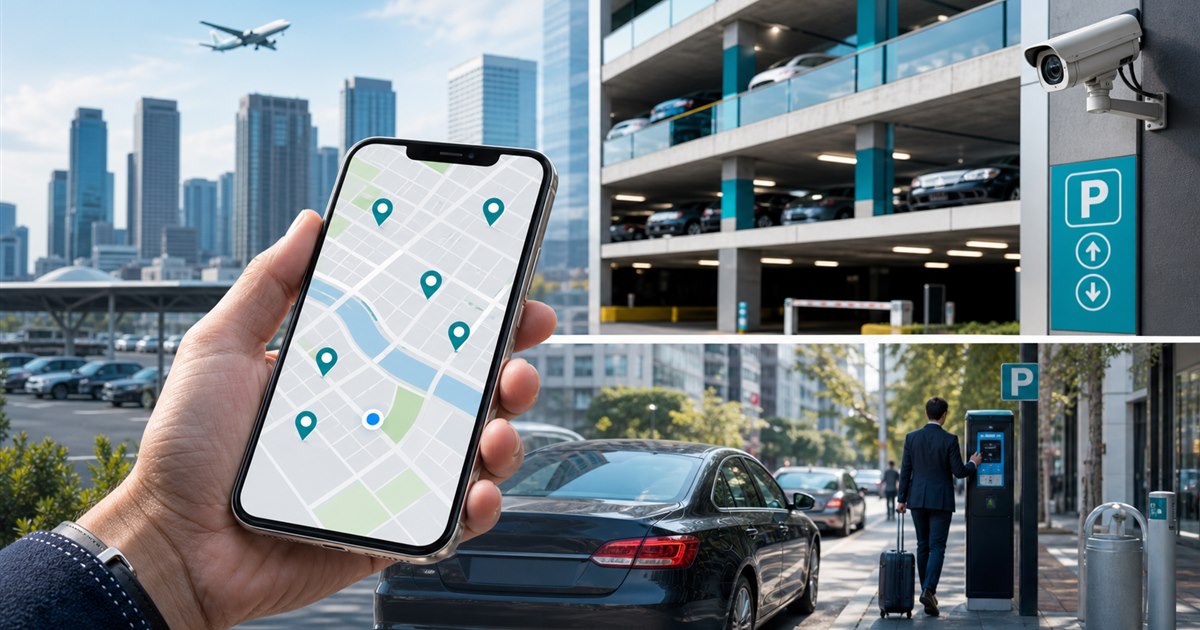
Direct answer: Frequent travelers should build a location-first parking toolkit rather than expect one app to cover every city, curb, garage, airport, and private lot. The posted operator at the exact space remains the controlling source.
This guide is for drivers, parking operators, property managers, finance teams, and enforcement staff and focuses specifically on parking across multiple U.S. cities. Keep the scope narrow enough to test. Contracts, local rules, governing documents, and technical constraints still control the final implementation.
What creates avoidable disputes
An app may have broad national reach while missing the specific block or facility a traveler needs. Coverage claims do not replace the zone number, facility listing, or local rules.
Example: A regional sales team visits five cities. Its travel guide records the accepted provider, receipt path, vehicle-selection step, and support link for each common destination rather than prescribing one universal app.
Multi-city coverage worksheet
| Decision point | Evidence or control | Required response |
|---|---|---|
| Driver fit | List the actual cities and common trip types: curb, garage, airport, event, or monthly. | Verify the exact location and rule |
| Payment and account flow | Record which app or payment channel each destination accepts and whether an account is required. | Test with a real low-risk session |
| Operator evidence | Operators should publish consistent signage and enforcement confirmation instructions. | Confirm what staff can review |
| Disqualifier | Reject a one-app strategy when critical destinations require another provider or fallback. | Choose another workflow if unresolved |
Decision path and ownership
- Step 1. Define the exact decision the parking across multiple U.S. cities review must support instead of selecting an app by download count.
- Step 2. Test signage, location selection, plate selection, duration, payment, confirmation, and correction as one journey.
- Step 3. Record fees, restrictions, receipts, and support behavior from the actual locations in scope.
- Step 4. Separate driver-app convenience from the operator’s enforcement and reconciliation requirements.
For parking across multiple U.S. cities, the named owner should document the approved rule, baseline, and result of each test. Acceptance evidence should come from real users and conditions. Treat the vendor demonstration as discovery, not final proof.
When the normal path cannot be used
New-city launches, provider migrations, poor signal, rental vehicles, app-store restrictions, and unfamiliar zone rules require a browser, phone, kiosk, or staffed fallback where offered.
A correction, temporary approval, denial, or escalation should be visible in the record so a later reviewer can understand what happened.
Measure before expanding
Use one location or operating window first. Compare it with the pre-launch process and stop if the exception load grows.
- priority destinations covered
- trips requiring a new account
- wrong-provider payments
- receipts recovered for travel expense
- support contacts in unfamiliar cities
Record the starting value and review date beside every measure.
What the owner must confirm
- Write the purpose and non-goals for parking across multiple U.S. cities and name the accountable owner.
- Verify the process with the actual drivers, parking operators, property managers, finance teams, and enforcement staff who will use, administer, or review it.
- Test a correction, an unavailable-system path, and the exception described on this page.
- Confirm current pricing, contract terms, support, integrations, and data handling directly with each provider.
- Use priority destinations covered as one acceptance signal and record what evidence can stop the rollout.
Related PLACA.AI planning resources
Decision-specific FAQs
Which parking app covers the most cities?
Coverage changes and can differ within one city; check the exact destination and posted provider.
Should travelers install several apps?
Frequent travelers may benefit from accounts with the services used at their recurring destinations.
How can employers reduce parking-expense problems?
Maintain destination guidance, require plate and zone confirmation, and standardize receipt collection.
Official sources to verify current features
App coverage, fees, and rules change by operator and location. These official resources were reviewed as starting points; confirm the current checkout screen and posted rules for the actual location.
- ParkMobile zone parking and app information
- PayByPhone: how mobile parking works
- Passport mobile parking app for cities and operators
- SpotHero official parking reservation page
- ParkWhiz official parking reservation page
Create a multi-city parking toolkit
Bring the rules, current process, known exceptions, and success criteria for parking across multiple U.S. cities. PLACA.AI can help evaluate a limited pilot without presuming that another property’s hardware or workflow is the right answer.
Editorial refresh: July 22, 2026. Before using this framework for parking across multiple U.S. cities, independently confirm current product capabilities, third-party features, pricing, contracts, governing requirements, and local rules.