

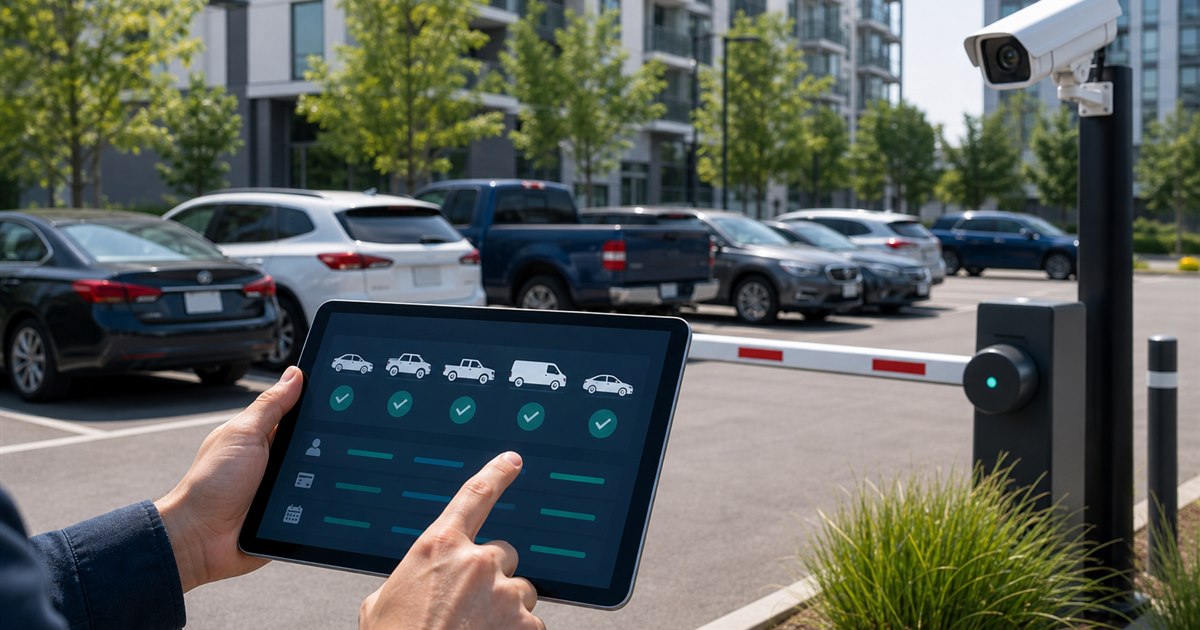
Direct answer: A multi-vehicle parking app must make the active plate unmistakable at purchase. Vehicle storage is useful only when selection, confirmation, correction, temporary vehicles, and enforcement synchronization prevent the wrong car from being paid.
This guide is for drivers, parking operators, property managers, finance teams, and enforcement staff and focuses specifically on parking accounts with multiple vehicles. The boundary matters: this is an operating decision, not a substitute for the site rules and professional review that govern the real deployment.
The failure mode to solve
Drivers frequently leave a default plate selected after changing cars. The payment succeeds, but enforcement sees no valid session for the vehicle in the space.
Example: A household alternates between a sedan and SUV. The app should require a visible plate check at every session, while the operator should publish whether a mistaken plate can be corrected after payment.
Multi-vehicle error-prevention table
| Decision point | Evidence or control | Required response |
|---|---|---|
| Driver fit | Can users name, order, and remove vehicles without ambiguity? | Verify the exact location and rule |
| Payment and account flow | Does checkout repeat the selected plate before payment and in confirmation? | Test with a real low-risk session |
| Operator evidence | Can enforcement see the corrected plate quickly when the operator permits a correction? | Confirm what staff can review |
| Disqualifier | Do not rely on a silent default vehicle for fleet or family accounts. | Choose another workflow if unresolved |
From policy to daily operation
- Step 1. Define the exact decision the parking accounts with multiple vehicles review must support instead of selecting an app by download count.
- Step 2. Test signage, location selection, plate selection, duration, payment, confirmation, and correction as one journey.
- Step 3. Record fees, restrictions, receipts, and support behavior from the actual locations in scope.
- Step 4. Separate driver-app convenience from the operator’s enforcement and reconciliation requirements.
For parking accounts with multiple vehicles, the named owner should document the approved rule, baseline, and result of each test. Use the actual environment for acceptance. A polished demonstration cannot reveal every lane, account, device, policy, or staffing exception.
Stop conditions and escalation
Rental cars, dealer plates, company fleets, shared accounts, plate changes, and duplicate plate entries require controls that do not create simultaneous unauthorized sessions.
Close each exception with a recorded decision and owner; untracked verbal workarounds eventually become the process.
A bounded pilot plan
Start narrow, observe the current baseline, test normal and failure conditions, then decide whether expansion is justified.
- wrong-vehicle sessions
- plate corrections accepted or denied
- duplicate vehicles in an account
- support contacts caused by default selection
- enforcement disputes with a valid payment on another plate
Choose the observation period before launch so the result cannot be selected after the fact.
Acceptance evidence
- Write the purpose and non-goals for parking accounts with multiple vehicles and name the accountable owner.
- Verify the process with the actual drivers, parking operators, property managers, finance teams, and enforcement staff who will use, administer, or review it.
- Test a correction, an unavailable-system path, and the exception described on this page.
- Confirm current pricing, contract terms, support, integrations, and data handling directly with each provider.
- Use wrong-vehicle sessions as one acceptance signal and record what evidence can stop the rollout.
Related PLACA.AI planning resources
Operational questions
How many vehicles can a parking app store?
Limits vary. More important is whether the active plate is clear at checkout and confirmation.
Can a wrong plate be corrected after payment?
Rules vary by service and operator; check immediately and follow the published correction or support process.
Should employees share one account?
Shared credentials can weaken accountability. Fleet or business controls are preferable where available.
Official sources to verify current features
App coverage, fees, and rules change by operator and location. These official resources were reviewed as starting points; confirm the current checkout screen and posted rules for the actual location.
- ParkMobile zone parking and app information
- PayByPhone: how mobile parking works
- Passport mobile parking app for cities and operators
Test a multi-vehicle parking account
Bring the rules, current process, known exceptions, and success criteria for parking accounts with multiple vehicles. PLACA.AI can help evaluate a limited pilot without presuming that another property’s hardware or workflow is the right answer.
Editorial refresh: July 22, 2026. Before using this framework for parking accounts with multiple vehicles, independently confirm current product capabilities, third-party features, pricing, contracts, governing requirements, and local rules.