

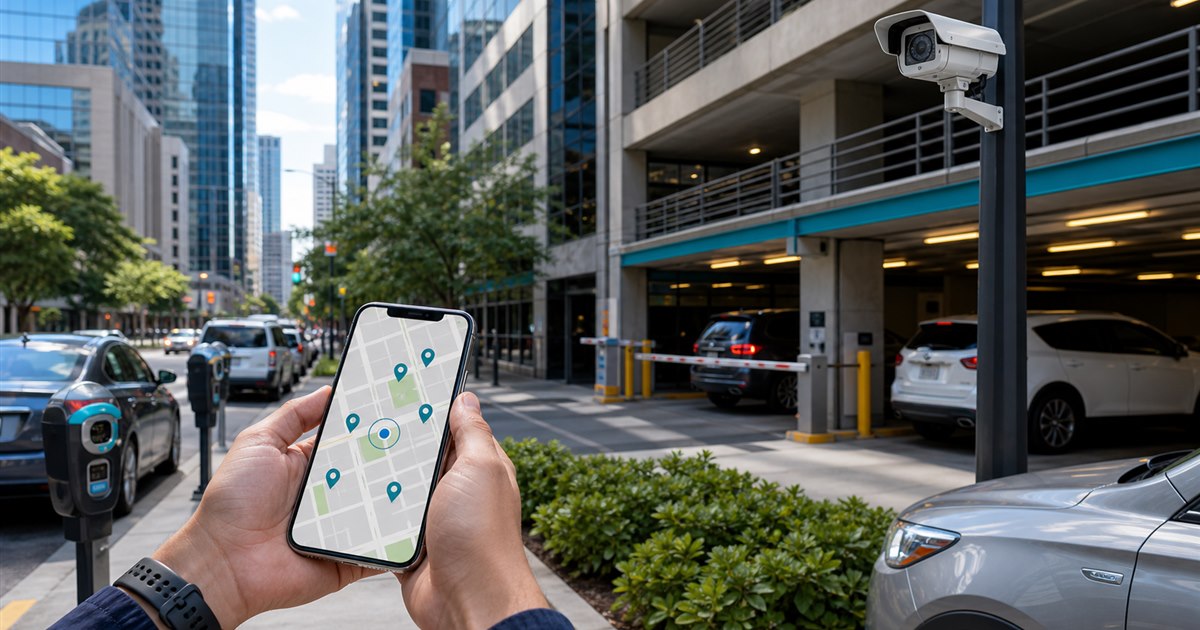
Direct answer: Downtown drivers usually need two distinct workflows: pay-after-arrival for curb or municipal zones and reserve-before-arrival for garages or private lots. Compare apps by the inventory and rules at the destination, not by a generic citywide label.
This guide is for drivers, parking operators, property managers, finance teams, and enforcement staff and focuses specifically on downtown and urban parking. The boundary matters: this is an operating decision, not a substitute for the site rules and professional review that govern the real deployment.
What creates avoidable disputes
Dense urban trips fail when a driver reserves a garage while expecting curb flexibility, or starts a zone session while assuming a space has been reserved.
Example: For a courthouse appointment, the driver compares a nearby reservable garage with curb zones shown on posted signs. The decision includes arrival uncertainty, maximum stay, walking distance, and cancellation terms.
Urban trip-mode matrix
| Decision point | Evidence or control | Required response |
|---|---|---|
| Driver fit | Is the trip curbside, municipal lot, garage, event, or private inventory? | Verify the exact location and rule |
| Payment and account flow | Does the app require a zone number after arrival or a reservation before arrival? | Test with a real low-risk session |
| Operator evidence | Can the operator verify the plate or reservation at entry and during enforcement? | Confirm what staff can review |
| Disqualifier | Do not use reservation inventory as proof that street parking is available. | Choose another workflow if unresolved |
Decision path and ownership
- Step 1. Define the exact decision the downtown and urban parking review must support instead of selecting an app by download count.
- Step 2. Test signage, location selection, plate selection, duration, payment, confirmation, and correction as one journey.
- Step 3. Record fees, restrictions, receipts, and support behavior from the actual locations in scope.
- Step 4. Separate driver-app convenience from the operator’s enforcement and reconciliation requirements.
For downtown and urban parking, the named owner should document the approved rule, baseline, and result of each test. Use the actual environment for acceptance. A polished demonstration cannot reveal every lane, account, device, policy, or staffing exception.
When the normal path cannot be used
Street closures, special events, garage access instructions, oversized vehicles, lost signal, and a changed plate can invalidate an otherwise correct booking or session.
Close each exception with a recorded decision and owner; untracked verbal workarounds eventually become the process.
Measure before expanding
Start narrow, observe the current baseline, test normal and failure conditions, then decide whether expansion is justified.
- time spent locating the correct payment mode
- wrong-zone or wrong-facility sessions
- garage access failures
- extensions blocked by local limits
- support contacts per urban trip
Choose the observation period before launch so the result cannot be selected after the fact.
What the owner must confirm
- Write the purpose and non-goals for downtown and urban parking and name the accountable owner.
- Verify the process with the actual drivers, parking operators, property managers, finance teams, and enforcement staff who will use, administer, or review it.
- Test a correction, an unavailable-system path, and the exception described on this page.
- Confirm current pricing, contract terms, support, integrations, and data handling directly with each provider.
- Use time spent locating the correct payment mode as one acceptance signal and record what evidence can stop the rollout.
Related PLACA.AI planning resources
Decision-specific FAQs
Is SpotHero the same as a meter-payment app?
No. SpotHero emphasizes reservable parking inventory, while zone-payment services support participating curb or lot locations.
Can one app cover every downtown space?
No. Coverage depends on each operator and location; always confirm signage or facility instructions.
What matters most for operators?
Clear inventory, plate or credential matching, reconciliation, enforcement visibility, and exception support.
Official sources to verify current features
App coverage, fees, and rules change by operator and location. These official resources were reviewed as starting points; confirm the current checkout screen and posted rules for the actual location.
- ParkMobile zone parking and app information
- PayByPhone: how mobile parking works
- Passport mobile parking app for cities and operators
- SpotHero official parking reservation page
- ParkWhiz official parking reservation page
Map a downtown parking journey
Bring the rules, current process, known exceptions, and success criteria for downtown and urban parking. PLACA.AI can help evaluate a limited pilot without presuming that another property’s hardware or workflow is the right answer.
Editorial refresh: July 22, 2026. Before using this framework for downtown and urban parking, independently confirm current product capabilities, third-party features, pricing, contracts, governing requirements, and local rules.