

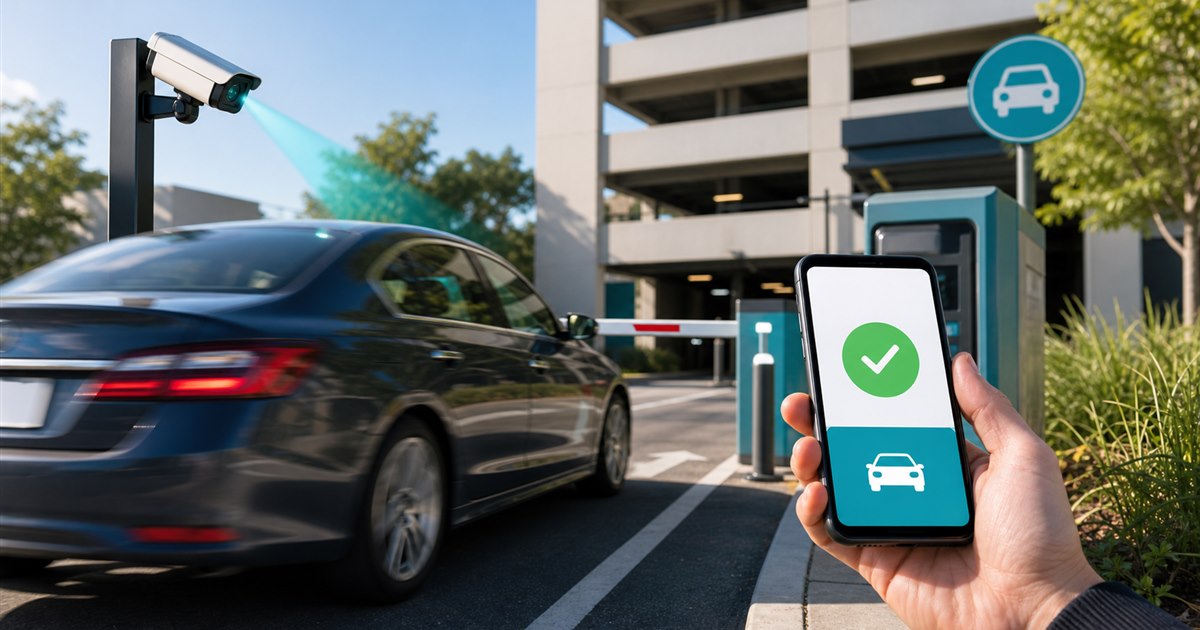
Direct answer: The fastest app is the one that completes the correct location, zone, vehicle, duration, payment, and confirmation with the fewest recoverable errors for the actual trip. Measure end-to-end completion, not screen count. Record the accepted result and the reason for every correction before expanding the process.
This guide is for drivers, parking operators, procurement teams, accessibility reviewers, and support staff and addresses choosing the fastest parking payment app for a real trip. The scope is deliberately narrow so the difficult cases can be tested before rollout.
Start with the failure
A saved account can make checkout quick while wrong-zone selection, poor garage signal, plate switching, or unclear confirmation creates a costly correction.
Example: A commuter with one saved vehicle may finish quickly, while a rental-car user at the same location needs a clear plate change and review step.
Parking payment speed test
| Decision point | Evidence or control | Required response |
|---|---|---|
| Trip setup | location type, signal, account state, vehicle | define comparable case |
| Selection | zone, rate, duration, plate | prevent fast wrong choice |
| Payment | method, authentication, fees | complete securely |
| Confirmation and correction | receipt, expiry, editable fields, support | prove usable result |
Assign the handoffs
- Step 1. For trip setup, verify location type, signal, account state, vehicle and then define comparable case.
- Step 2. For selection, verify zone, rate, duration, plate and then prevent fast wrong choice.
- Step 3. For payment, verify method, authentication, fees and then complete securely.
- Step 4. For confirmation and correction, verify receipt, expiry, editable fields, support and then prove usable result.
A reviewer should be able to reproduce the decision later.
When the normal path stops
Speed should not remove accessibility, fee disclosure, review, or confirmation. Provide an alternative for device, payment, or connectivity failures.
Correct the record, approve a bounded exception, deny under the written rule, or escalate to the named authority; do not leave the case unresolved.
Field test
Run a limited test long enough to observe the recurring pattern and at least one correction or fallback.
- median correct-session completion time
- wrong zone or plate selections
- steps requiring re-entry
- confirmation visible before leaving app
- corrections completed without second payment
Define who counts each measure, the observation window, and the result that blocks expansion.
Proof before rollout
- State the purpose and non-goals for choosing the fastest parking payment app for a real trip.
- Assign owners for the normal path, correction, exception, and final approval.
- Test live conditions with the people who administer and experience the workflow.
- Confirm contracts, pricing, support, integrations, data handling, and governing requirements independently.
- Retain enough evidence to reproduce each approval, denial, correction, or escalation.
Related PLACA.AI planning resources
Operational FAQs
What must be approved first for choosing the fastest parking payment app for a real trip?
Approve the purpose, owner, evidence standard, decision rule, and exception path before scaling.
What should the pilot reproduce?
Test the normal process and the named exception while collecting median correct-session completion time and the other listed measures.
When should rollout stop?
Stop when ownership is unclear, required evidence is missing, a serious exception lacks a safe route, or the result conflicts with the approved rule.
Plan a limited workflow review
Bring the current rule, process, exceptions, and success criteria for choosing the fastest parking payment app for a real trip. PLACA.AI can help evaluate a bounded pilot without assuming another property’s workflow is the right answer.
Editorial refresh: July 22, 2026. Independently confirm current product capabilities, third-party features, pricing, contracts, governing requirements, and local rules before acting.
Data source: U.S. Department of Transportation