

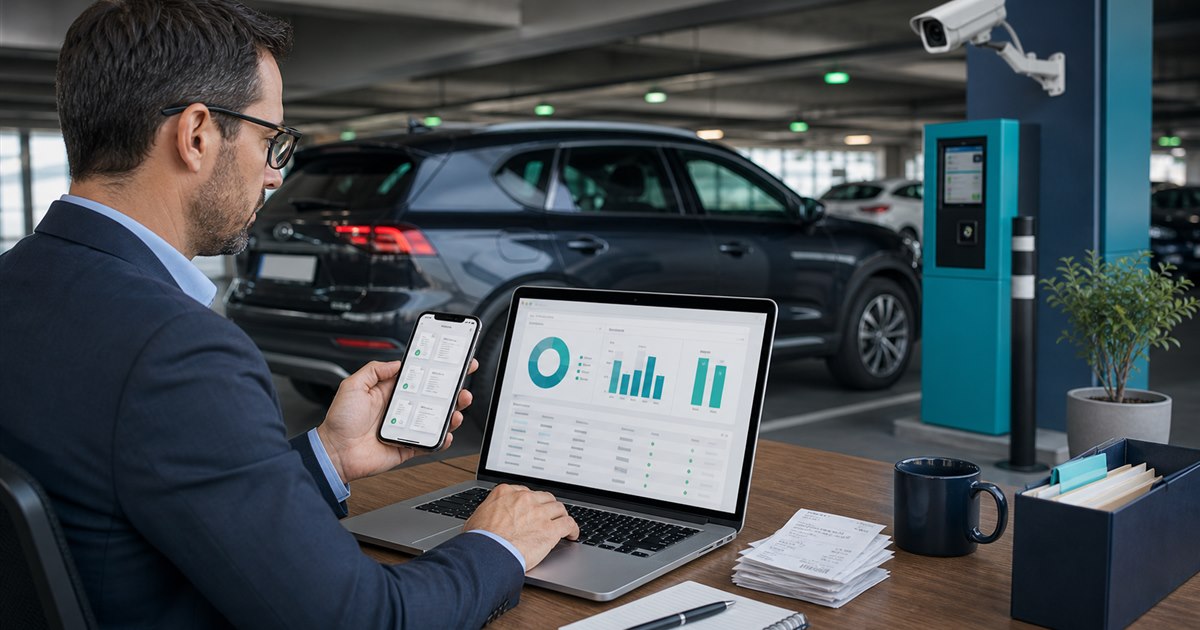
Direct answer: Choose a parking app for business use by testing receipt retrieval, transaction history, vehicle and employee attribution, export format, reimbursement controls, and the handling of guest transactions—not by looking only for emailed receipts.
This guide is for drivers, parking operators, property managers, finance teams, and enforcement staff and focuses specifically on parking receipts and business-expense tracking. The goal is a controlled decision, not more data or automation for its own sake. Confirm all legal, contractual, and operational boundaries separately.
Why the current approach breaks
A receipt can exist but still be difficult to reconcile if it omits the vehicle, location, employee, cost center, or export range needed by finance.
Example: A field employee parks three fleet vehicles during one week. Finance needs each charge tied to the correct plate and project, while the employee needs a confirmation at the curb. The pilot should test both perspectives.
Expense-control decision table
| Decision point | Evidence or control | Required response |
|---|---|---|
| Driver fit | Can the traveler select the correct business vehicle or profile? | Verify the exact location and rule |
| Payment and account flow | Are receipts available in-app, by email, or through a portal after the trip? | Test with a real low-risk session |
| Operator evidence | Can finance export a usable date range and trace adjustments or refunds? | Confirm what staff can review |
| Disqualifier | Guest checkout is a poor fit when receipts cannot be retrieved later. | Choose another workflow if unresolved |
A practical operating sequence
- Step 1. Define the exact decision the parking receipts and business-expense tracking review must support instead of selecting an app by download count.
- Step 2. Test signage, location selection, plate selection, duration, payment, confirmation, and correction as one journey.
- Step 3. Record fees, restrictions, receipts, and support behavior from the actual locations in scope.
- Step 4. Separate driver-app convenience from the operator’s enforcement and reconciliation requirements.
For parking receipts and business-expense tracking, the named owner should document the approved rule, baseline, and result of each test. A valid acceptance test uses production-like conditions without putting people, access, payments, or enforcement at avoidable risk.
Exceptions that need a human decision
Lost access to an employee account, guest payments, corrected plates, refunds, duplicate charges, and personal-versus-business payment methods need a written reconciliation path.
Temporary workarounds need explicit expiration; otherwise they conceal defects and defeat consistent policy.
How to test the workflow
Run a reversible trial, hold a scheduled review, and document why the team expands, redesigns, or stops.
- receipts retrieved without support
- transactions matched to employee and vehicle
- manual corrections per statement period
- days from parking to approved expense
- guest transactions lacking retrievable records
Pair every target with a current-state measurement and named data owner.
Verification before rollout
- Write the purpose and non-goals for parking receipts and business-expense tracking and name the accountable owner.
- Verify the process with the actual drivers, parking operators, property managers, finance teams, and enforcement staff who will use, administer, or review it.
- Test a correction, an unavailable-system path, and the exception described on this page.
- Confirm current pricing, contract terms, support, integrations, and data handling directly with each provider.
- Use receipts retrieved without support as one acceptance signal and record what evidence can stop the rollout.
Related PLACA.AI planning resources
Questions this page should answer
Does PayByPhone provide downloadable receipts?
Its support documentation describes receipts in the portal and app, including PDF or CSV options for registered users.
Should employees use guest checkout?
A registered business workflow is usually easier to reconcile because guest records may not remain available later.
What should finance test first?
Test one real transaction from parking confirmation through receipt export and accounting review.
Official sources to verify current features
App coverage, fees, and rules change by operator and location. These official resources were reviewed as starting points; confirm the current checkout screen and posted rules for the actual location.
Test a business-parking receipt workflow
Bring the rules, current process, known exceptions, and success criteria for parking receipts and business-expense tracking. PLACA.AI can help evaluate a limited pilot without presuming that another property’s hardware or workflow is the right answer.
Editorial refresh: July 22, 2026. Before using this framework for parking receipts and business-expense tracking, independently confirm current product capabilities, third-party features, pricing, contracts, governing requirements, and local rules.