

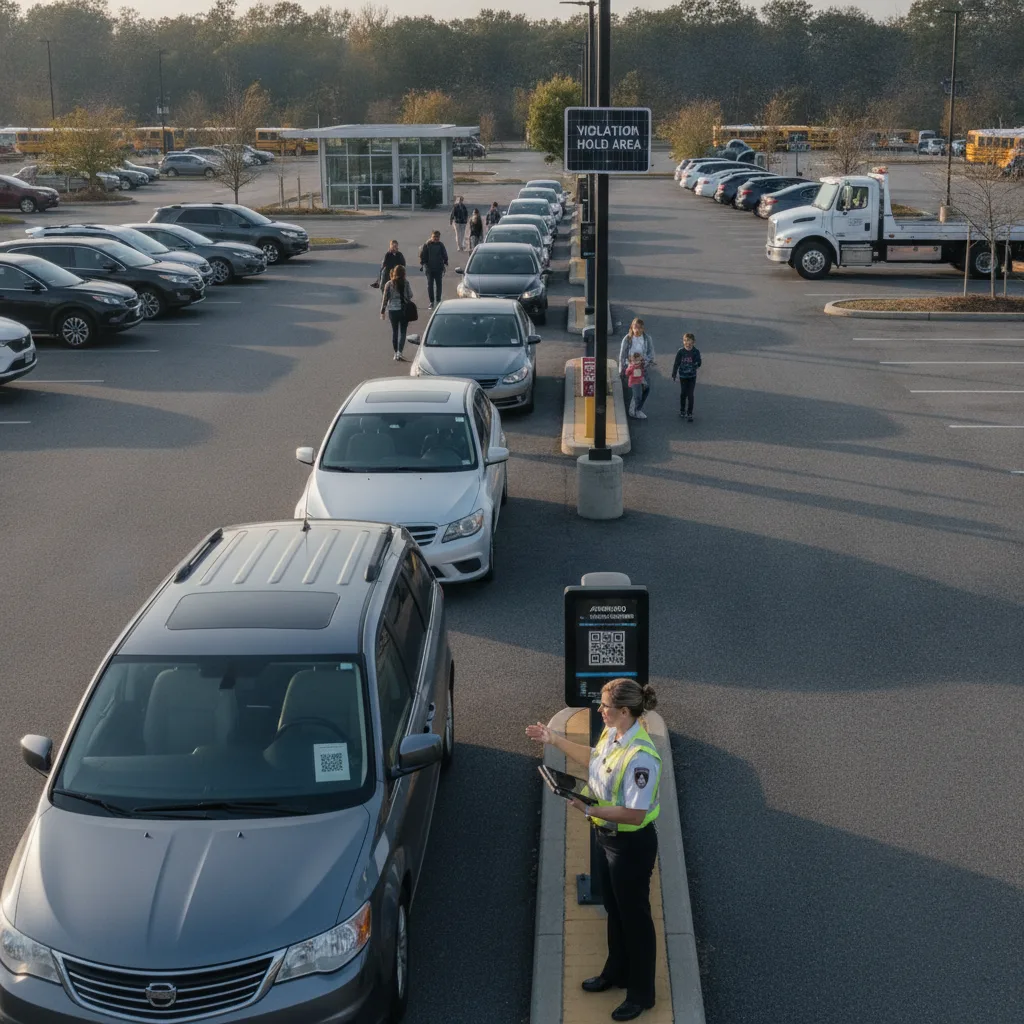
Direct answer: On an event lot, “monthly” permits are usually short, recurring engagements — a festival’s multi-week run, a stadium’s home-game slate, a fairground season — not a calendar-month lease. The upgrade problem isn’t proration by day; it’s keeping staff, vendor, and crew permit tiers clearly separated from the general public’s event-day passes, and making sure a temporary tier expires automatically when the run ends instead of quietly carrying into the off-season.
This guide is for event lot managers, box office and operations staff, security contractors, and the finance teams who settle accounts after each event run.
Why event-lot permit upgrades are a different problem
A downtown monthly garage has one population of parkers whose tiers rarely change mid-month. An event lot has several overlapping populations at once: full-run staff, day-of vendors, security and medical contractors who scale up for the biggest shows, and the general public buying single-event or weekend passes. “Upgrading” a permit here usually means moving someone from a restricted day-shift tier to all-access for load-in and load-out, or adding vehicles to a vendor’s badge mid-run as their crew grows. Mixing that vendor-tier change into the same queue as public season-pass sales creates the kind of confusion where a security vehicle gets flagged as an unpaid public parker, or a vendor’s added truck never makes it onto the list before the next call time.
Staff and vendor tiers vs. public passes
| Tier | Typical change requested | Expiry rule |
|---|---|---|
| Full-run staff | Add a second vehicle, change assigned lot/zone | Ends with the event run, not a fixed calendar date |
| Vendor/contractor | Add crew vehicles as headcount grows mid-run | Ends when the vendor’s contract or call sheet ends |
| Security/medical | Upgrade to all-access for load-in/load-out windows | Time-boxed to specific shifts, not the full run |
| Public season or multi-day pass | Upgrade from single-day to full-run pass | Fixed to the published event calendar |
A realistic scenario: the mid-run security add
A festival’s contracted security company starts with day-shift-only access for eight vehicles. Halfway through a two-week run, the promoter adds overnight load-in/load-out coverage and the security company needs five more vehicles cleared for all-access, effective the next shift. If that change goes through the same request queue as public pass upgrades, it can sit for hours behind routine traffic — which means security vehicles get stopped at the gate during exactly the shift they were added to cover. The fix is a separate, faster-lane process for staff and vendor tier changes, with a named operations owner who can approve them without waiting on the general request queue, and a hard expiry so the all-access grant doesn’t outlive the load-in window it was meant for.
Build the workflow
- Classify the request. Is this a staff/vendor tier change or a public pass upgrade? Route each to a different queue with a different owner.
- Set the effective window. Staff and security changes are usually shift-based, not day-based — record the exact start and end time, tied to the call sheet or shift schedule.
- Update the access list. Confirm the vehicle, zone, and time window in the gate or LPR system before the shift starts, not after it’s already underway.
- Expire on schedule. Set every temporary upgrade to expire automatically at the end of the event run or contract — don’t rely on someone remembering to remove it.
What to test in a limited pilot
Run the process through one full event or event weekend and track: staff/vendor tier changes processed within the same shift they were requested, public pass upgrades that accidentally landed in the staff queue (or vice versa), temporary access grants that expired on schedule versus ones that had to be manually cleaned up, and how the process holds up during the highest-turnover shift change of the run. A virtual permit rollout approach built for high-turnover campuses translates well to event lots, since both need fast tier changes without physical credentials changing hands.
When to escalate
If a security or safety-critical vehicle is denied access during a shift it was supposed to be cleared for, that’s not a billing dispute — it’s an operational stop. Route it to whoever owns gate operations for that shift immediately, and confirm the vehicle’s actual entitlement from the access system’s timestamped record rather than a verbal assurance. For lots that lose connectivity during peak load-in traffic, have a documented fallback (a printed roster, a supervisor override) so a system outage doesn’t block time-critical vehicles; see the outage workflow guide for a structured version of that fallback.
Related PLACA.AI planning resources
Questions event lot managers ask
Should staff and public permit changes go through the same request form?
No. Staff and vendor tier changes are time-sensitive and shift-based; routing them through the same queue as public pass sales means they compete with routine volume during exactly the hours they matter most.
What happens to a temporary access grant if the event run gets extended?
Extend the expiry as a deliberate action tied to the updated event calendar — don’t let it lapse and force a scramble, and don’t let it silently roll forward past the original contract dates.
Who should be able to approve an emergency mid-shift upgrade?
Name one operations owner per shift with the authority to approve a bounded, time-boxed exception on the spot, with the change logged the same way a routine upgrade would be.
Plan a limited workflow review
Bring your last event run’s staff and vendor tier changes and how long each took to process. PLACA.AI’s license plate recognition can clear a vendor’s added vehicles the moment a shift-based upgrade is approved, without a physical badge or decal changing hands mid-run.
Editorial refresh: September 18, 2026. Independently confirm current product capabilities, third-party features, pricing, contracts, governing requirements, and local rules before acting.
Data source: U.S. Department of Transportation