

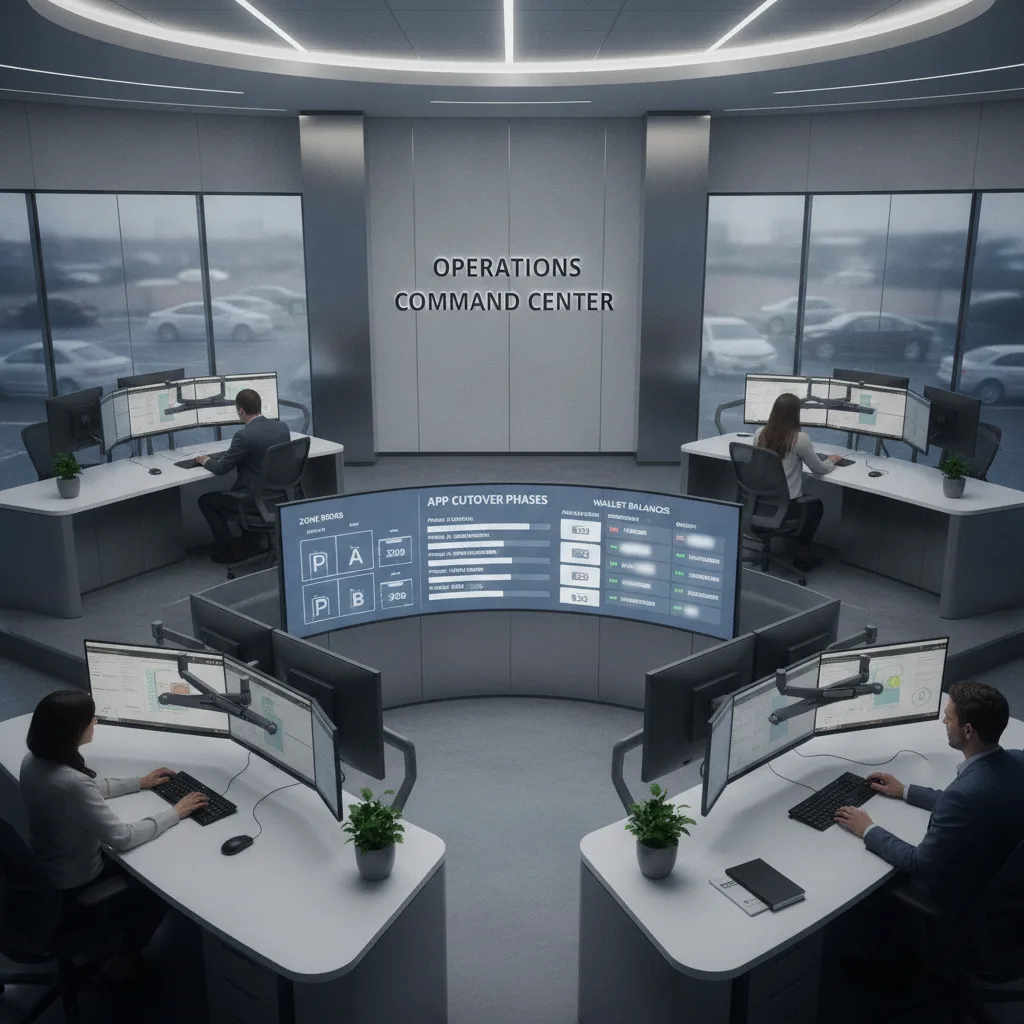
A mobile parking app transition checklist should tell drivers which app works today, tell enforcement which payment records to honor, and tell support how to handle old balances, wrong-zone payments, sign changes, and citations during the overlap. The safest cutover keeps both payment paths reconcilable until signage, kiosks, wallets, and lookup feeds agree.
Key Takeaways
- A parking app cutover is not just a vendor launch; it changes signs, zones, wallet balances, receipts, enforcement lookups, support scripts, and dispute evidence.
- The public question is strongest when drivers can still use the old app in some locations while new signs point to the new app in others.
- Operators should define a dual-recognition window, sign replacement order, wallet or refund process, kiosk fallback, and citation-hold rule before the first sign changes.
- Enforcement teams need a source-of-truth table that says which app, zone, plate, space, and payment feed are valid by block or facility during each phase.
- The goal is a boring transition: fewer confused drivers, fewer paid-but-ticketed complaints, and fewer support cases that require manual reconstruction.
What This Workflow Involves
This workflow starts when a city, campus, garage, or private operator changes mobile parking vendors, adds a second official app, retires an old app, or changes how phone payments connect to enforcement. The operator maps every affected zone, sign, kiosk, meter, plate lookup, wallet balance, text-to-pay path, support script, and citation workflow before the public switch begins.
The practical owner should be a cross-functional group: parking operations, enforcement, finance, customer support, vendor implementation, signage crews, and whoever approves refunds or citation holds. Each phase should answer the same question: if a driver paid through an allowed method, can staff prove it quickly enough to avoid an unfair ticket or a confused appeal?
Why This Problem Is Showing Up Now
Buffalo announced on September 11, 2026 that drivers could use ParkMobile while Buffalo Roam remained available during a phased transition. The city said new ParkMobile signs would be installed across metered areas, wallet balances in the prior app would remain usable during the overlap, refund instructions would come later, and enforcement officers could verify sessions purchased through either system.
That is exactly the kind of transition that creates good operational questions. Drivers see new signs before every old habit is gone. Some still have stored balances. Some blocks may have newer sign instructions than others. Enforcement still has to recognize valid sessions from more than one payment source. Support needs a clean answer when someone asks which app is mandatory, whether an old balance still works, or why a meter does not show the phone payment.
San Francisco shows the same language pattern from another angle. Axios reported on June 12, 2026, that PayByPhone no longer processed SFMTA meter payments, while ParkMobile and HotSpot became official options. SFMTA’s current phone-payment guidance tells drivers to enter the location number, confirm details, and use call or guest-pay options if they do not have a smartphone. A public Reddit discussion observed this week asked whether the switch was mandatory and whether the old app still worked. That thread is only a question-language signal, but the confusion is operationally familiar.
The Core Operational Problem
The failure mode is a split truth table. The driver sees one set of instructions, the app stores another account or balance, the sign references a zone or location number, the kiosk may still be under repair or replacement, and the enforcement device may need to query more than one vendor feed. If those pieces are not synchronized, a valid payer can look unpaid.
Operators usually notice the problem first through support tickets: “I paid in the old app,” “the sign told me to use the new app,” “my wallet still had money,” “the meter did not show my payment,” “I entered the wrong zone,” or “I got a ticket even though the app shows a receipt.” Those are not all the same case. A good cutover separates true nonpayment from transition errors, sign ambiguity, plate mistakes, stale app instructions, and enforcement feed delays.
ParkMobile’s support documentation explains why the data model matters: enforcement verifies a session by matching the plate or space to the zone where the vehicle is parked, and many meters do not visibly activate when an app session starts. During a vendor transition, that invisible evidence path has to remain explainable to drivers and verifiable by staff.
Mobile Parking App Transition Checklist
| Cutover item | Operational decision | Evidence to retain |
|---|---|---|
| Dual-app window | Define exact start and end dates for honoring old and new app sessions by zone, block, lot, or facility. | Vendor feed status, zone table, public notice, and enforcement-device configuration. |
| Sign replacement | Sequence signs so drivers do not see new payment instructions before enforcement can verify the new app. | Installation date, sign photo, block or facility ID, and active payment methods. |
| Wallet balances | State whether old balances remain usable, when they expire, and how refunds will be requested. | Balance policy, refund page, support script, and final service date. |
| Zone and location numbers | Freeze or map old and new zone IDs so plate, space, and location entries resolve correctly. | Crosswalk table, test transaction, and enforcement lookup result. |
| Kiosk and meter fallback | Keep a non-app payment path available where promised, especially while signs and apps change. | Kiosk status, meter status, outage notes, and alternate payment instructions. |
| Text-to-pay and guest pay | Publish phone or web alternatives for drivers who cannot or will not install another app. | Posted instructions, vendor configuration, and successful test receipt. |
| Enforcement holds | Hold escalation for paid-session disputes during the transition until staff reconcile app, plate, zone, and sign evidence. | Receipt, plate, zone, timestamp, sign version, officer lookup, and appeal note. |
| Support escalation | Give front-line support a decision tree for old-app balance, wrong app, wrong zone, duplicate payment, and citation questions. | Case reason, resolution code, refund/citation outcome, and root-cause tag. |
How To Phase The Cutover
Start with an internal shadow phase. Before public signs change, run test sessions in the new app for each zone type: single-space meter, multi-space pay station, private lot, garage, event location, and any area with plate or space-based enforcement. Confirm that enforcement can see the payment by plate, space, zone, and time window. If the meter itself will not show the phone payment, train staff to explain that clearly.
Next, use a public overlap phase. This is where many operators get tempted to move fast, but overlap is valuable if it is controlled. Keep the old app valid only where staff can still verify it. Publish whether old balances can be used during the overlap. Put new signs in a known order and keep an installation log. When a zone changes, support should know the active app mix before drivers start calling.
Finally, close the old app with a reconciliation phase. Announce the final service date, publish refund or balance instructions, preserve receipt records long enough to handle delayed appeals, and update every support page that previously named the old vendor. Do not let the old app become a ghost instruction that still appears on a forgotten sign, help article, or meter decal.
Where Enforcement Needs Extra Guardrails
During a transition, enforcement should not rely on a single “not found” result unless the officer knows which app feeds are valid for that location. A new app may be active citywide while old balances remain valid in specific zones. A driver may pay through the old app because the old sign is still posted. A block may have a new sign but a delayed enforcement configuration. Each case needs a reason code.
The best guardrail is a daily active-zone file. It should list the block or facility, posted sign version, accepted payment apps, zone or location number, kiosk fallback status, and enforcement lookup source. Supervisors can then audit paid-but-ticketed appeals by asking a simple question: did the driver follow a payment method that was valid at that place and time?
This is also where a license-plate recognition workflow can help, but only if it respects payment uncertainty. LPR can connect vehicle presence to a time window, yet it should not convert an app migration error into a penalty without payment feed review. For broader plate-based enforcement context, PLACA’s guide to license plate recognition for parking enforcement explains how plate records support parking decisions.
Driver Communication That Reduces Support Load
Good transition copy should answer five questions without making drivers hunt: which app works here, whether the old app still works, whether wallet balances are usable, what to do without a smartphone, and how enforcement verifies payment. It should avoid vague language such as “new payment options are available” when the real issue is whether the old option is still valid.
Operators should put the same answer in four places: street or facility signs, the website, app store or vendor landing pages, and support scripts. If text-to-pay or guest-pay is available, it belongs on the sign, not only in a press release. If refunds will come later, say that plainly and give drivers a place to check for updates.
The tone matters. A transition notice should not blame drivers for using yesterday’s official method. It should make the new process feel predictable: “Both apps are honored in this zone until the posted end date,” or “Use the app shown on this sign; old app balances remain valid only in listed zones until the final service date.” Specific beats reassuring but incomplete.
Worked Example
A downtown parking authority changes from a wallet-based city app to a pay-per-session vendor. Downtown signs change first, but neighborhood signs will take four weeks. The authority decides that both apps will be honored in every zone until the sign on that block is replaced and the enforcement device receives the updated lookup table. Old balances stay usable through the overlap, and refund instructions are published before the final shutoff date.
On week two, a driver pays through the old app on a block with a new sign and receives a citation. Instead of sending the case directly to collections, support checks the sign installation log, payment feed, plate, zone, and enforcement lookup. The payment was valid under the overlap rule, so the citation is voided and the block is flagged for clearer sign copy. The result is not leniency; it is a controlled cutover doing what it was designed to do.
How This Fits PLACA’s Parking Content
This topic belongs with PLACA’s parking operator LPR workflows because the operator’s real problem is not choosing a famous app name. It is proving that payment, plate, zone, and enforcement data agree during a public transition.
For the broader payment stack, PLACA’s guide to mobile parking payment processing explains why fast checkout still needs correct location, vehicle, duration, and confirmation. If a driver has already received a notice after paying, the paid parking ticket dispute evidence packet is the better back-office workflow. If the issue is a platform failure rather than a planned migration, use the parking system outage workflow for LPR enforcement.
Frequently Asked Questions
How long should two parking payment apps be accepted during a transition?
Long enough for signs, enforcement lookup feeds, kiosk fallback, public instructions, and wallet or refund rules to be aligned. The exact duration depends on zone count, sign crew capacity, vendor cutover timing, and support volume.
Should enforcement pause during a mobile payment app switch?
Not necessarily. Enforcement can continue when officers can verify every accepted payment method for that location. Operators should pause escalation, late fees, or collections for transition-related disputes until app, plate, zone, sign, and timestamp evidence is reconciled.
What happens to old wallet balances when a city changes parking apps?
The operator should state whether balances remain usable during the overlap, whether they expire, and how refunds will be requested. Do not wait until the old app is shut off to publish the refund path.
Do meters need to show that a mobile app session is active?
Often they do not. Many app sessions are verified through enforcement systems rather than the meter display. That makes driver education and officer lookup accuracy especially important during a transition.
What if a driver pays in the wrong app after signs change?
Use the active-zone table. If the old app was still valid for that location and time, reconcile the payment before penalizing the driver. If it was no longer valid, support should explain the posted transition rule and keep the evidence for appeal consistency.
Who should approve the final shutdown of the old app?
Parking operations should approve it only after enforcement, finance, support, signage, and vendor teams confirm that old balances, refund instructions, appeals, zone crosswalks, and public pages are ready.
Next Step
Before changing the next sign, build a one-page cutover table for the affected zones. Include the old app, new app, zone number, sign status, wallet rule, kiosk fallback, enforcement lookup, support owner, and citation-hold rule. Test one paid session from each accepted method before the block goes live.