

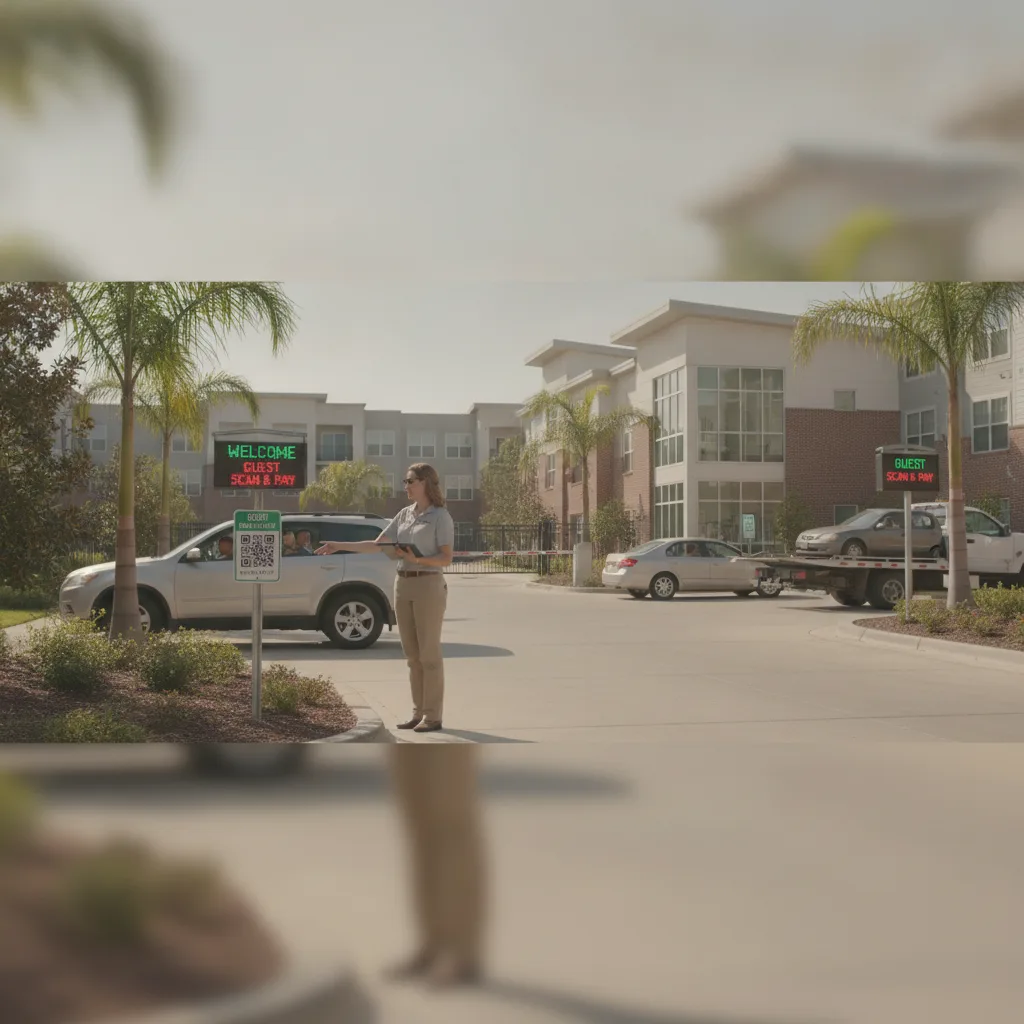
Direct answer: Launching scan-and-pay in apartment guest parking works when every session is tied to a resident sponsor, not just a plate and a payment. Start with one guest lot, require a unit number or resident name at checkout, give the leasing office a way to look up sessions in real time, and keep a phone-in fallback for visitors who don’t have a smartphone or a signal. Expand only after a pilot shows guests are reaching the right lot and residents aren’t getting blamed for sessions they didn’t sponsor.
Guest parking is the part of a property that residents don’t control but get blamed for. A visitor who parks in the wrong row, doesn’t scan, or can’t get a signal at the gate becomes a resident’s problem — a towed car, a frustrated dinner guest, a home health aide who gives up and leaves. For apartment guest parking managers, launching scan-and-pay isn’t really a payment project. It’s a sponsorship project: matching a stranger’s vehicle to a resident who is responsible for it.
What makes guest parking different from resident parking
Resident parking programs can lean on a static list: plate, unit, lease term, done. Guest parking has to handle a rotating cast — movers, rideshare drivers, family visiting for a week, a plumber who’s never been on the property before — each with a different expected duration and a different tolerance for friction. A QR flow built for residents will ask the wrong questions of a guest, and a QR flow built with no sponsorship check at all will let anyone park indefinitely without anyone at the property knowing who to call.
The fix is a checkout flow that asks for the resident’s unit number or name before it asks for payment. That one field turns an anonymous transaction into an accountable one. It also gives the leasing office something to search when a resident calls asking whether their guest’s car is safe, or when enforcement finds an unsponsored vehicle and needs to know who to contact before towing.
Guest scan-and-pay launch sequence
| Stage | What to confirm | Who owns it |
|---|---|---|
| Sign placement | Signage is visible from the guest’s actual approach — visitor entrance, side gate, or overflow row — not just the leasing office door | Property manager |
| Sponsorship check | Checkout requires a resident unit or name match before payment completes | Leasing office |
| Rate and duration | Short visit, overnight guest, and multi-day rates are distinct and match actual lease rules | Property manager |
| Non-smartphone path | A callbox, front-desk number, or leasing office extension is posted for guests who can’t scan | Leasing office |
| Enforcement handoff | Patrol sees paid, sponsored status before issuing a notice, with a named contact for disputes | Enforcement vendor |
Run a one-lot pilot before touching the whole property
- Pick the single guest lot or row with the most complaints today — usually the one nearest the leasing office or the visitor entrance.
- Post signage at the point a guest actually arrives, not just where staff assume they’ll look.
- Require the sponsoring resident’s unit number at checkout and confirm it against the current resident roster.
- Give the leasing office a live view of active sessions so they can answer “is my guest’s car okay?” without calling anyone.
- Route unsponsored or failed scans to a named staff contact with a same-day resolution window, not an open-ended queue.
A realistic case to test before scaling: a resident’s parent arrives for a weekend visit, parks in the guest row, but the resident forgot to notify anyone. The scan should still let the visitor pay and start a session, flag it as unsponsored, and give the leasing office a way to reach the resident before enforcement gets involved — rather than either blocking the visitor entirely or letting an unaccountable vehicle sit indefinitely.
What to measure before expanding
- Share of guest sessions with a valid resident sponsor at checkout
- Leasing office calls related to guest parking, before and after launch
- Guests who abandon the scan flow and use the non-smartphone fallback
- Time between an unsponsored session and staff resolution
- Resident complaints about a guest being towed or ticketed unfairly
Run the pilot long enough to see a full weekend of visitor traffic, since guest parking behavior looks very different on a Tuesday afternoon than a Saturday night. If sponsorship match rates stay low after signage and communication fixes, that’s a signal the checkout flow — not the residents — needs adjusting.
Coordinating with what’s already on-site
Most communities already have a callbox, gate, or intercom system for guest access, and a scan-and-pay launch should route around that hardware rather than replace it. Guests who are buzzed in through an intercom still need to complete the parking side separately, so the signage and QR code should appear at the parking area itself, not just the building entrance. For properties layering in license plate recognition alongside guest QR payments, the plate becomes a second confirmation that the vehicle physically arrived, which helps when a resident swears they sponsored a guest but the payment record is incomplete.
It’s also worth reviewing how guest violations should be documented before launch, since a scan-and-pay system will surface far more edge cases than a paper log ever did. The resident parking report workflow is a useful reference for how to route a guest complaint back to the responsible unit without turning every visitor mix-up into a lease dispute.
Plan a guest parking pilot
Bring your current guest lot map, sponsorship rules, and leasing office escalation path. PLACA.AI can help evaluate a one-lot scan-and-pay pilot scoped to how your community actually handles visitors, before any property-wide rollout.
Data source: U.S. Department of Transportation