

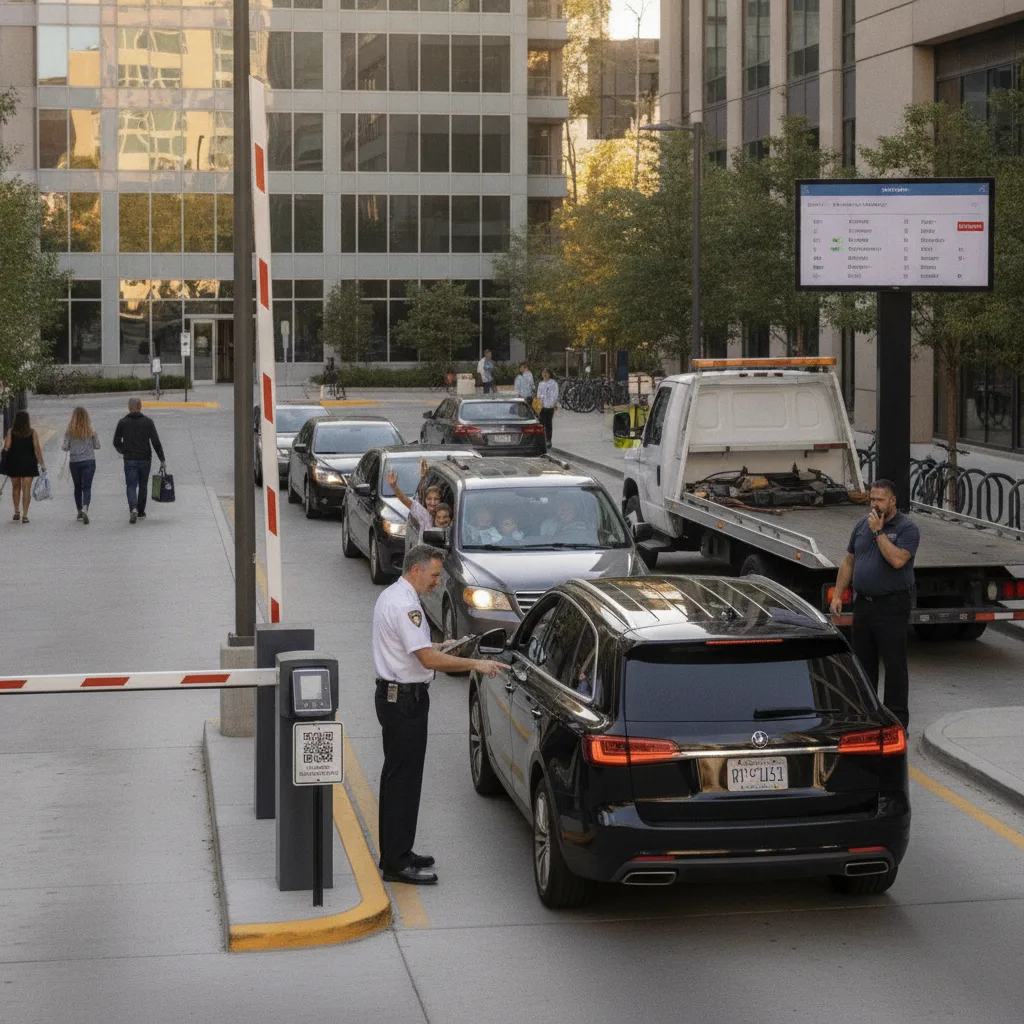
Direct answer: A mixed-use property doesn’t have one parking population — it has at least three: tenants with a monthly reserved right, retail and restaurant visitors validated for a bounded window, and general public overflow paying by the hour. Connecting a QR session to a license plate only solves the real problem if that plate is also tagged to which category it belongs to. Without that tag, a resident’s plate and a two-hour restaurant validation look identical to the system the moment the transaction closes, and enforcement has no way to tell a tenant parked in their own building from a diner who overstayed a validation.
The failure mode isn’t usually a missed payment. It’s a QR landing page that issues a technically valid session for the wrong use type — a restaurant validation code that quietly grants access into the resident garage after the retail window ends, because nothing in the session record separated “retail validation, expires 10 PM” from “resident, no expiry.”
Model each population separately, not as one parking pool
Tenant leases, retail validation terms, and public daily rates each carry different rules for duration, rate, and what happens after the window closes. Treating them as one QR flow with different price tiers works for billing but breaks for enforcement, because enforcement needs to know not just “did this plate pay” but “was this plate allowed to be in this zone under this category.”
Property example: A five-story mixed-use building has ground-floor retail, a second-floor office suite, and residential parking on floors three through five. A retail customer validates for two hours at the coffee shop kiosk. If that validation session isn’t scoped to the retail zone and expiry, the same plate can badge into the residential garage on floors three through five with no additional check — which is exactly the kind of gap a tenant complaint eventually surfaces.
Mixed-use session join by category
| Category | Session scope | Enforcement rule |
|---|---|---|
| Resident tenant | Assigned zone, monthly, no expiry until lease ends | Plate tied to unit; flag if seen outside assigned zone |
| Office tenant | Assigned zone, business-hours window | Flag if present outside business hours without an exception on file |
| Retail/restaurant visitor | Validated zone, bounded duration from validation timestamp | Auto-expire; overstay routes to standard hourly rate, not free extension |
| General public | Public zone only, hourly QR rate | No access to tenant or reserved zones regardless of payment |
Set up the category join in four steps
- Tag at entry: capture which landing page or validation source created the session, not just the plate and payment.
- Scope the zone: every session inherits a zone boundary from its category — retail validation never grants residential access, and vice versa.
- Expire on schedule: retail and office sessions expire automatically; tenant sessions persist until a lease event changes them.
- Reconcile disputes by category: a tenant dispute, a wrong-zone retail overstay, and a public-rate refund are three different resolution paths, not one generic ticket queue.
This is one of the areas where the underlying LPR system does more work than the QR page alone can. Placa.ai’s license plate recognition for parking enforcement approach ties each plate read back to the category that created the session, so a gate or patrol check answers “which category, which zone, still valid” rather than just “paid, yes or no.”
Where mixed-use properties see the most disputes
Two patterns account for most tenant and visitor complaints: a validation that outlives its intended window and quietly grants broader access, and a tenant plate that gets flagged because a guest or family member’s visit wasn’t logged against the unit. Building a correction path for both — who approves a retroactive guest addition, who resets a validation that over-granted access — matters more than the initial session join itself. A receipt-tracking workflow for business tenants and a documented process for monthly permit changes both reduce how often those disputes reach the property manager directly.
Measure by category, not as one blended number
- Sessions correctly scoped to their originating category and zone
- Retail/restaurant validations that overstayed into a tenant zone
- Tenant plates flagged that resolved to an unlogged guest or visitor
- Public-rate sessions attempting tenant-zone access
- Category-specific dispute volume and average resolution time
Before expanding to every entrance
Confirm the category and zone rules with property management, retail tenants, and residential leasing separately before wiring every entrance to the same logic — a rule that works at the retail entrance may not fit the residential garage. Retain evidence for every category correction so a lease or validation dispute has a record behind it, not just a verbal explanation.
Plan a limited workflow review
Bring your current zone map, tenant categories, and validation rules. PLACA.AI can help evaluate a bounded pilot for connecting QR sessions to plates by category without assuming another property’s zone structure fits yours.
Editorial refresh: September 19, 2026. Independently confirm current product capabilities, third-party features, pricing, contracts, governing requirements, and local rules before acting.
Data source: U.S. Department of Transportation