

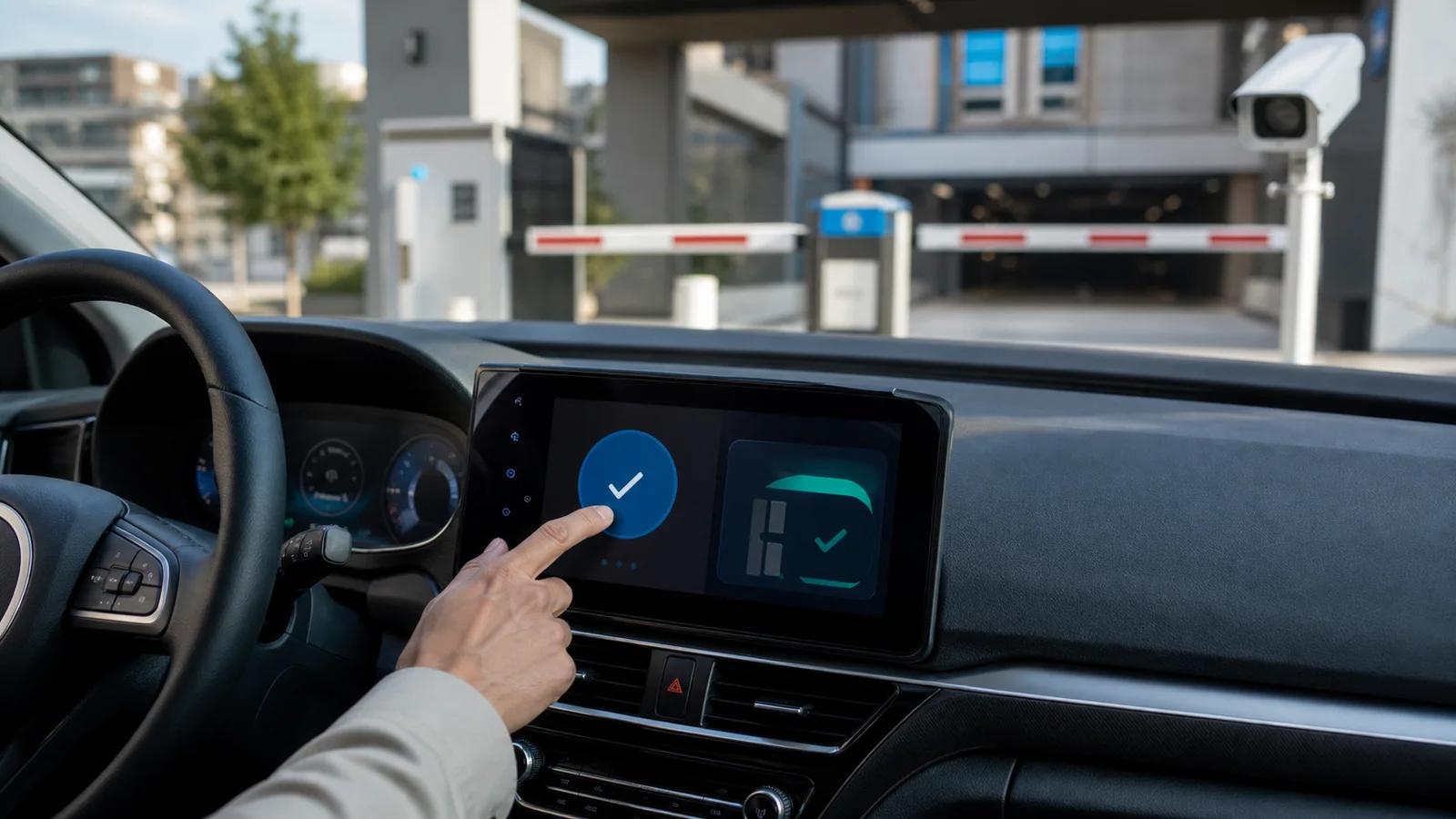
In-car parking payments should not go straight from a vehicle dashboard to enforcement trust. Operators need a reconciliation checklist that verifies the plate, zone, payment source, wallet status, receipt, LPR visit, and support hold before a notice, citation, boot, tow, or collection step moves forward.
Key Takeaways
- Dashboard parking payment is a new payment source, not a replacement for payment reconciliation.
- The operator still needs a trusted match among vehicle, plate, zone, time window, wallet, receipt, and enforcement feed.
- Fresh August 2026 ParkMobile and Parkopedia news makes this an immediate planning question for parking teams, not a distant connected-car concept.
- The highest-risk cases are old saved plates, shared vehicles, rental vehicles, unsupported locations, delayed settlement, and payment feeds that enforcement cannot see yet.
- A support hold should exist before drivers are asked to pay twice or prove a dashboard session across disconnected systems.
What This Workflow Involves
This workflow treats the vehicle dashboard as one more channel in the operator’s payment system. The driver may start the session from an infotainment screen, but the back office still needs the same evidence it would expect from app, web, QR, kiosk, validation, or reservation payments.
The operator should label the source channel, verify the location and zone, match the plate or vehicle record, confirm the payment authorization, record the effective start and end time, and make the receipt visible to support. If the lot uses license plate recognition, the plate event should show whether the session is paid, pending, mismatched, expired, unsupported, or in manual review.
The output is a small set of rules that staff can use before enforcement. A clean match moves normally. A delayed feed waits for the configured reconciliation window. A wrong plate, rental vehicle, old saved vehicle, or dashboard transaction without enforcement visibility goes to review before the operator sends a charge or asks the driver to pay twice.
Why This Problem Is Showing Up Now
On August 3, 2026, ParkMobile announced a collaboration with Parkopedia to support payment from vehicle head units across more than 80,000 U.S. locations. The same announcement positioned the service as a way to reduce the friction of switching among multiple parking apps and interfaces.
Automotive coverage on August 4, 2026 made the public implication clear: drivers are being introduced to the idea that the car itself can find, reserve, or pay for parking. That expectation can be useful for operators, but only if the operating record is as clear as the driver experience feels.
Drivers already complain publicly when one payment interface says they paid while enforcement says the plate is unpaid. A public Tampa parking discussion described the familiar pattern: the driver believed payment existed, the app was tied to an old plate, and the enforcement notice treated the current plate as unpaid. That thread is not factual authority about any operator. It is a signal of the support language connected-car payments will amplify if the source handoff is not visible.
The Core Operational Problem
The core problem is source-of-truth drift. A vehicle interface can make payment feel seamless to the driver, while the operator’s enforcement system may still depend on a plate, state, zone, rate table, validation rule, and session feed. If those records disagree, the driver experiences a broken promise and the operator inherits the complaint.
A parking team should assume that every new channel creates one more failure mode. The wrong vehicle may be selected from an account. A rental or fleet car may not belong to the driver profile. The dashboard may show a nearby lot rather than the exact facility. A payment authorization may succeed while settlement or enforcement visibility lags. A receipt may live with the mobility provider while support works from the operator dashboard.
For parking teams using LPR and payment automation together, the parking operator payment and enforcement workflow hub is the planning center. Connected-car channels should plug into the same policy, evidence, and review process as other payment routes.
Evidence And Source Context
The strongest current factual source is the ParkMobile announcement dated August 3, 2026. It says Parkopedia and ParkMobile are collaborating to make dashboard-originated parking payment available across more than 80,000 U.S. locations, supported by ParkMobile’s network and Parkopedia’s in-vehicle integration experience.
Autoweek’s August 4, 2026 coverage framed the same development for a driver audience: cars may soon let drivers pay for parking from the infotainment system rather than opening a separate app. That news hook matters operationally because drivers will expect the parking operator to understand the payment they started in the vehicle.
Parkopedia has also described a broader in-vehicle payment platform for parking, charging, fuel, and tolls. Operators should treat those platform claims as integration context, not as a guarantee that every local facility, enforcement feed, wallet, or support workflow is ready without testing.
In-Car Parking Payments Operator Checklist
| Checkpoint | Operator question | Evidence to retain |
|---|---|---|
| Source channel | Can staff see that the session came from a dashboard, app, web, QR, reservation, or kiosk route? | Payment source label and provider reference |
| Vehicle identity | Which plate, state, vehicle profile, rental record, or fleet credential was selected? | Plate string, state, vehicle nickname or account reference, correction history |
| Location and zone | Did the interface select the exact lot, garage, zone, event, or rate area? | Facility ID, zone ID, map context, rate table |
| Time window | When did the paid session begin, when did it become visible to enforcement, and when does it expire? | Payment confirmation time, feed received time, expiry time |
| Wallet status | Was the payment authorized, captured, pending, failed, refunded, charged back, or validated by a third party? | Transaction status and processor reference |
| LPR match | Does the entry or patrol scan match the paid plate, confidence threshold, and zone rule? | Plate image, OCR result, confidence, reviewer note |
| Support visibility | Can support find the same receipt the driver sees in the vehicle or mobility account? | Receipt URL or lookup ID, support script, case outcome |
Where Dashboard Payment Can Break
The first risk is vehicle selection. A household account may contain several cars, a business driver may use a fleet vehicle, and a rental driver may not know which plate the system selected. If enforcement only sees the current plate in the lot, a payment under another saved vehicle can look like nonpayment.
The second risk is location selection. Parking facilities often sit beside each other with similar names, shared entrances, event overlays, nested garages, valet zones, or street spaces near private lots. A car interface that chooses the closest or most recognizable option may still choose the wrong enforcement zone.
The third risk is timing. Payment may be authorized before it is visible in the enforcement dashboard. If a patrol agent or LPR system checks during that gap, a paid vehicle can be flagged as unpaid unless the system has a pending-state rule.
Exception Workflow Before Enforcement
- Search the payment feed by plate, facility, zone, session time, and source channel before issuing a notice.
- Check whether the session is clean, pending, failed, refunded, tied to an old plate, tied to another vehicle, or attached to the wrong zone.
- Compare the LPR image with the paid vehicle record and note confidence, state, plate style, and common character substitutions.
- Apply a time-limited hold when the dashboard payment is plausible but not yet visible to enforcement.
- Give support a receipt lookup path that does not require the driver to photograph private wallet or account details.
- Resolve the case as paid, unpaid, wrong plate, wrong zone, pending feed, unsupported location, duplicate charge, or insufficient evidence.
- Feed recurring mismatch causes back into signs, app copy, connected-car provider settings, rate tables, and staff training.
How To Handle Old Plates And Shared Vehicles
Old saved plates are already a common mobile payment problem. A dashboard channel can make the mistake easier because the driver may trust the vehicle profile without opening a normal parking app screen. The operator should decide before launch whether near-match or old-plate payments can be corrected and what proof is needed.
A fair rule does not have to forgive every mismatch. It can require same facility, overlapping time, plausible vehicle relationship, no prior abuse pattern, and support review before a payment is moved or a notice is waived. The important part is consistency. Drivers should hear the same answer from enforcement, support, property management, and the payment provider.
For timing issues around entry, app confirmation, and enforcement visibility, use the parking grace period workflow for LPR lots to define the reconciliation window before a charge is sent.
Privacy, Security, And Limits
Operators should not collect more connected-car data than the parking decision requires. The useful record is usually source channel, plate, zone, session time, transaction status, receipt reference, and review outcome. The operator normally does not need full wallet data, unrelated trip history, phone contacts, navigation history, or personal account screenshots.
The workflow should also preserve non-dashboard alternatives. Some drivers will not have compatible vehicles, will not want a vehicle wallet, will use rentals, will need accessible payment support, or will prefer a web, QR, kiosk, or assisted route. Treat the vehicle interface as one option, not the only option.
Finally, do not overclaim readiness. A national payment partnership does not mean every property system is ready for live enforcement decisions. Test the lots, zones, rates, feeds, receipts, and support scripts that your team actually controls.
Worked Example: Paid In The Car, Flagged By LPR
A driver enters a mixed-use garage at 6:10 p.m. for an event. The dashboard shows a nearby parking option, the driver confirms a two-hour session, and the vehicle displays a successful payment message. The LPR system at the garage reads the plate at entry and again during a patrol sweep at 6:17 p.m.
Without a reconciliation rule, enforcement sees no paid session for that plate and issues a notice. Support later discovers that the dashboard payment was tied to the driver’s old plate and a nearby surface lot with a similar name. The driver sees the issue as paying twice; the operator sees it as a wrong-location transaction.
With a better workflow, the patrol event enters an exception queue because a connected-car payment exists near the same time. Support reviews the facility ID, zone, selected plate, payment source, and LPR image. If the payment clearly belongs to the same visit and the operator policy allows a first correction, the case is adjusted and the driver receives instructions to update the saved vehicle. If the payment belongs to another facility, support explains why the notice remains valid and shows the official payment route for next time.
Frequently Asked Questions
Should operators trust a dashboard payment confirmation automatically?
No. The confirmation is useful, but enforcement should trust the reconciled record: correct facility, zone, plate, time window, payment status, and receipt reference.
What is the first control to test before launch?
Test whether support and enforcement can find the same session by plate, zone, time, and source channel. If staff cannot find the record quickly, drivers will struggle when something goes wrong.
How should operators handle payment-feed delays?
Create a pending status and a time-limited hold. The system should wait long enough for normal synchronization before a notice, late fee, boot, tow, or collection workflow continues.
Do connected-car channels replace QR or mobile app payment?
Not for every driver. Operators should keep alternate routes for incompatible vehicles, rentals, accessibility needs, weak connectivity, cash or card preferences, and drivers who do not want vehicle-wallet payments.
Can LPR fix wrong-plate dashboard sessions?
LPR can show the actual vehicle in the lot. It cannot decide policy by itself. The operator still needs a rule for whether a wrong-plate payment can be corrected, warned, denied, or escalated.
Related PLACA Resources
- Start with the parking operator payment and enforcement workflow hub when mapping payment, LPR, support, and escalation records.
- Use the mobile parking payment processing guide to evaluate payment speed, receipt visibility, and vendor handoffs.
- Review the parking grace period workflow for LPR lots before setting payment-lag and short-stay holds.
Next Step
Before enabling a connected-car channel for enforcement-facing lots, run ten test sessions: correct plate, old plate, rental plate, wrong zone, adjacent lot, event rate, expired time, refund, feed delay, and support lookup. If any test cannot be explained from one case record, fix the handoff before treating the source as enforcement-ready.