

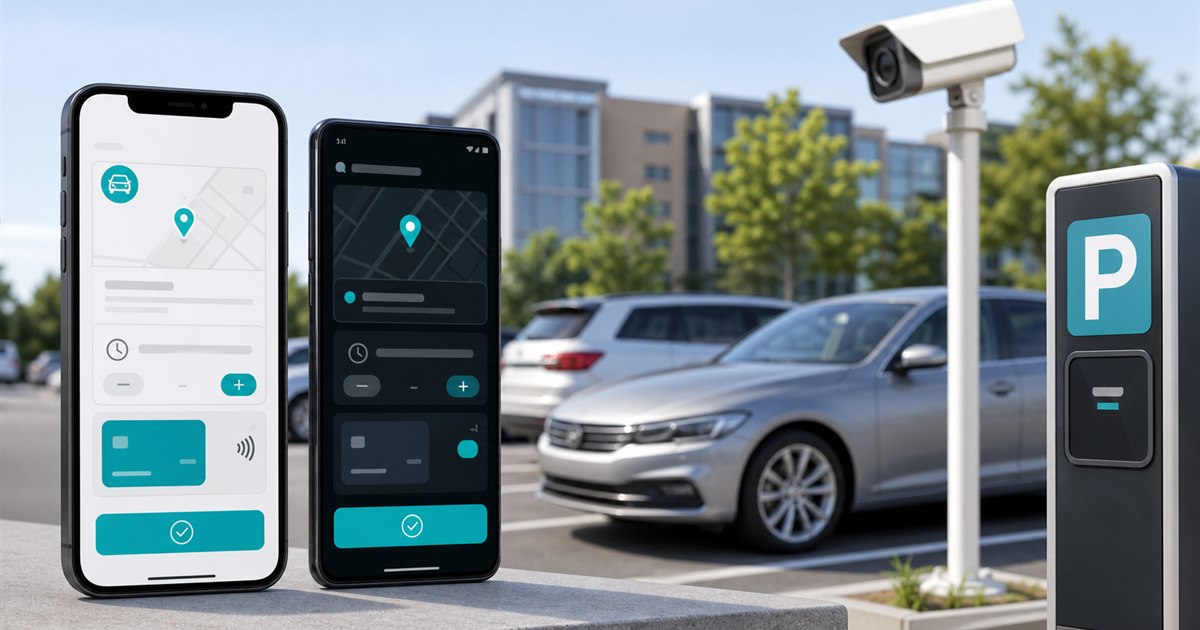
Direct answer: Evaluate the same parking journey on both operating systems: installation, account recovery, location selection, plate management, payment authentication, confirmation, accessibility, notifications, and support. Store availability alone does not prove equivalent operation.
This guide is for drivers, parking operators, property managers, finance teams, and enforcement staff and focuses specifically on choosing parking apps for iPhone and Android. Apply the framework only to the defined use case. Adjacent workflows may need different evidence, controls, and approval.
The failure mode to solve
Mixed-device teams discover differences only after launch, especially around wallet authentication, notification permissions, older devices, browser fallback, and account recovery.
Example: A property pilot recruits one current iPhone, one older supported iPhone, one current Android, and one older supported Android. Each user completes the same test script and records where the screens or permissions differ.
Cross-platform acceptance matrix
| Decision point | Evidence or control | Required response |
|---|---|---|
| Driver fit | Does the service support the devices and versions used by the actual audience? | Verify the exact location and rule |
| Payment and account flow | Can users add a plate, choose a location, pay, and retrieve a receipt on both platforms? | Test with a real low-risk session |
| Operator evidence | Do confirmations reach enforcement consistently regardless of device? | Confirm what staff can review |
| Disqualifier | Reject a workflow that lacks an accessible fallback for supported users. | Choose another workflow if unresolved |
From policy to daily operation
- Step 1. Define the exact decision the choosing parking apps for iPhone and Android review must support instead of selecting an app by download count.
- Step 2. Test signage, location selection, plate selection, duration, payment, confirmation, and correction as one journey.
- Step 3. Record fees, restrictions, receipts, and support behavior from the actual locations in scope.
- Step 4. Separate driver-app convenience from the operator’s enforcement and reconciliation requirements.
For choosing parking apps for iPhone and Android, the named owner should document the approved rule, baseline, and result of each test. Ask the implementation owner to reproduce the result, including outage and correction paths, before accepting it.
Stop conditions and escalation
A dead battery, no app-store access, limited data, declined wallet authentication, lost phone, or inaccessible interface requires a web, phone, kiosk, or staffed fallback where the operator offers one.
Consistent closure protects both users and operators: correct the record, approve a bounded exception, deny under the rule, or escalate.
A bounded pilot plan
Choose a pilot small enough to inspect case by case and long enough to capture the recurring operating pattern.
- test journeys completed on each supported device
- support requests by platform
- payment confirmations reaching the operator
- account-recovery completion time
- users requiring an alternate payment method
State the measurement rule in plain language before collecting the first result.
Acceptance evidence
- Write the purpose and non-goals for choosing parking apps for iPhone and Android and name the accountable owner.
- Verify the process with the actual drivers, parking operators, property managers, finance teams, and enforcement staff who will use, administer, or review it.
- Test a correction, an unavailable-system path, and the exception described on this page.
- Confirm current pricing, contract terms, support, integrations, and data handling directly with each provider.
- Use test journeys completed on each supported device as one acceptance signal and record what evidence can stop the rollout.
Related PLACA.AI planning resources
Operational questions
Is one parking app best for both iPhone and Android?
There is no universal answer; test the apps accepted at the locations you use and the devices your audience actually carries.
Should operators support mobile web?
A browser option can reduce app-install friction, but it must be tested for payment, confirmation, and accessibility.
Do phone notifications replace posted signs?
No. Users remain responsible for the location’s posted parking rules and confirmed session details.
Official sources to verify current features
App coverage, fees, and rules change by operator and location. These official resources were reviewed as starting points; confirm the current checkout screen and posted rules for the actual location.
- ParkMobile zone parking and app information
- PayByPhone: how mobile parking works
- ParkWhiz official parking reservation page
Run a cross-platform parking-app test
Bring the rules, current process, known exceptions, and success criteria for choosing parking apps for iPhone and Android. PLACA.AI can help evaluate a limited pilot without presuming that another property’s hardware or workflow is the right answer.
Editorial refresh: July 22, 2026. Before using this framework for choosing parking apps for iPhone and Android, independently confirm current product capabilities, third-party features, pricing, contracts, governing requirements, and local rules.