

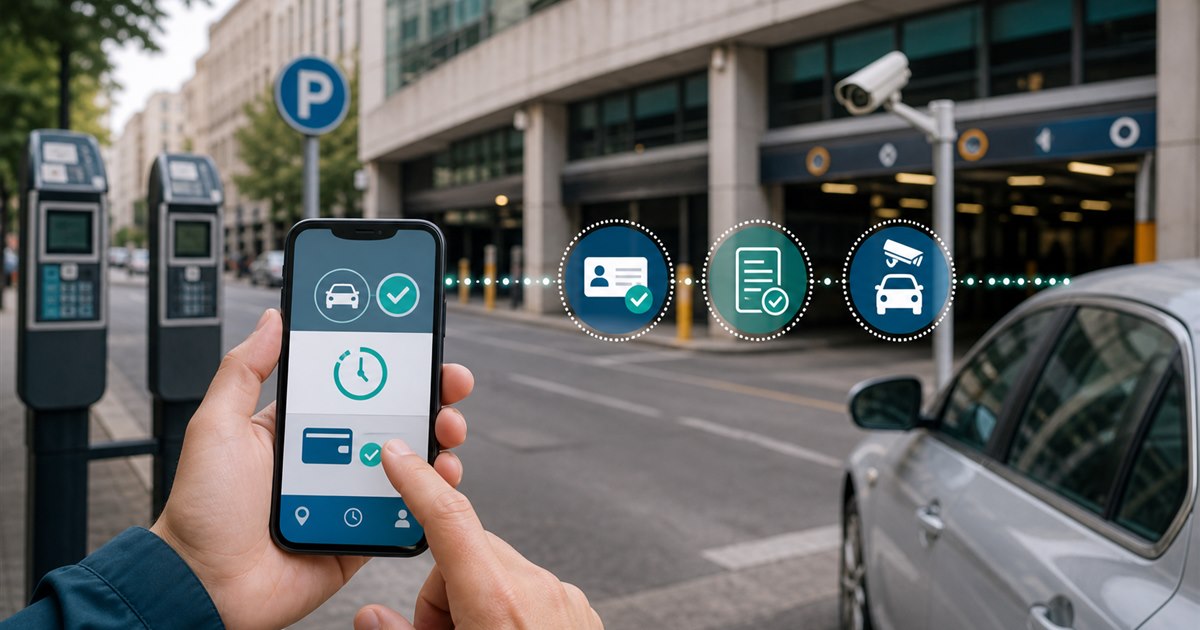
Direct answer: Compare ParkMobile and Passport at the operator and location level. Both can support mobile parking payments, but availability, branding, payment rules, enforcement integration, fees, support, and procurement scope are determined by the participating city or operator.
This guide is for drivers, parking operators, property managers, finance teams, and enforcement staff and focuses specifically on comparing ParkMobile and Passport. The goal is a controlled decision, not more data or automation for its own sake. Confirm all legal, contractual, and operational boundaries separately.
Where the process loses control
Consumer comparisons become misleading when they treat nationwide app names as identical products in every city. The driver experience and the operator platform can differ by deployment.
Example: A city evaluating a replacement should run the same parking sessions through each proposal, while a driver choosing for one trip should simply follow the posted provider and verify the plate, zone, duration, and confirmation.
Operator-and-driver comparison matrix
| Decision point | Evidence or control | Required response |
|---|---|---|
| Driver fit | Which service is actually accepted at the target locations? | Verify the exact location and rule |
| Payment and account flow | Test zone entry, vehicle selection, duration, payment, confirmation, extension, and receipt. | Test with a real low-risk session |
| Operator evidence | Review enforcement visibility, reconciliation, reporting, support ownership, and procurement requirements. | Confirm what staff can review |
| Disqualifier | Do not infer citywide coverage from one participating garage or street zone. | Choose another workflow if unresolved |
Build the workflow in stages
- Step 1. Define the exact decision the comparing ParkMobile and Passport review must support instead of selecting an app by download count.
- Step 2. Test signage, location selection, plate selection, duration, payment, confirmation, and correction as one journey.
- Step 3. Record fees, restrictions, receipts, and support behavior from the actual locations in scope.
- Step 4. Separate driver-app convenience from the operator’s enforcement and reconciliation requirements.
For comparing ParkMobile and Passport, the named owner should document the approved rule, baseline, and result of each test. A valid acceptance test uses production-like conditions without putting people, access, payments, or enforcement at avoidable risk.
Correction, appeal, and fallback
Migration between providers, overlapping signage, existing user accounts, delayed enforcement updates, refunds, and public communication require a cutover plan.
Temporary workarounds need explicit expiration; otherwise they conceal defects and defeat consistent policy.
Pilot scorecard
Run a reversible trial, hold a scheduled review, and document why the team expands, redesigns, or stops.
- successful test payments
- sessions visible to enforcement within the expected window
- wrong-provider or wrong-zone errors
- reconciliation exceptions
- driver support contacts during rollout
Pair every target with a current-state measurement and named data owner.
Pre-launch review
- Write the purpose and non-goals for comparing ParkMobile and Passport and name the accountable owner.
- Verify the process with the actual drivers, parking operators, property managers, finance teams, and enforcement staff who will use, administer, or review it.
- Test a correction, an unavailable-system path, and the exception described on this page.
- Confirm current pricing, contract terms, support, integrations, and data handling directly with each provider.
- Use successful test payments as one acceptance signal and record what evidence can stop the rollout.
Related PLACA.AI planning resources
Questions for the implementation team
Is ParkMobile better than Passport?
Not universally. Compare the specific operator deployment, locations, fees, rules, support, and back-office requirements.
Can drivers choose either app at the same space?
Only when the operator explicitly supports both; follow the posted signage and confirmation.
What should an operator pilot include?
Driver payment, enforcement lookup, refund or correction, reconciliation, support, and communications.
Official sources to verify current features
App coverage, fees, and rules change by operator and location. These official resources were reviewed as starting points; confirm the current checkout screen and posted rules for the actual location.
- ParkMobile zone parking and app information
- ParkMobile support: parking session extensions
- Passport mobile parking app for cities and operators
Run an operator-level ParkMobile and Passport test
Bring the rules, current process, known exceptions, and success criteria for comparing ParkMobile and Passport. PLACA.AI can help evaluate a limited pilot without presuming that another property’s hardware or workflow is the right answer.
Editorial refresh: July 22, 2026. Before using this framework for comparing ParkMobile and Passport, independently confirm current product capabilities, third-party features, pricing, contracts, governing requirements, and local rules.