

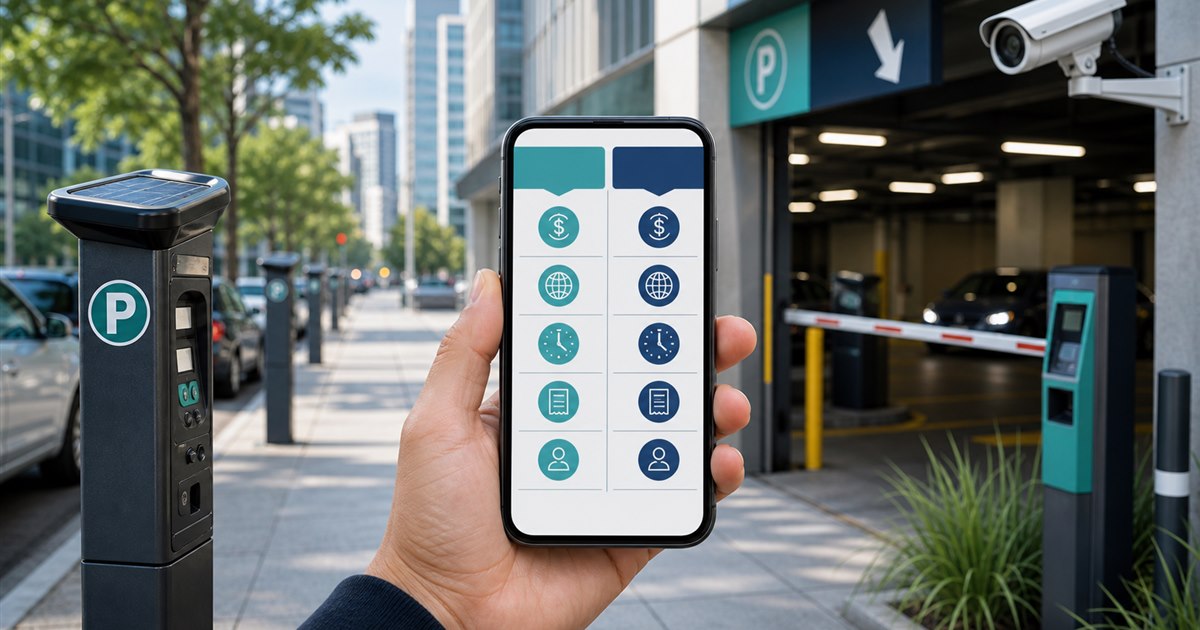
Direct answer: ParkMobile and PayByPhone both support mobile parking at participating locations. Compare them using the places that matter to you, local extension rules, vehicle management, receipts, payment methods, notifications, support, enforcement visibility, and the operator agreement.
This guide is for drivers, parking operators, property managers, finance teams, and enforcement staff and focuses specifically on comparing ParkMobile and PayByPhone. Use this guidance to frame the review, then validate it against the property, organization, devices, and rules actually in scope.
Why the current approach breaks
A feature listed by an app may be disabled or constrained by the local parking authority. Extensions, maximum stays, fees, and accepted payment channels can differ from one location to another.
Example: A commuter who parks in two cities should test both recurring destinations. If one uses ParkMobile and the other uses PayByPhone, maintaining both accounts may be more practical than choosing a theoretical winner.
Location-specific vendor matrix
| Decision point | Evidence or control | Required response |
|---|---|---|
| Driver fit | Which service is posted at the required curb, lot, or garage locations? | Verify the exact location and rule |
| Payment and account flow | Run the same zone, plate, duration, payment, extension, and receipt test where permitted. | Test with a real low-risk session |
| Operator evidence | Operators should test session visibility, corrections, reconciliation, reporting, and support escalation. | Confirm what staff can review |
| Disqualifier | Do not select based on an extension promise that conflicts with local maximum-stay rules. | Choose another workflow if unresolved |
A practical operating sequence
- Step 1. Define the exact decision the comparing ParkMobile and PayByPhone review must support instead of selecting an app by download count.
- Step 2. Test signage, location selection, plate selection, duration, payment, confirmation, and correction as one journey.
- Step 3. Record fees, restrictions, receipts, and support behavior from the actual locations in scope.
- Step 4. Separate driver-app convenience from the operator’s enforcement and reconciliation requirements.
For comparing ParkMobile and PayByPhone, the named owner should document the approved rule, baseline, and result of each test. Field verification should challenge the proposed process instead of confirming only the easiest scenario.
Exceptions that need a human decision
Wrong zones, wrong plates, maximum stays, expired sessions, failed payment, SMS charges, and inaccessible accounts need provider- and operator-specific support instructions.
Every off-normal case needs a traceable end state rather than an informal promise to fix it later.
How to test the workflow
Limit the first run to a manageable cohort and document both successful cases and the work that still required manual intervention.
- successful first-attempt sessions
- extensions allowed versus attempted
- receipt retrieval time
- wrong-zone or wrong-plate incidents
- operator reconciliation exceptions
A metric becomes useful only when its source and comparison period are known.
Verification before rollout
- Write the purpose and non-goals for comparing ParkMobile and PayByPhone and name the accountable owner.
- Verify the process with the actual drivers, parking operators, property managers, finance teams, and enforcement staff who will use, administer, or review it.
- Test a correction, an unavailable-system path, and the exception described on this page.
- Confirm current pricing, contract terms, support, integrations, and data handling directly with each provider.
- Use successful first-attempt sessions as one acceptance signal and record what evidence can stop the rollout.
Related PLACA.AI planning resources
Questions this page should answer
Can both apps extend parking remotely?
Both describe extension workflows, but the local operator’s rules and maximum stay determine whether an extension is available.
Which app has better coverage?
Coverage changes and is location-specific; check the destinations you actually use.
What should an operator compare beyond the app?
Enforcement, settlement, reporting, support, data governance, implementation, communications, and contract terms.
Official sources to verify current features
App coverage, fees, and rules change by operator and location. These official resources were reviewed as starting points; confirm the current checkout screen and posted rules for the actual location.
- ParkMobile zone parking and app information
- ParkMobile support: parking session extensions
- PayByPhone: how mobile parking works
- PayByPhone support: extend parking
Run a location-specific ParkMobile and PayByPhone test
Bring the rules, current process, known exceptions, and success criteria for comparing ParkMobile and PayByPhone. PLACA.AI can help evaluate a limited pilot without presuming that another property’s hardware or workflow is the right answer.
Editorial refresh: July 22, 2026. Before using this framework for comparing ParkMobile and PayByPhone, independently confirm current product capabilities, third-party features, pricing, contracts, governing requirements, and local rules.