

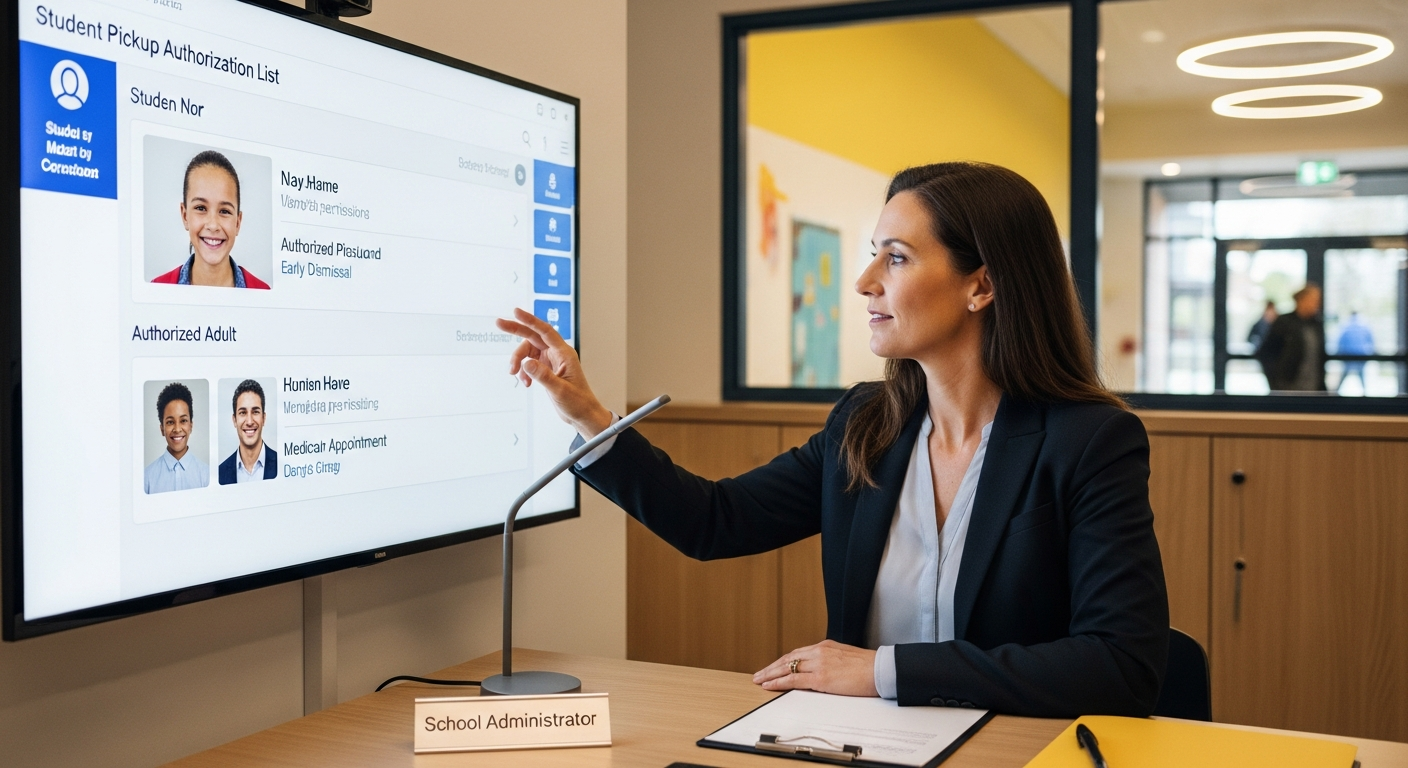
Student pickup authorization is the process of determining who is allowed to pick up each student – and verifying that authorization at the time of pickup. Here is how modern schools manage it.
Student Pickup Authorization: What Schools Need to Know
Most schools have some form of pickup authorization system – a list of approved people per student, maintained in the office. The problem is that this list is often static, paper-based, and difficult to check quickly during a busy dismissal. A digital authorization system makes this process dynamic, parent-controlled, and instantly checkable.
What Student Pickup Authorization Covers
- Which adults are allowed to pick up each student
- On which days or within which time windows those adults are authorized
- Which adults have temporary or one-time authorization
- Which adults have been revoked or restricted by custody order or parent decision
- What verification method is associated with each authorized adult (plate, QR, or manual)
How Authorization Is Verified During Pickup
In a digital dismissal system, the authorization check happens automatically when a vehicle arrives or a QR code is scanned. The system checks:
- Is this vehicle or QR code registered in the system?
- Is the associated person on this student’s authorized pickup list?
- Is the authorization active today (checking day-of-week restrictions and expiration dates)?
- Has the authorization been revoked?
If all checks pass, the staff notification shows the student name and “Authorized.” If any check fails, the notification shows “Not Authorized” and staff receives an alert. See the full FAQ for how each scenario is handled.
Parent-Controlled Authorization: Why It Matters
The most effective authorization systems put parents in control. Parents know who should and should not have access to their child better than any school database can. A parent portal that lets parents add, restrict, and revoke authorization instantly – without calling the front office – reduces errors and gives parents real agency.
See how Placa’s student pickup line app handles parent-controlled authorization for grandparents, carpools, and temporary pickups.
Custody Restrictions and Authorization
Schools regularly deal with custody restrictions – court orders that limit which parent or which adults can pick up a student. A digital authorization system lets schools implement these restrictions at the database level, so the check happens automatically rather than depending on staff memory.
Common Authorization Scenarios
- Regular parent pickup: Plate or QR registered, authorized every day
- Grandparent pickup every Tuesday: Plate registered, Tuesday-only restriction set by parent
- One-time neighbor pickup: Temporary authorization set by parent for one day, expires automatically
- Carpool partner: Multiple students authorized to one vehicle, each parent manages their child’s authorization independently
- Custody restriction: One parent’s plate blocked from pickup, school configured to alert staff if that plate appears
Review pickup authorization options for your school
Data reference: National Center for Education Statistics
Related planning resource: using LPR to document pickup accountability.
Related planning resource: verify authorized vehicles during dismissal.
Related planning resources: dismissal software considerations for principals, parent request process for pickup apps and paper car tags in modern dismissal.
Related Authorized Pickup Resources
These related guides connect pickup authorization to school pickup line software, car rider dismissal, and dismissal management workflows.
- School Pickup Line Software
- School Car Line Software for Elementary and Middle School Dismissal
- Parent Pickup App for Schools vs Vehicle Recognition
- Carline Automation Software
- School Dismissal Management System
- School Car Rider Dismissal Software for Safer Afternoon Pickup
- QR code school pickup system for privacy-conscious families
- authorized student pickup software concepts