

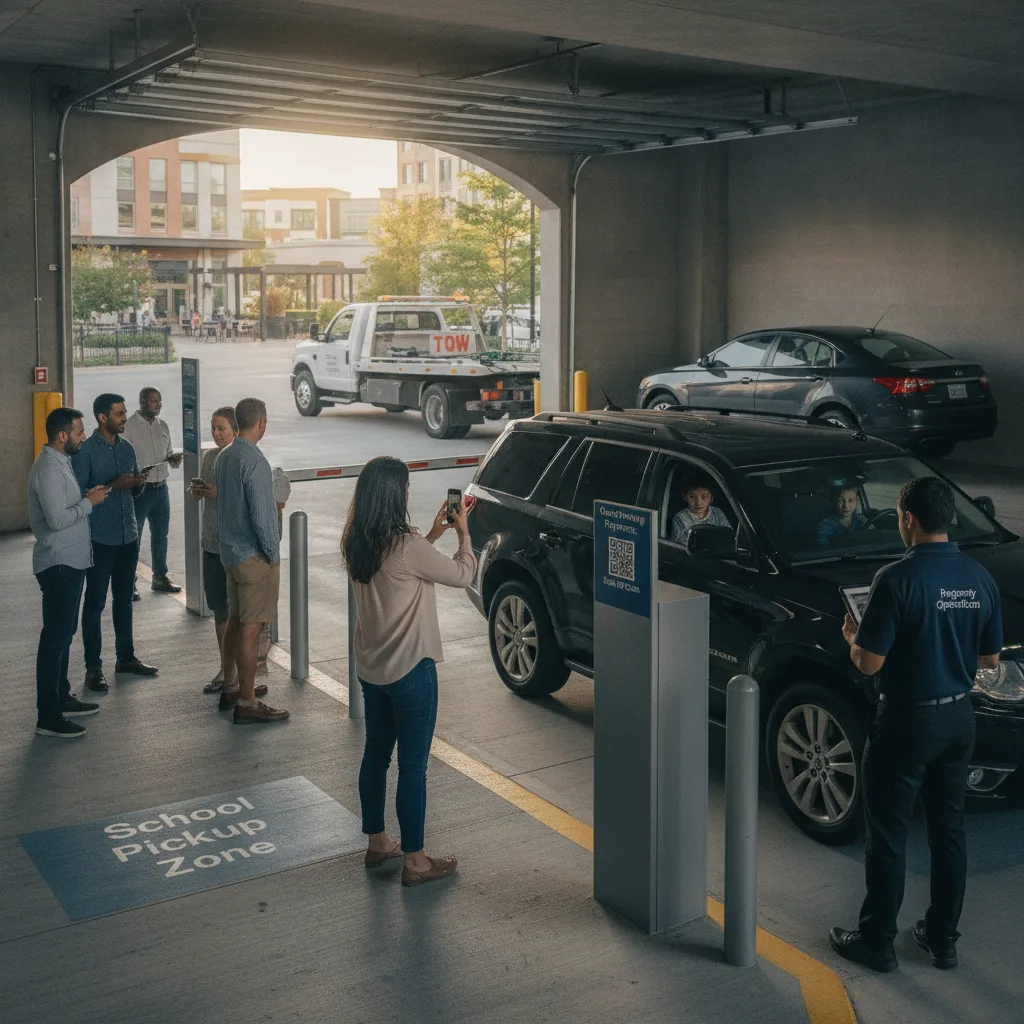
Direct answer: The complexity in a mixed-use guest lot isn’t payment technology — it’s that one entrance serves three different guest types with three different rules. Build a single flow that asks “who are you visiting?” first, then routes to the right rate, validation, and duration automatically. Don’t run a separate app, sign, or kiosk per tenant type; run one entry point with branching logic so a restaurant guest, an office visitor, and a resident’s guest all start the same way and end up in the entitlement that actually matches their visit.
This is written for owners and managers of mixed-use properties — residential above, retail and office below, sharing an entrance, garage, or surface lot — where guests routinely park for the wrong tenant type because the signage or app doesn’t ask what they’re there for.
The problem is entitlement confusion, not hardware
Mixed-use guest lots rarely fail because a machine breaks. They fail because a guest sees one sign, one QR code, or one app, and it doesn’t know whether they’re a restaurant customer entitled to two hours validated, an office visitor who needs a day pass their host has to approve, or a resident’s guest who should never be charged the retail rate at all. Every one of those is a different rule sharing the same curb cut.
Example: A couple parks for dinner at the ground-floor restaurant and scans the lot’s general QR code. Without a destination step, the flow shows them the office day-rate — the only option it knows how to sell — and they pay three times what a validated retail visit should cost. The restaurant now has an angry customer and a refund to process that has nothing to do with the restaurant.
One flow, branching by destination
| Guest type | What they should see | What breaks without branching |
|---|---|---|
| Retail / restaurant customer | Short-duration, validated rate tied to the merchant | Sold a day-rate meant for office visitors |
| Office visitor | Host-approved day pass, tenant-billed or guest-paid | No validation path; guest pays full public rate or gets turned away |
| Resident’s guest | Free or resident-sponsored session, no public rate at all | Charged the retail or office rate meant for the public |
| Cross-tenant dispute | One property-level owner who resolves it, not each tenant separately | Guest bounces between retail, office, and leasing with no resolution |
Building the branch
- Ask destination first. The entry point — a single QR code or link — opens with “Who are you visiting?” (retail/restaurant, office, or resident) before anything else happens.
- Route to the matching rate. Retail selections pull the merchant’s validation window; office selections require a host code or tenant billing; resident selections skip payment entirely and tie to the unit’s sponsor link.
- Keep the plate as the constant. Whichever branch a guest takes, the plate and the entitlement travel together, so a patrol check sees one active status per vehicle regardless of which tenant they visited.
- Name one owner for disputes. A guest who picked the wrong branch, or whose merchant forgot to validate, should have one property-level contact to fix it — not three tenants pointing at each other.
Where the boundary needs to hold
Keep an accessible, non-smartphone option at the same entry point — a posted number that reaches the same property-level owner, not a different one per tenant. And keep the destination categories honest: if “office visitor” quietly becomes the default because it’s the only branch anyone tests, retail and resident guests will keep landing in the wrong entitlement no matter how good the QR code looks. Cross-tenant disputes — a retail guest who thinks they were charged an office rate — should resolve to a single accountable owner, with the correction logged against the original session rather than issued as a blind refund.
What to track during a pilot
Run the branched flow for at least two full weeks that include a normal retail evening, an office business day, and a weekend when resident guest traffic is highest.
- Guests who reach the correct entitlement on the first try, by destination type
- Wrong-branch sessions caught and corrected, and how they were caught
- Validations applied versus validations that should have applied
- Support cases broken out by which tenant’s guest they involved
If wrong-branch sessions cluster around one guest type — office visitors picking “retail” because it’s listed first, say — that’s a menu-ordering problem to fix before adding any other complexity to the flow.
For the signage side of keeping entitlements distinct at a shared entrance, see the parking signage disclosure checklist. Office tenants who need parking receipts for expense reporting can reference tracking parking receipts for business users, and the retail-versus-office compliance question is covered in improving self-parking compliance at mixed-use properties. Guests comparing how the payment step itself works can start with the mobile parking app guide.
Questions owners ask before rolling this out
Do we need separate apps for retail, office, and residential?
No — that’s the pattern this is meant to replace. One entry point with a destination question at the start does the routing; separate apps just recreate the confusion under different branding.
Who approves an office day pass?
The host tenant, either through a code they hand the visitor in advance or a lightweight approval step tied to their own tenant account — not the property manager approving every individual visit.
What should stop the rollout?
If wrong-branch sessions aren’t dropping after two weeks, or if any tenant type still can’t reach a validated rate at all, fix the branching before adding more guest volume to it.
Plan a limited workflow review
Bring your current tenant mix, validation rules, and a week of guest-parking support tickets. PLACA.AI can help map the branching logic without assuming another property’s tenant split is the same as yours.
Editorial refresh: September 19, 2026. Independently confirm current product capabilities, third-party features, pricing, contracts, governing requirements, and local rules before acting.
Data source: U.S. Department of Transportation