

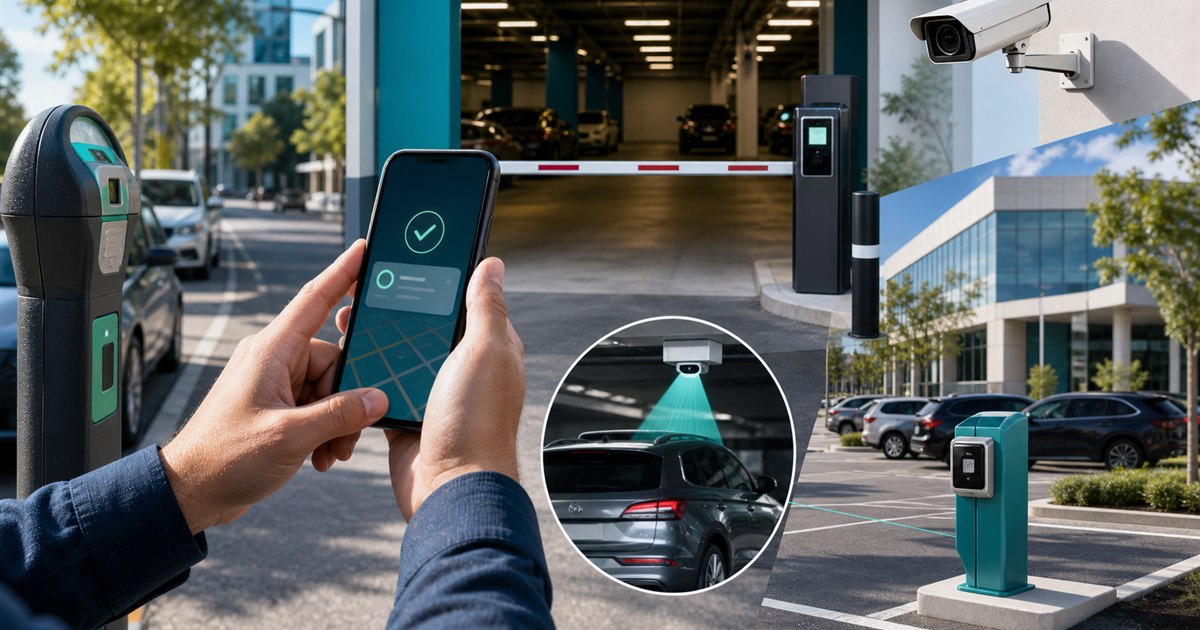
Direct answer: Frequent city parkers should choose a small portfolio of apps based on recurring destinations and trip modes: curb zones, municipal lots, garages, events, airports, and monthly parking. No single app is best for every inventory type.
This guide is for drivers, parking operators, property managers, finance teams, and enforcement staff and focuses specifically on choosing a mobile parking payment app for frequent city parking. This is deliberately not a universal product ranking. The relevant question is whether the proposed workflow works under the user’s constraints.
The failure mode to solve
Roundup pages often rank apps without stating whether the driver needs on-demand zone payment, advance reservation, business receipts, multiple vehicles, or broad city coverage.
Example: A consultant who parks downtown three days a week and travels monthly may use a zone-payment app for routine curb sessions and a reservation service for airport or event garages.
Trip-mode scorecard
| Decision point | Evidence or control | Required response |
|---|---|---|
| Driver fit | List recurring destinations and classify each as curb, lot, garage, event, airport, or monthly. | Verify the exact location and rule |
| Payment and account flow | Score accepted locations, plate workflow, receipts, extensions, reservation rules, and total cost. | Test with a real low-risk session |
| Operator evidence | Operators need clear signage, session confirmation, enforcement visibility, and reconciliation. | Confirm what staff can review |
| Disqualifier | Do not choose an app that misses the driver’s highest-frequency destination. | Choose another workflow if unresolved |
From policy to daily operation
- Step 1. Define the exact decision the choosing a mobile parking payment app for frequent city parking review must support instead of selecting an app by download count.
- Step 2. Test signage, location selection, plate selection, duration, payment, confirmation, and correction as one journey.
- Step 3. Record fees, restrictions, receipts, and support behavior from the actual locations in scope.
- Step 4. Separate driver-app convenience from the operator’s enforcement and reconciliation requirements.
For choosing a mobile parking payment app for frequent city parking, the named owner should document the approved rule, baseline, and result of each test. Require evidence from the target site and operating team; screenshots and feature lists are not substitutes for end-to-end testing.
Stop conditions and escalation
Rental vehicles, expense receipts, new-city travel, poor signal, changed schedules, and parking-rule differences require more than a single app recommendation.
Exception records should show the input, reviewer, rule applied, response, and closure time.
A bounded pilot plan
Test the highest-frequency path and one difficult exception before adding more locations or users.
- recurring destinations covered
- sessions completed without account or plate correction
- receipts submitted successfully
- average final trip cost by mode
- support contacts per ten parking sessions
Freeze the baseline and success threshold before the pilot begins.
Acceptance evidence
- Write the purpose and non-goals for choosing a mobile parking payment app for frequent city parking and name the accountable owner.
- Verify the process with the actual drivers, parking operators, property managers, finance teams, and enforcement staff who will use, administer, or review it.
- Test a correction, an unavailable-system path, and the exception described on this page.
- Confirm current pricing, contract terms, support, integrations, and data handling directly with each provider.
- Use recurring destinations covered as one acceptance signal and record what evidence can stop the rollout.
Related PLACA.AI planning resources
Operational questions
What is the best parking app?
The best fit is the one accepted at your recurring locations and suited to your dominant trip type.
Should frequent parkers keep multiple apps?
Often yes, especially when they use both municipal zone parking and reservable garages or airports.
What should operators learn from frequent users?
Where signage, plate selection, receipts, extensions, and support cause repeated friction.
Official sources to verify current features
App coverage, fees, and rules change by operator and location. These official resources were reviewed as starting points; confirm the current checkout screen and posted rules for the actual location.
- ParkMobile zone parking and app information
- PayByPhone: how mobile parking works
- Passport mobile parking app for cities and operators
- SpotHero official parking reservation page
- ParkWhiz official parking reservation page
Build a personal parking-app scorecard
Bring the rules, current process, known exceptions, and success criteria for choosing a mobile parking payment app for frequent city parking. PLACA.AI can help evaluate a limited pilot without presuming that another property’s hardware or workflow is the right answer.
Editorial refresh: July 22, 2026. Before using this framework for choosing a mobile parking payment app for frequent city parking, independently confirm current product capabilities, third-party features, pricing, contracts, governing requirements, and local rules.