

School Pickup Line Software
School Dismissal Management System: What Administrators Should Look For
A buyer checklist for school dismissal management systems covering authorized pickup, carlines, QR fallback, staff roles, audit logs, and privacy.
Administrators should look for dismissal software that supports parent pickup, authorized pickup records, staff roles, carline management, temporary authorization, QR fallback, audit logs, privacy controls, reporting, and clear exception handling. Placa.ai adds vehicle recognition so staff can verify arriving vehicles before staff-approved dismissal.
Placa.ai supports dismissal staff. It does not replace school judgment or automatically release students.
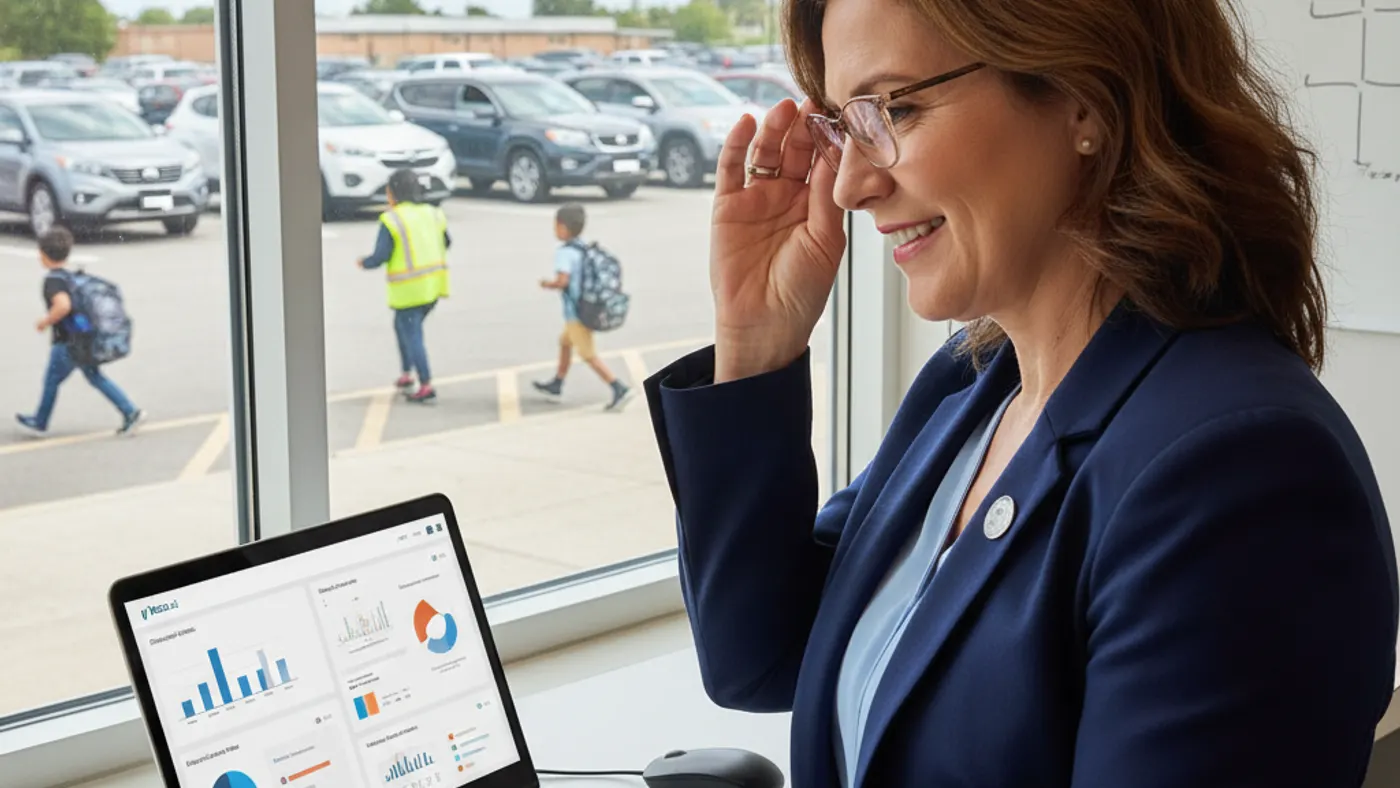
A Common Administrator Buying Scenario
A school administrator starts comparing dismissal systems after weeks of parent complaints about long pickup lines and unclear release procedures. Teachers want fewer radio calls. Parents want confidence that authorized pickup changes are handled correctly. The front office wants fewer last-minute interruptions. The right dismissal management system should not just look modern; it should fit the actual afternoon workflow.
How Placa.ai Supports Staff-Approved Dismissal
Identify the Arriving Vehicle
Compatible cameras can help Placa.ai recognize the parent or guardian vehicle as it reaches the pickup lane.
Verify Authorization
The vehicle can be checked against the associated student and authorized pickup record, including temporary or revoked permissions where configured.
Notify Staff
Staff receive the context they need to approve dismissal, use QR fallback, or send an event to manual review.
Must-Have Features for Dismissal Management
A strong system should manage authorized pickup records, temporary pickup permissions, revoked authorization, staff roles, parent communication, carline sequence, QR fallback, and audit history. The workflow should be clear enough for substitute staff and busy dismissal teams.
FERPA-Conscious and Privacy-Conscious Language
Schools should define who can access pickup records, why the data is used, how long events are retained, and how families can ask questions. Technology should support school policy rather than creating a broad surveillance program.
How Vehicle Recognition Fits the Buyer Checklist
Vehicle recognition is valuable when parent pickup depends on knowing which authorized vehicle has actually arrived. Placa.ai can connect compatible cameras to pickup records and notify staff for release approval.
Questions to Ask Vendors
Ask whether the system supports QR fallback, manual review, multi-lane pickup, siblings, carpool groups, revocable permissions, event logs, data retention controls, and a clear implementation plan.
Workflow Comparison
| Approach | Where It Helps | What Schools Should Watch |
|---|---|---|
| Parent communication | Can families update pickup plans and receive school messages? | Helpful before dismissal starts |
| Arrival verification | Can staff see which authorized pickup has actually arrived? | Critical during active pickup |
| Audit logs | Can the school review who arrived, when, and how staff handled release? | Important for accountability |
Plan a Safer Pickup Line
Placa.ai can review your lanes, camera options, pickup authorization process, QR fallback needs, and staff workflow before recommending a school-ready dismissal plan.
Implementation Checklist
- Map parent pickup lanes, grade zones, staff positions, and student staging areas.
- Define who can approve release, who can update pickup authorization, and who can review logs.
- Decide how QR pickup, manual review, temporary authorization, and missed reads should work.
- Review camera angle, lighting, plate visibility, lane distance, and privacy settings.
- Train staff on staff-approved dismissal language and exception handling.
Frequently Asked Questions
How does school dismissal software work?
School dismissal software organizes pickup records, parent communication, staff roles, arrival signals, release approval, and audit logs. Placa.ai adds vehicle recognition to help staff verify which authorized pickup has arrived.
What is the difference between dismissal software and a parent app?
A parent app is usually focused on parent communication or check-in. A dismissal management system should also support staff workflow, authorization records, carline sequence, logs, roles, and exceptions.
Can dismissal software help with custody or authorization changes?
Software can help organize authorized pickup records and revoked permissions, but schools still need policy, staff review, and appropriate administrative controls for sensitive situations.
Should administrators require license plate registration?
Schools can offer plate registration where appropriate and provide QR fallback or manual review options for families who need or prefer a different workflow.
What reports should a school dismissal system provide?
Useful reports include pickup events, vehicle arrivals, staff actions, exceptions, temporary authorization, unresolved events, and historical review by date or student record where policy allows.
Can Placa.ai fit into existing dismissal procedures?
Yes. Placa.ai is designed to support the school pickup process, not replace staff judgment or every existing procedure.
Check If Placa.ai Fits Your School Pickup Process
Share your dismissal layout and current pain points. Placa.ai can help determine whether vehicle recognition, QR fallback, or a phased pilot is the right next step.
Internal Resources
- How Campus Safety Teams Can Shorten Pickup Line Delays With Better Vehicle-Based Workflows
- LPR Cameras for Schools: Buyer’s Guide (What to Know Before You Buy)
Data source: National Center for Education Statistics