

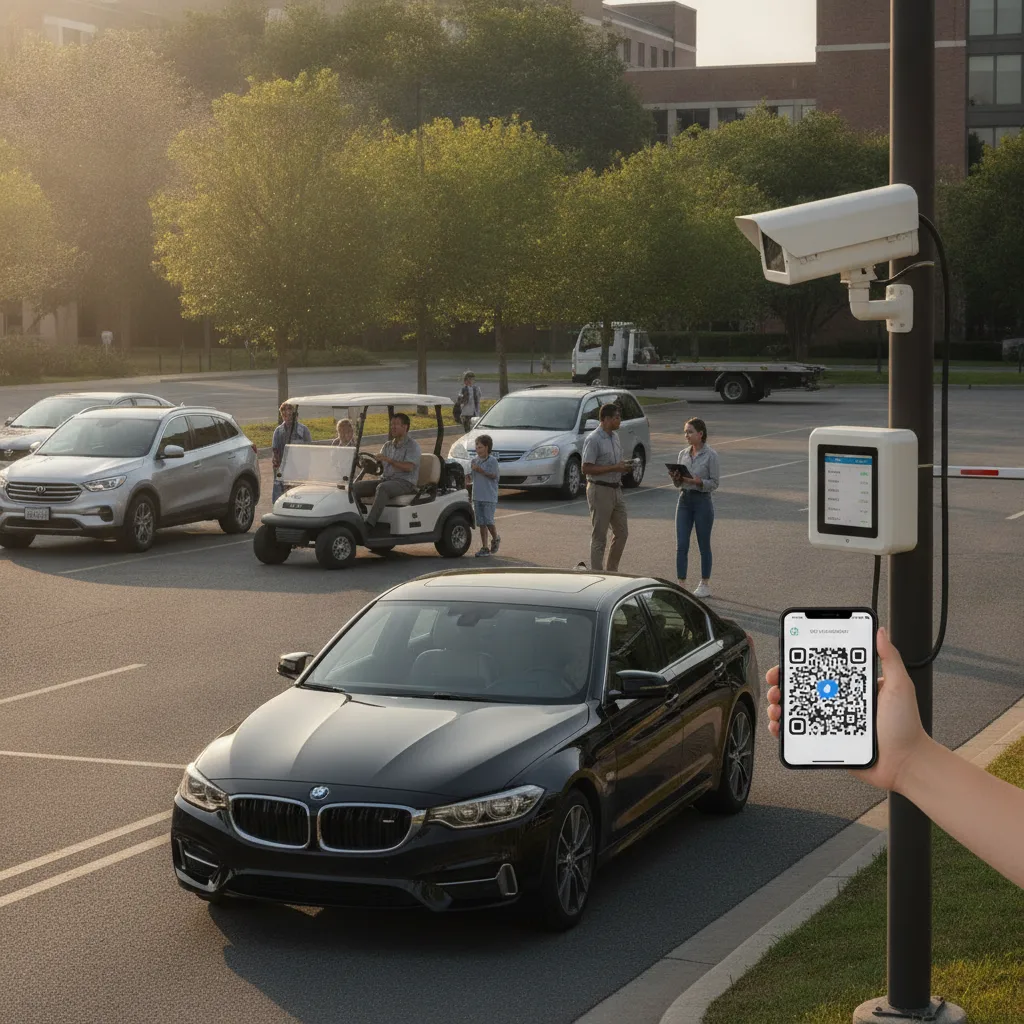
Direct answer: For a private lot owner, combining LPR with QR auto-pay isn’t about juggling multiple tenant types the way a larger property does — it’s about removing the owner’s own manual reconciliation work. Most small independent lots run with no one physically present most of the day, so the two records that exist — who paid via the QR sign, and which plates actually entered — are typically checked against each other by hand, often by the owner at night going through a payment app export next to a camera clip list. Combining them means the plate read and the QR payment settle into one record automatically, so the owner isn’t the reconciliation system.
This guide is for private lot owners running small, often unattended or lightly-attended surface lots — typically a handful of spaces to a few dozen, frequently a side business or a secondary use of a property the owner also uses for something else.
The real cost isn’t the software, it’s the owner’s time
A larger operator can absorb a mismatch between a payment system and a camera system because someone on staff has time to chase it down. A private lot owner usually doesn’t have that slack — the reconciliation work competes directly with whatever else the owner does for a living. That’s the practical case for combining LPR and QR auto-pay into a single record rather than running them as two separate systems an owner checks against each other manually: every hour spent matching a QR payment app’s transaction list against a camera app’s plate list is an hour that doesn’t scale, no matter how good either individual tool is.
Many private lots were cash-only or used a simple pay-by-phone consumer app (the kind used at street meters) before adding any camera system at all, so the transition isn’t “upgrade an existing integrated system,” it’s “connect two things that were never designed to talk to each other.” That’s a materially different starting point than a property that’s rolling out an integrated system from day one, and it means the first real test isn’t whether the combined system works in principle — it’s whether it correctly reconciles the specific payment method the lot already uses against the specific camera setup already installed.
Page-specific example: Simulate a driver paying through the QR sign from their phone, then check how long it takes for that payment to appear as matched against the plate read from the same vehicle’s entry — and what the record shows if the driver’s payment is delayed by a few minutes relative to their arrival, which is common with consumer payment apps that queue transactions during weak cell signal at some lot locations.
Private lot LPR + QR: where the reconciliation gap shows up
| Situation | What typically breaks | What to confirm before trusting the automated match |
|---|---|---|
| Payment lags arrival by a few minutes | System flags a vehicle as unpaid before the payment actually posts | A short grace window exists between entry read and required payment match |
| Weak cell signal at the lot | QR payment queues and posts late, or fails silently | Owner gets a way to see queued/delayed payments, not just a flat “unpaid” flag |
| Plate misread (dirty plate, glare, temp tag) | A paid vehicle shows as unmatched because the plate read is wrong, not the payment | Owner can review and manually correct a misread without losing the payment record |
| Owner reviews remotely, not on-site | No way to check lot status without physically visiting | Current lot and payment status are viewable from a phone, not just an end-of-day export |
What “automated” actually needs to mean for a one-person operation
For a private lot owner, the point of combining these systems isn’t sophistication, it’s that the owner can trust the flagged list without re-checking it. That means the system needs to be conservative about what it calls unpaid — a short grace period for payment lag, a way to distinguish a genuine non-payment from a plate misread, and a simple remote view the owner can check from a phone rather than an end-of-day spreadsheet export. A system that produces a long list of false flags trains the owner to stop trusting it and go back to manual checking, which defeats the purpose.
What belongs in a pilot
Run it over a normal two-week stretch, since payment-lag and plate-misread patterns are often inconsistent day to day at a small lot. Track how many flagged non-payments turn out to be timing or misread issues versus genuine non-payment, how long it takes the owner to resolve a flagged case remotely versus how long manual reconciliation used to take, and whether the owner can trust the daily flagged list without independently re-checking it against the payment app. A workable pilot means the owner checks the system less over time, not more.
Before relying on it without double-checking
- Confirm the grace window between entry read and required payment match fits how the lot’s specific QR payment method actually behaves.
- Verify the owner can correct a plate misread without losing or duplicating the associated payment record.
- Check whether the lot’s cell or wifi connectivity is reliable enough for real-time matching, or whether a delayed-sync mode is needed.
- Review a sample of flagged cases weekly for the first month to catch a systematic false-positive pattern early.
- Keep a simple exception path for the rare case that still needs a phone call or an in-person visit.
Related PLACA.AI planning resources
Questions private lot owners ask
What if I’m not on-site most of the day?
That’s the main case this solves for — the combined record should be checkable remotely from a phone, so being off-site doesn’t mean losing visibility into the lot.
What happens if the QR payment app I already use doesn’t integrate directly?
Confirm what data it can export or share before committing — some consumer payment apps support this well, others require a manual reconciliation step regardless of the camera system.
Do I need to replace my existing camera or payment app?
Not necessarily — the goal is connecting what you already run, not replacing either system, unless one of them genuinely can’t share data with the other.
Plan a limited workflow review
Bring your current QR payment app, your camera setup, and a couple weeks of manual reconciliation records. PLACA.AI can help evaluate a bounded pilot sized for a single-operator lot, without assuming a larger property’s integration budget applies.
Editorial refresh: September 18, 2026. Independently confirm current product capabilities, third-party features, pricing, contracts, governing requirements, and local rules before acting.
Internal Resources
- How Apartment Guest Parking Managers Can Connect QR Sessions To License Plates Without Adding More Hardware
- How Casino Parking Teams Can Reduce Lost Valet Ticket Problems Using Ticketless Vehicle Recognition
- How Mixed-Use Property Owners Can Reduce Payment Kiosk Dependence Without Adding More Hardware
- How Hotel Parking Teams Can Simplify Guest Parking Payments Without Adding More Hardware
- How Hotel Valet Teams Can Handle Liability Questions Using Ticketless Vehicle Recognition
Data source: U.S. Department of Transportation