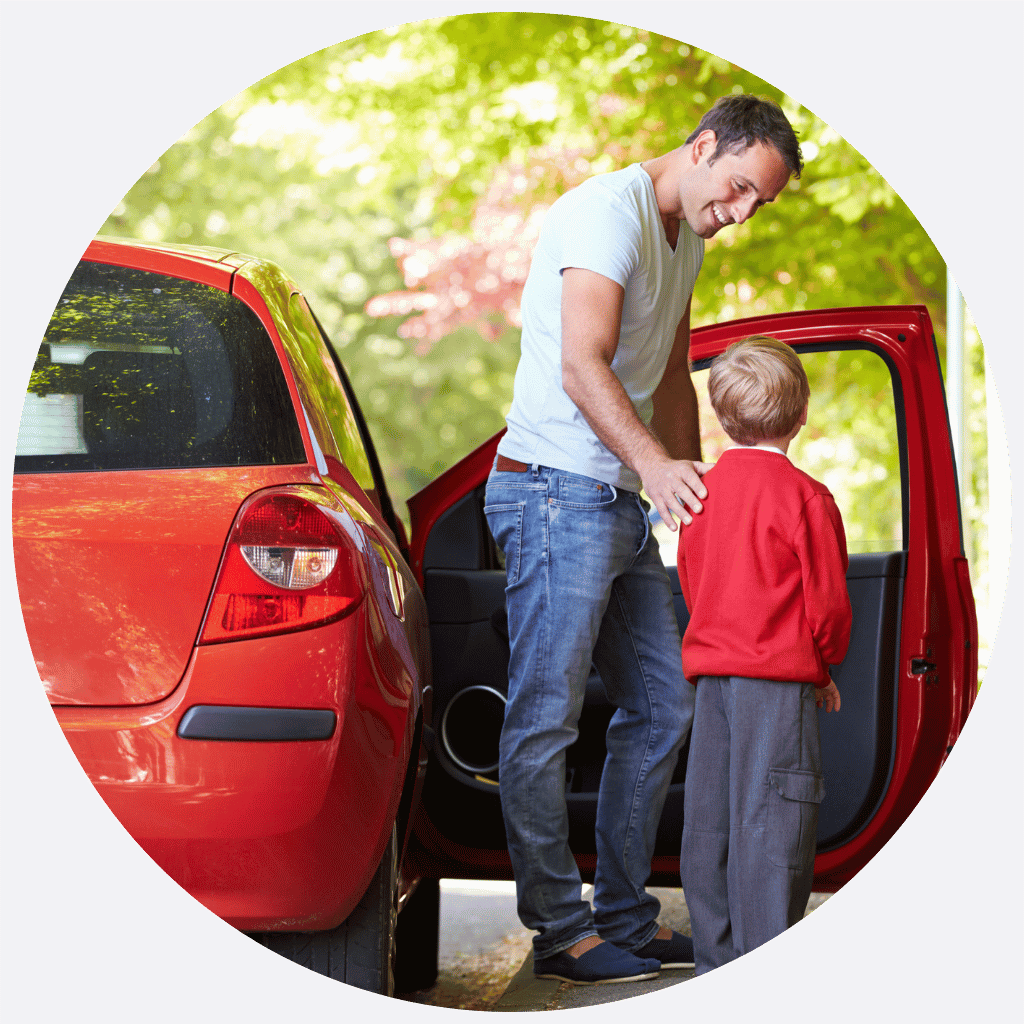
If a parent drives in and the license plate is not recognized by the system:
- Automatic Check-In Fails: The school’s cameras won’t add the parent to the pickup queue automatically.
- Notifications Are Not Triggered: School administrators and staff won’t receive the usual “parent arrived” alert.
Common Causes:
- The license plate is not registered in the parent profile.
- The license plate is dirty, damaged, or not visible.
- Technical issues with the camera or system.
For Parents:
If this happens to you, here's what you should do:
- Manual Check-In: Open the pickup app and look for a “Check-In” button. This lets you alert staff that you’re waiting.
- Use QR Code (if available): Some schools provide a QR code for backup check-in. Scan it using your app or at a kiosk.
- Contact School Staff: If you can’t check in, use the Help or Contact feature in the app, or speak directly to a staff member at the pickup zone.
If manual or QR check-in still fails, notify staff immediately. They will assist you and ensure your child is released safely.
How to avoid this from happening:
- Make sure your vehicle and license plate are correctly registered in your app profile.
- Keep your license plate clean and unobstructed.
- Update your profile if you use a different vehicle.